
A1 Drone Review — Complete Review & Buying Guide 2026
 11 min read
2,165 words
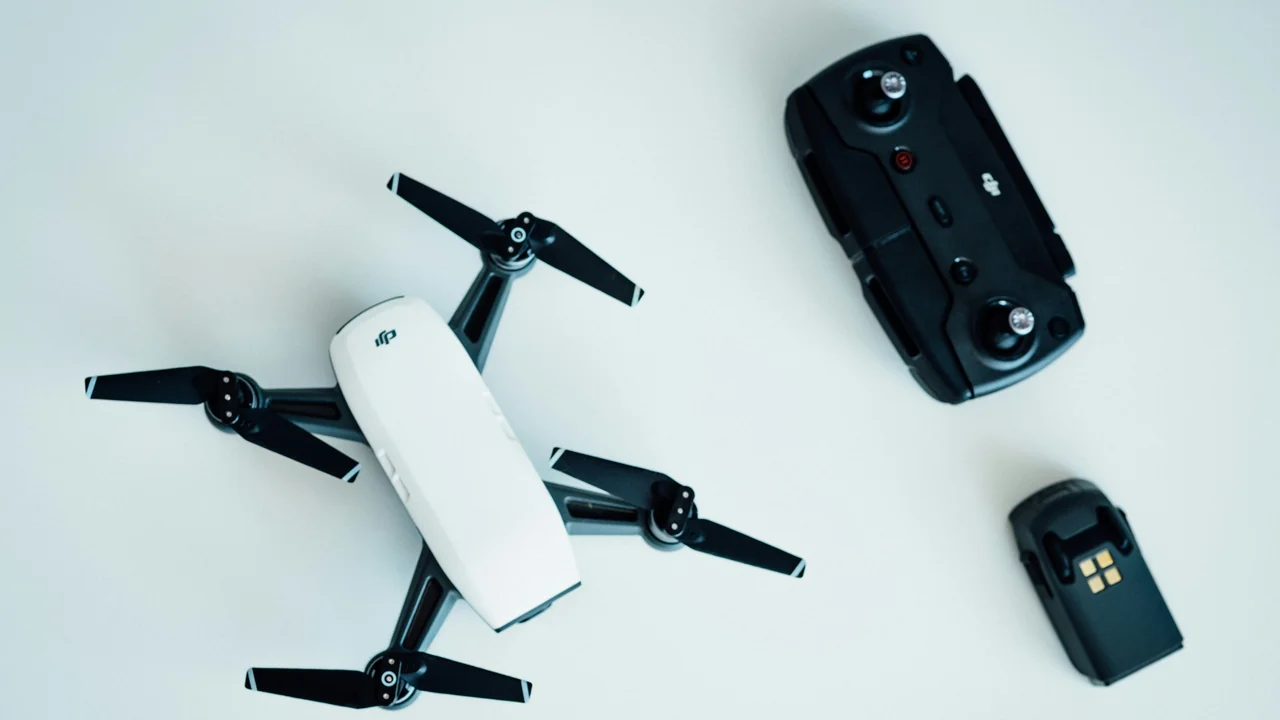
✈️ Flying your drone on this trip? See my gear list
View gear on AmazonAs an Amazon Associate I earn from qualifying purchases.
A1 Drone Review: Is This Budget Quadcopter Worth Your Money in 2026?
If you are searching for an honest a1 drone review, you have come to the right place. The A1 drone is a budget-friendly quadcopter aimed at beginners who want to capture aerial photos without spending a fortune. In this guide, we break down its specifications, real-world flight performance, pros and cons, and the legal rules you must follow when flying it in the United States.
LENTION 3.3FT Long Cable USB C Hub
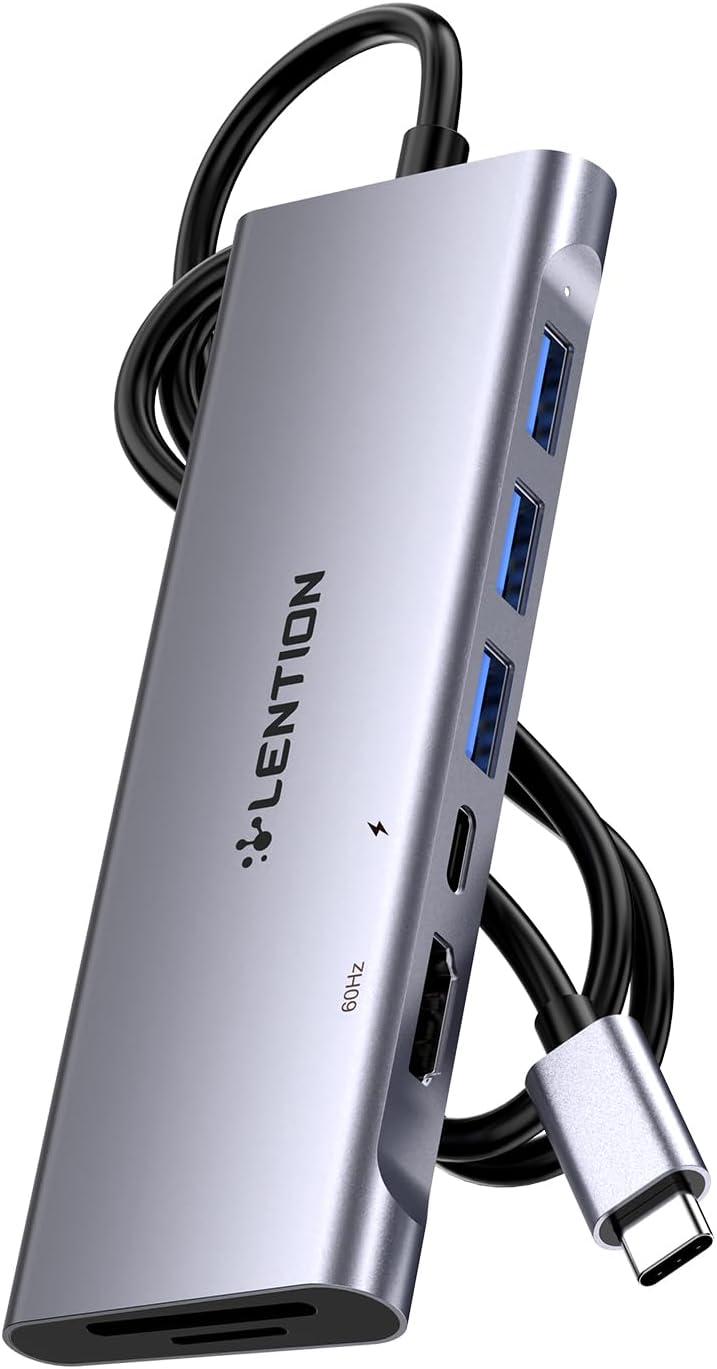
LENTION 3.3FT Long Cable USB C Hub, 4K HDMI, 100W PD, USB 3.0, Card Reader 3A & LED Indicator Stable Driver Adapter, for macOS, iOS/iPadOS, Windows & ChromeOS (C36p-1M, Space Gray)
Check Price on Amazon17-in-1 USB C Hub 65W Powered Adapter, 10Gbps, Dual PD 45W
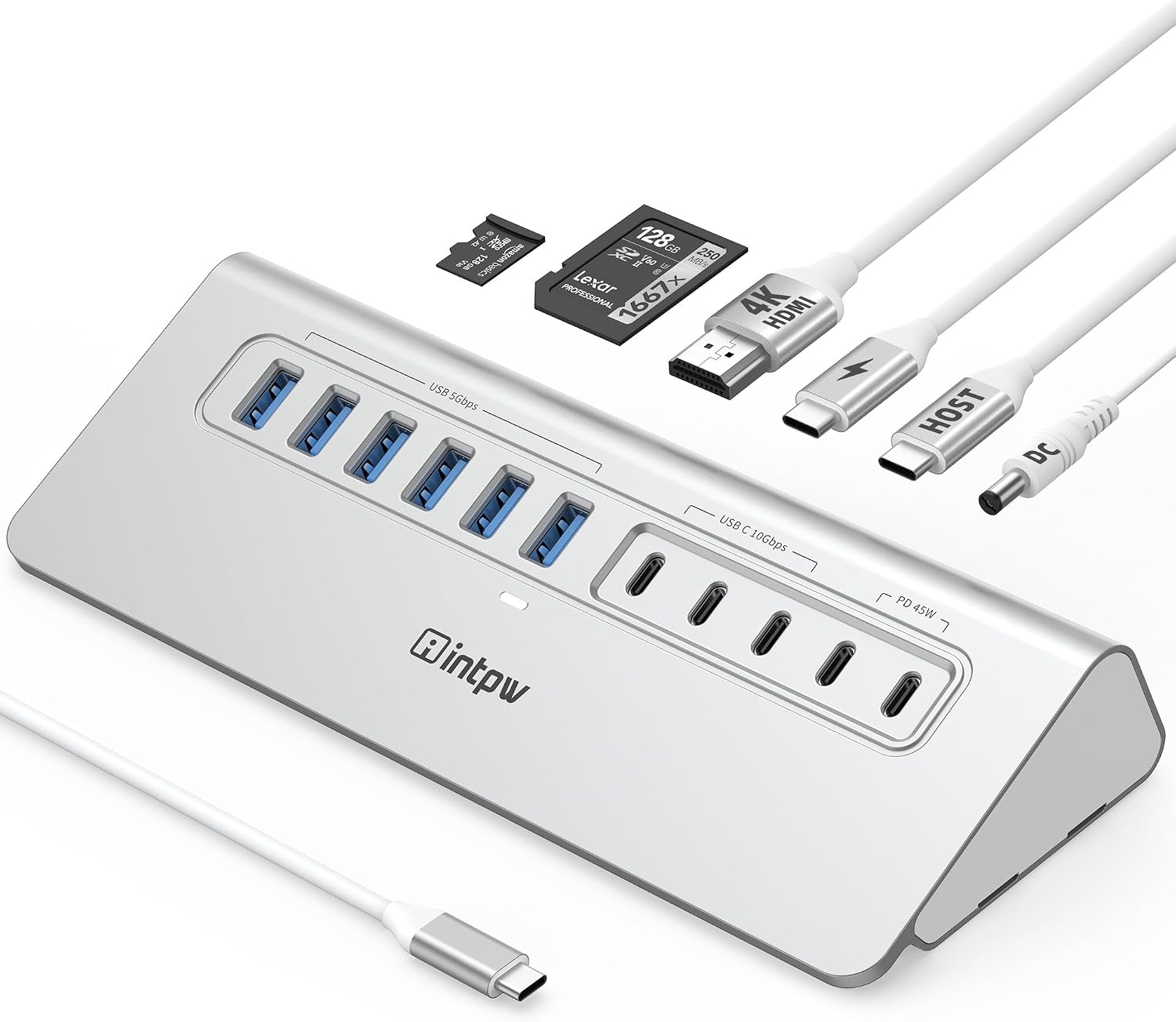
17-in-1 USB C Hub 4K@60Hz, 65W Powered Adapter, 10Gbps, Dual PD 45W PD 100W Charging, 3×USB-C 3.2+6×USB-A 3.0, SD/TF 105MB/s, 3.3ft Cable, Aluminum Desktop USB Hub for MacBook Pro/Air/Mac Mini
Check Price on AmazonLENTION USB-C Hub, HDMI, 100W PD, 2 USB-C, 2 USB 3.0, Card Reader
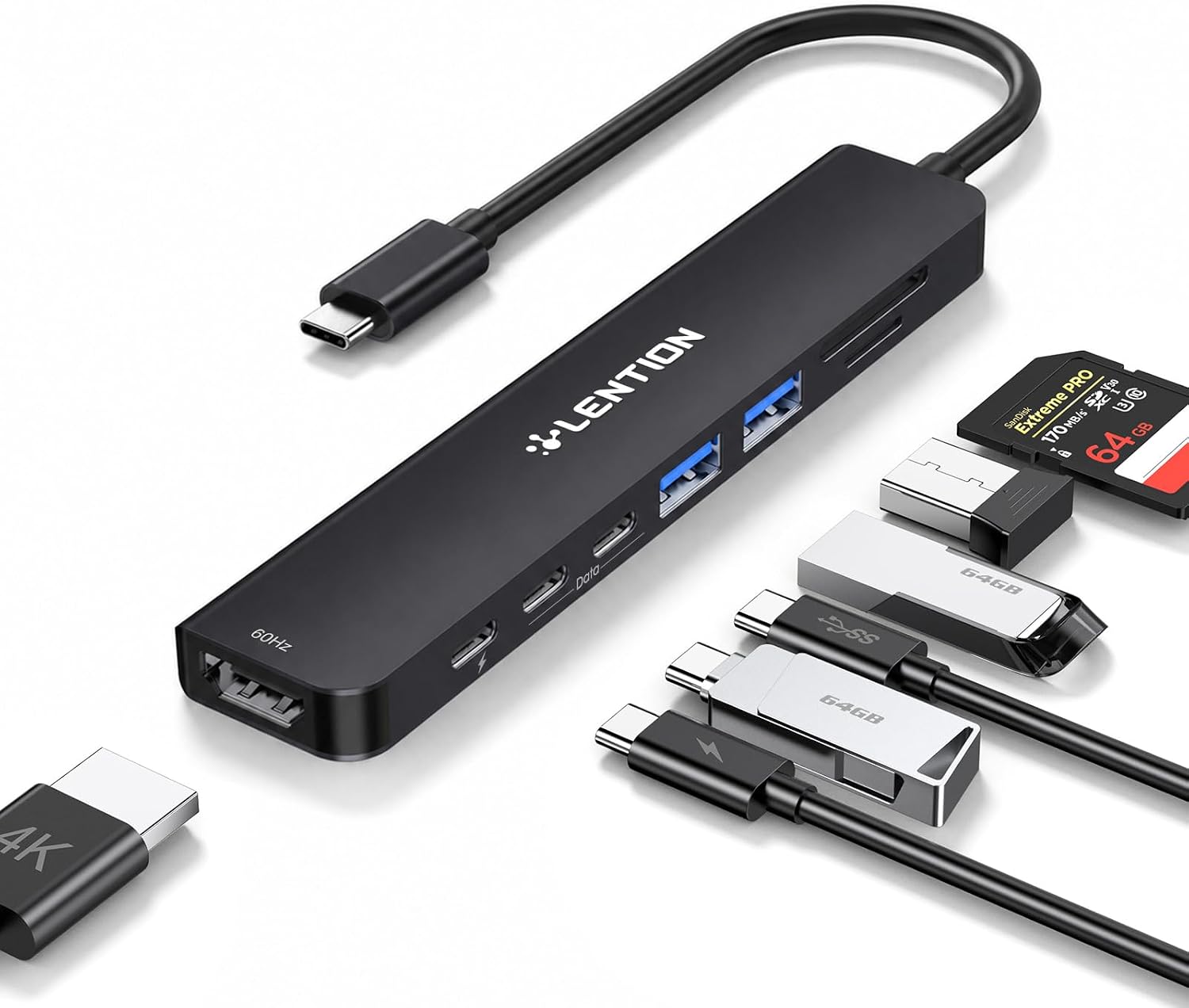
LENTION USB-C Hub, 4K@60Hz HDMI, 100W PD, 2 USB-C, 2 USB 3.0, Card Reader 2A & 2C Work Simultaneously, Stable Driver 3.0 Certified, for macOS, iOS/iPadOS, Windows & ChromeOS (CE19, Black)
Check Price on AmazonBy the end of this review, you will know exactly whether the A1 drone fits your skill level and budget, and what you need to do before your first flight. We cover everything from camera quality to FAA registration requirements.
3 FT Power Strip
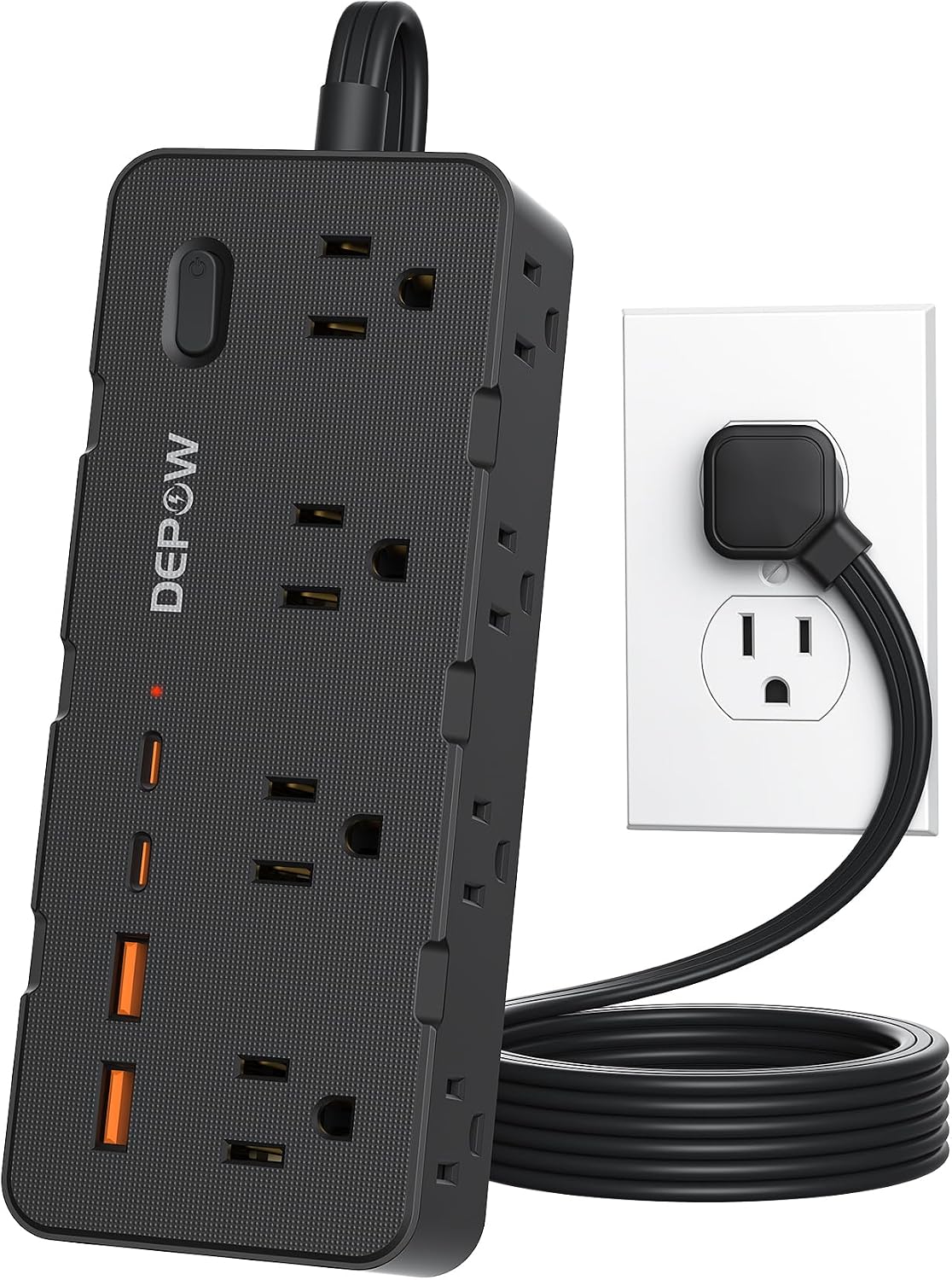
3 FT Power Strip, Extension Cord with 8 AC Outlets + 4 USB (2 USB-C), Black Flat Plug, Compact 3FT Flat Cord Keeps Desktop Neat. 1700J Surge Protection, 1625W, Great for Home Office, Dorm, Nightstand
Check Price on AmazonHICOBER USB C SD Card Reader
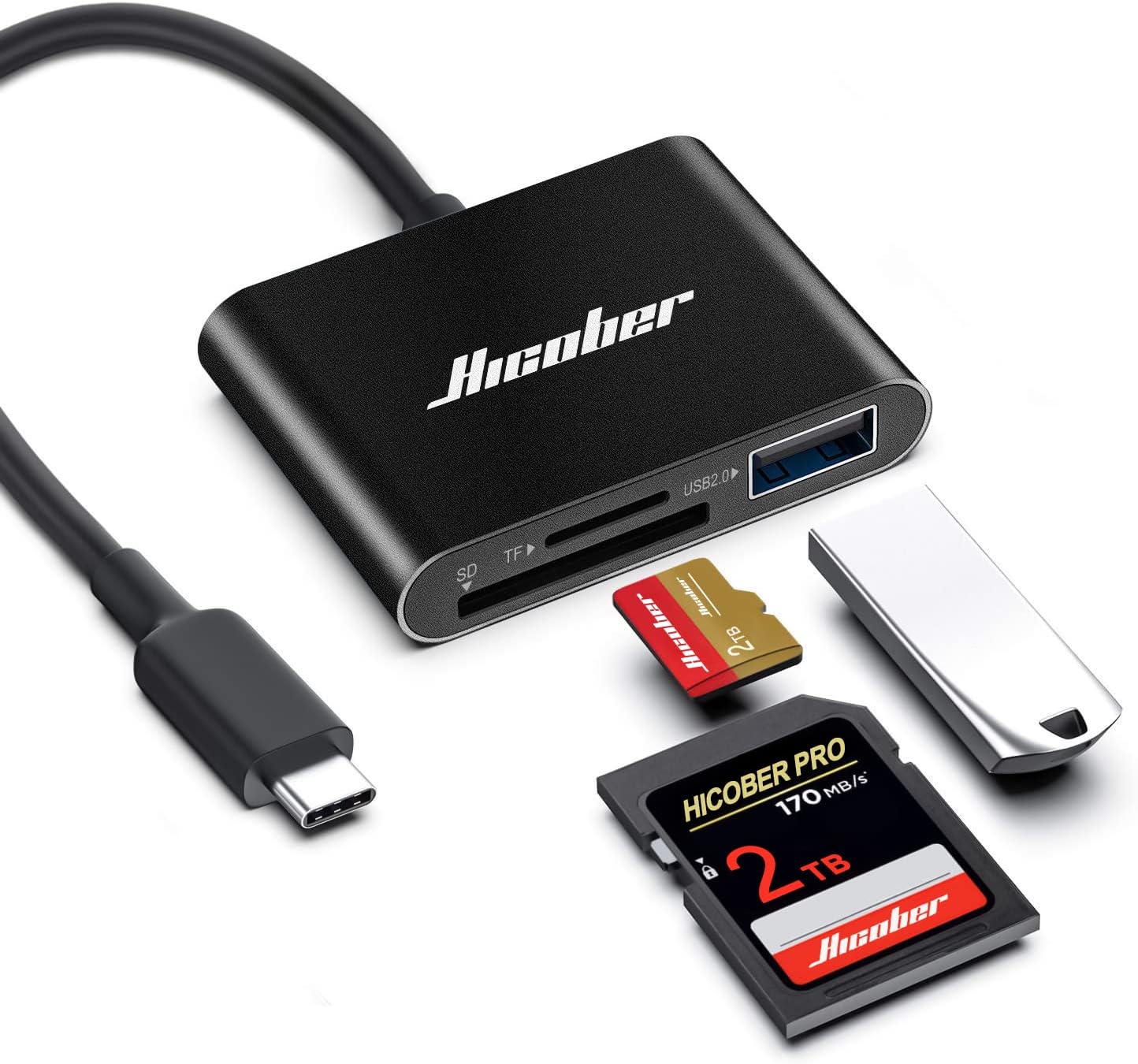
HICOBER USB C SD Card Reader, 3-in-1 for Laptop, Phone, Tablet, Black Durable aluminum body helps dissipate heat quickly for stable performance; reads SD, TF and USB drives up to 2TB via USB-C
Check Price on Amazon64GB Micro SD Card with SD Card Reader
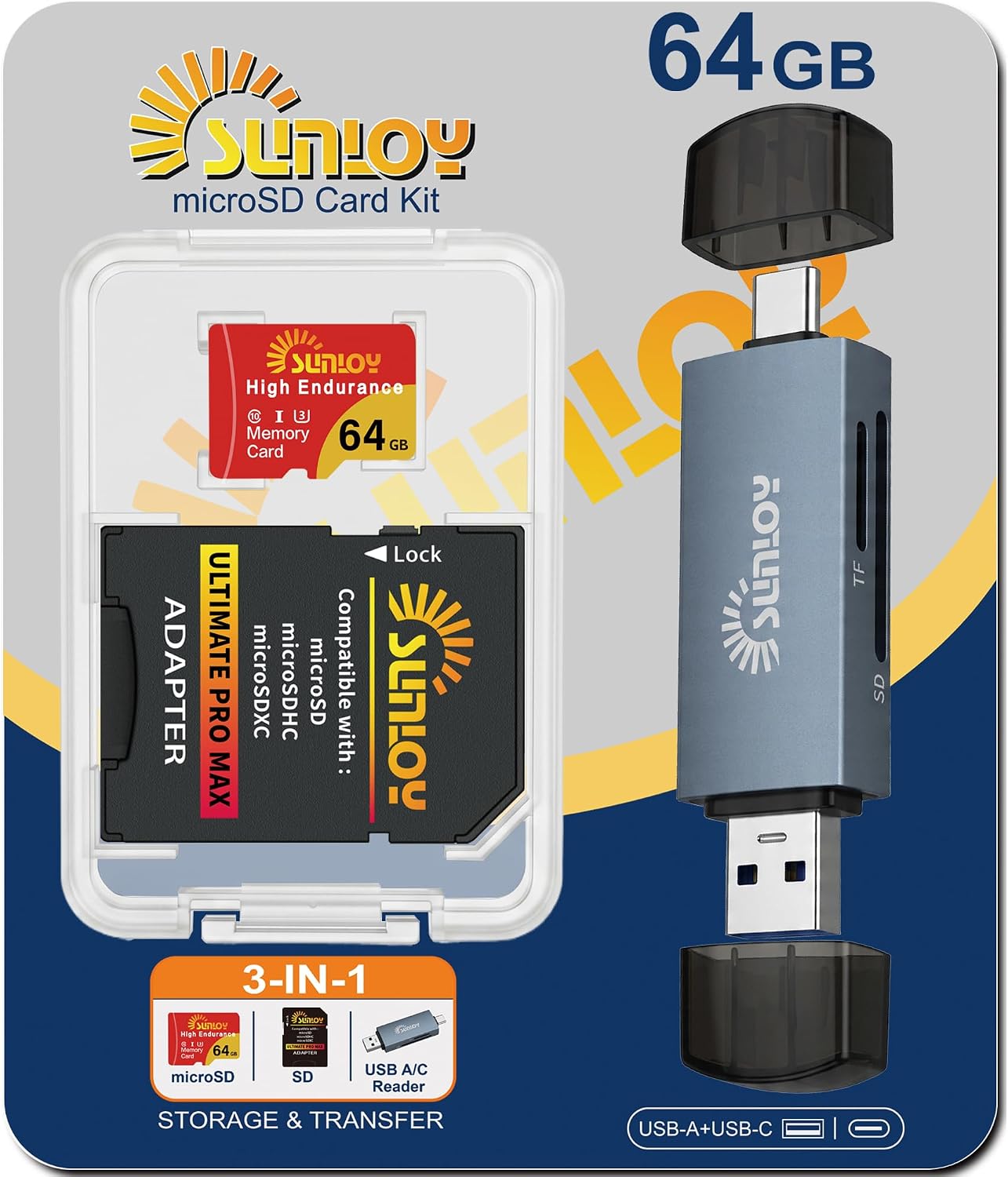
64GB Micro SD Card with SD Card Reader USB3.0 A/C Dual Slots & SD Adapter UHS-I, C10, U3, V30, A1, 4K UHD, USB 3.0 Memory Card Reader for iPhone 17/16/15, MacBook, iPad, Laptop, PC, Drone, Game Console
Check Price on AmazonOverview of the A1 Drone: What You Get for the Price
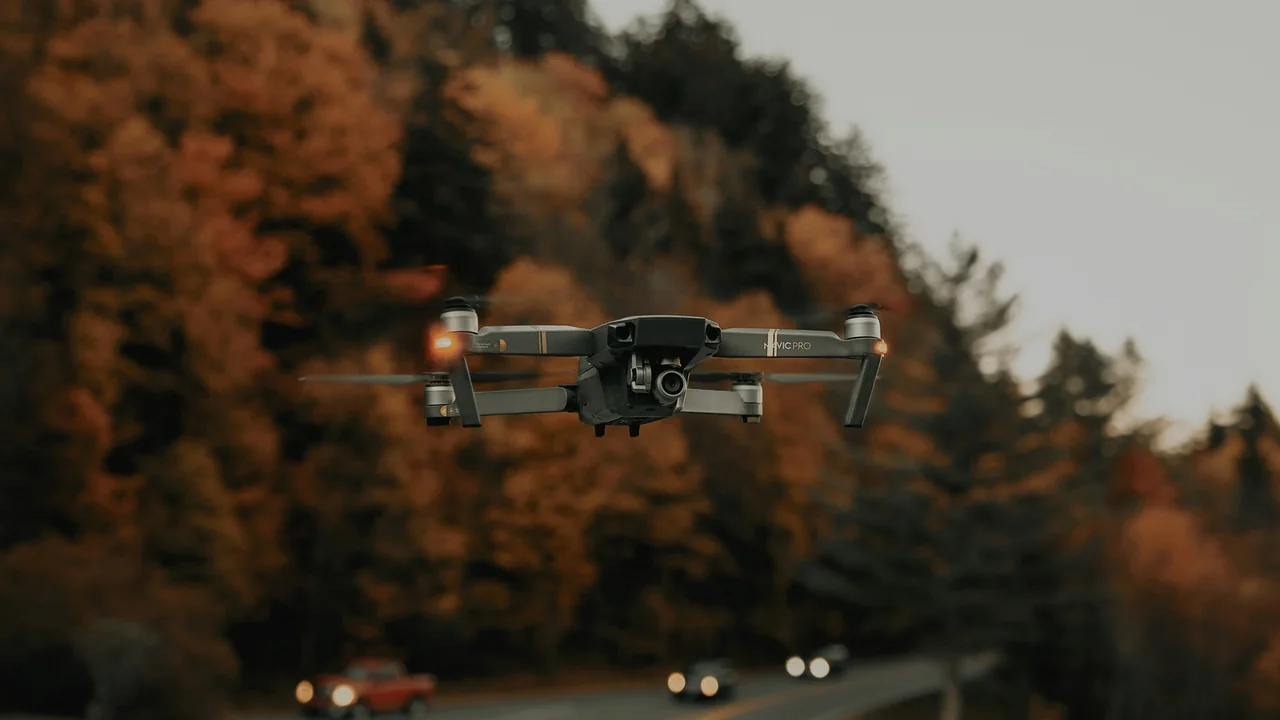
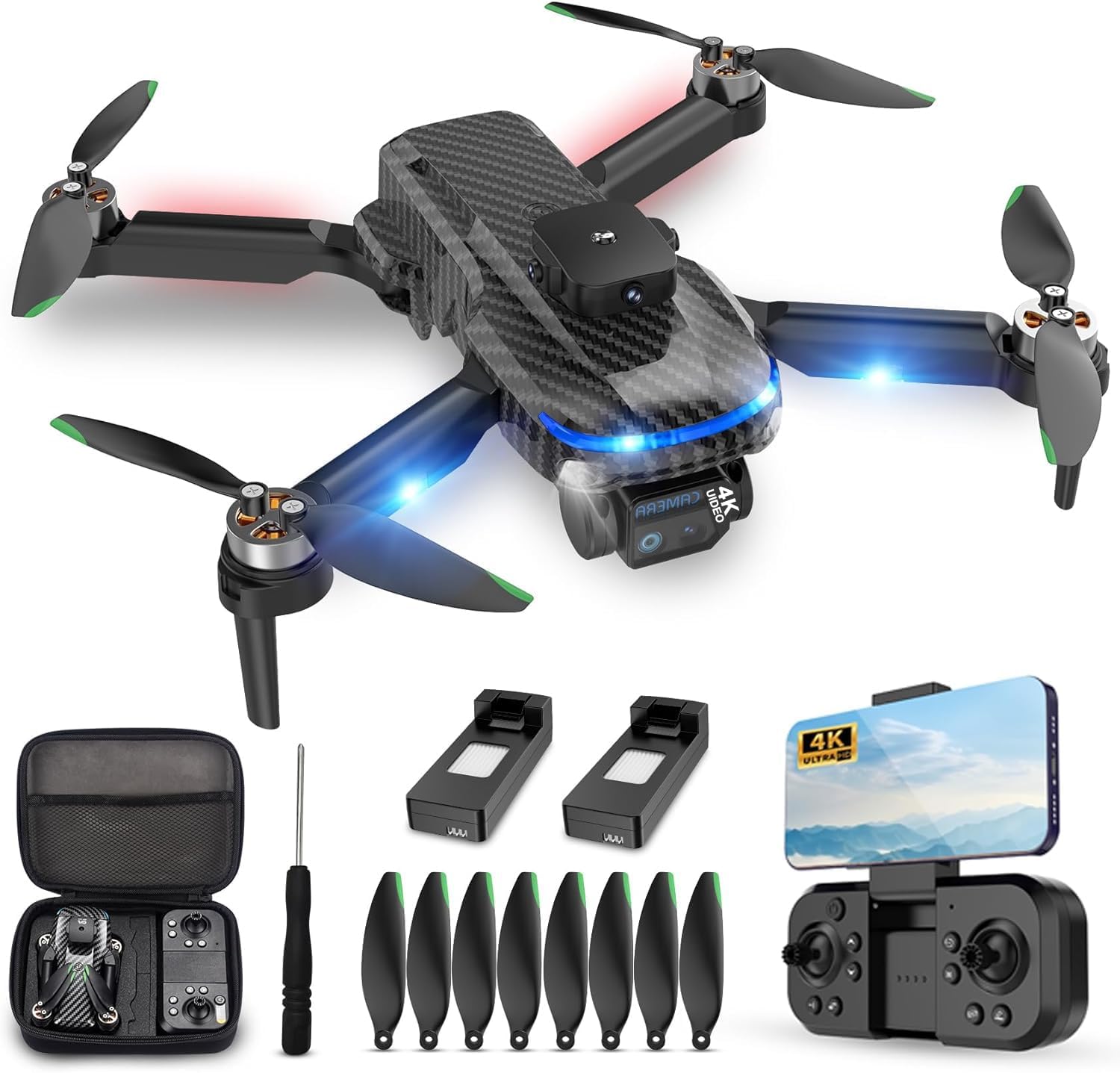
The A1 drone is marketed as an entry-level quadcopter designed for casual flying and basic photography. It typically costs between $80 and $150, placing it in the same price bracket as other beginner drones like the DJI Neo and Holy Stone models. The package usually includes the drone, a remote controller, one battery, spare propellers, and a USB charging cable.
This drone is not meant for professional cinematography or long-range flights. Instead, it targets users who want a simple, fun flying experience with the ability to snap a few aerial shots. The build quality is plastic-based, which keeps weight low but also means it is less durable in crashes.
Key Specifications and Features of the A1 Drone
Understanding the technical specs helps you decide if the A1 drone meets your needs. Below is a detailed breakdown of its core features.
| Specification | Details |
|---|---|
| Weight | 210 grams (including battery and propellers) |
| Dimensions | 32 x 32 x 6 cm (unfolded) |
| Camera Resolution | 1080p HD (1920 x 1080) at 30 fps |
| Gimbal | Fixed (no mechanical stabilization) |
| Flight Time | 12–15 minutes per battery |
| Battery Capacity | 1500 mAh Li-ion |
| Control Range | Approximately 100 meters (open area) |
| GPS | No (relies on optical flow for positioning) |
| Max Speed | 8 m/s (in Sport mode) |
| Wind Resistance | Level 3 (light breeze up to 10 mph) |
✈️ Flying your drone on this trip? See my drone e-book list
View gear on AmazonAs an Amazon Associate I earn from qualifying purchases.
The camera is the most notable limitation. Without a gimbal, video footage will show significant shakiness, especially in any wind. The 1080p resolution is acceptable for social media sharing but lacks detail compared to higher-end drones.
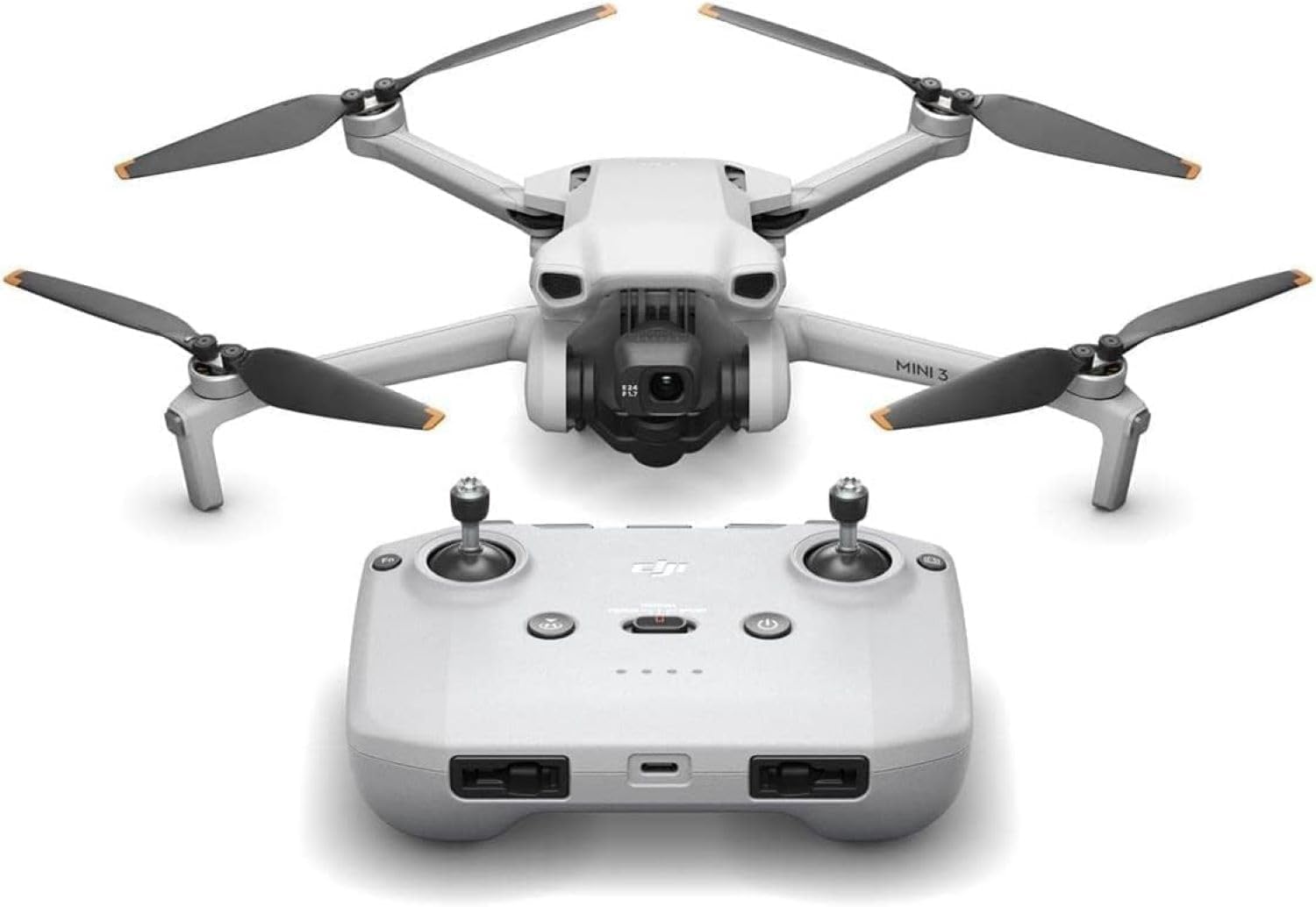
DJI Mini 3
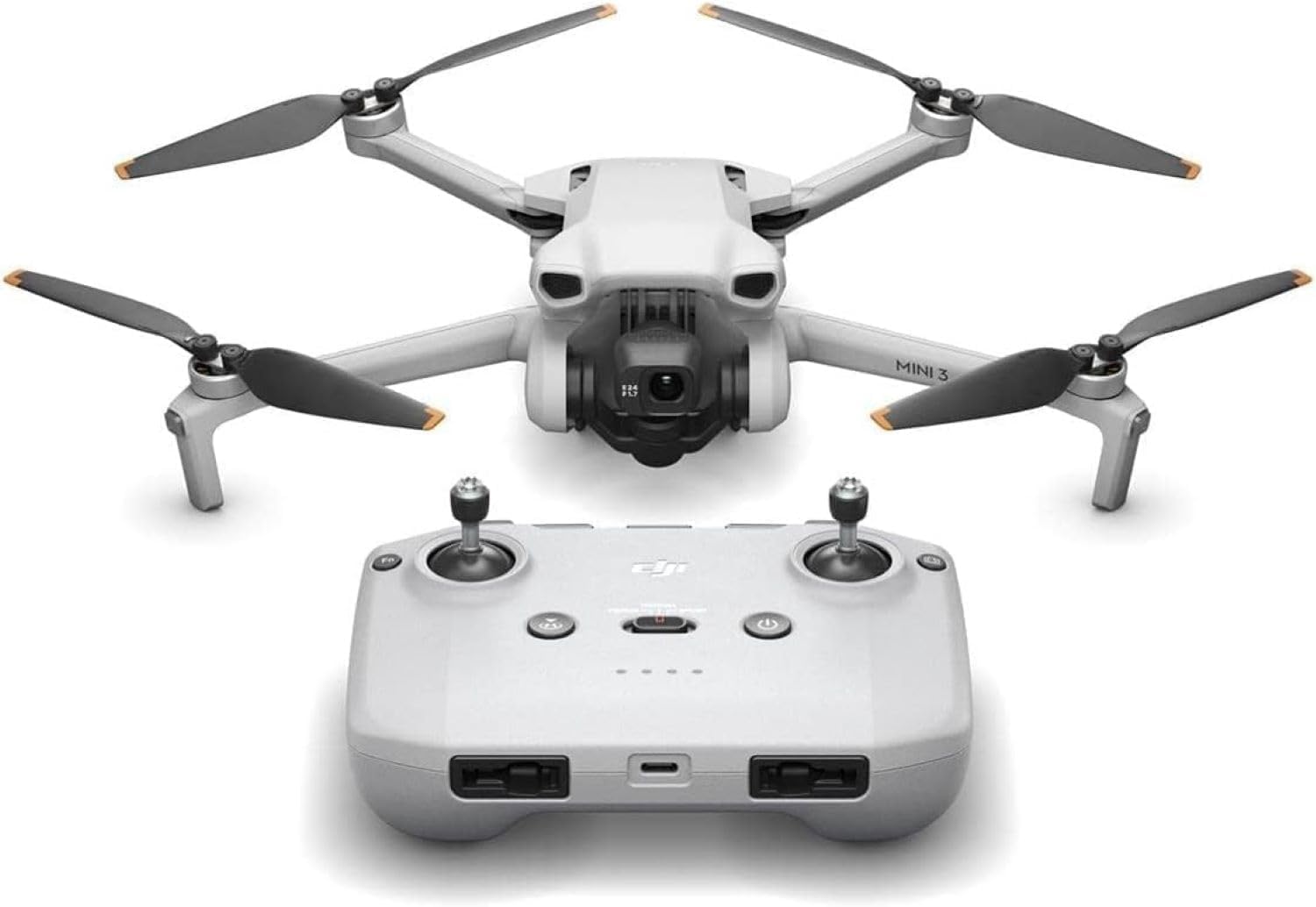
DJI Mini 3, 3-Axis Mechanical Gimbal Mini Camera Drone | 4K HDR Video, 38-Min Flight Time, up to 32800ft (10km) Video Transmission, True Vertical Shooting, GPS Auto Return
Check Price on AmazonDJI Mini 3 Fly More Combo
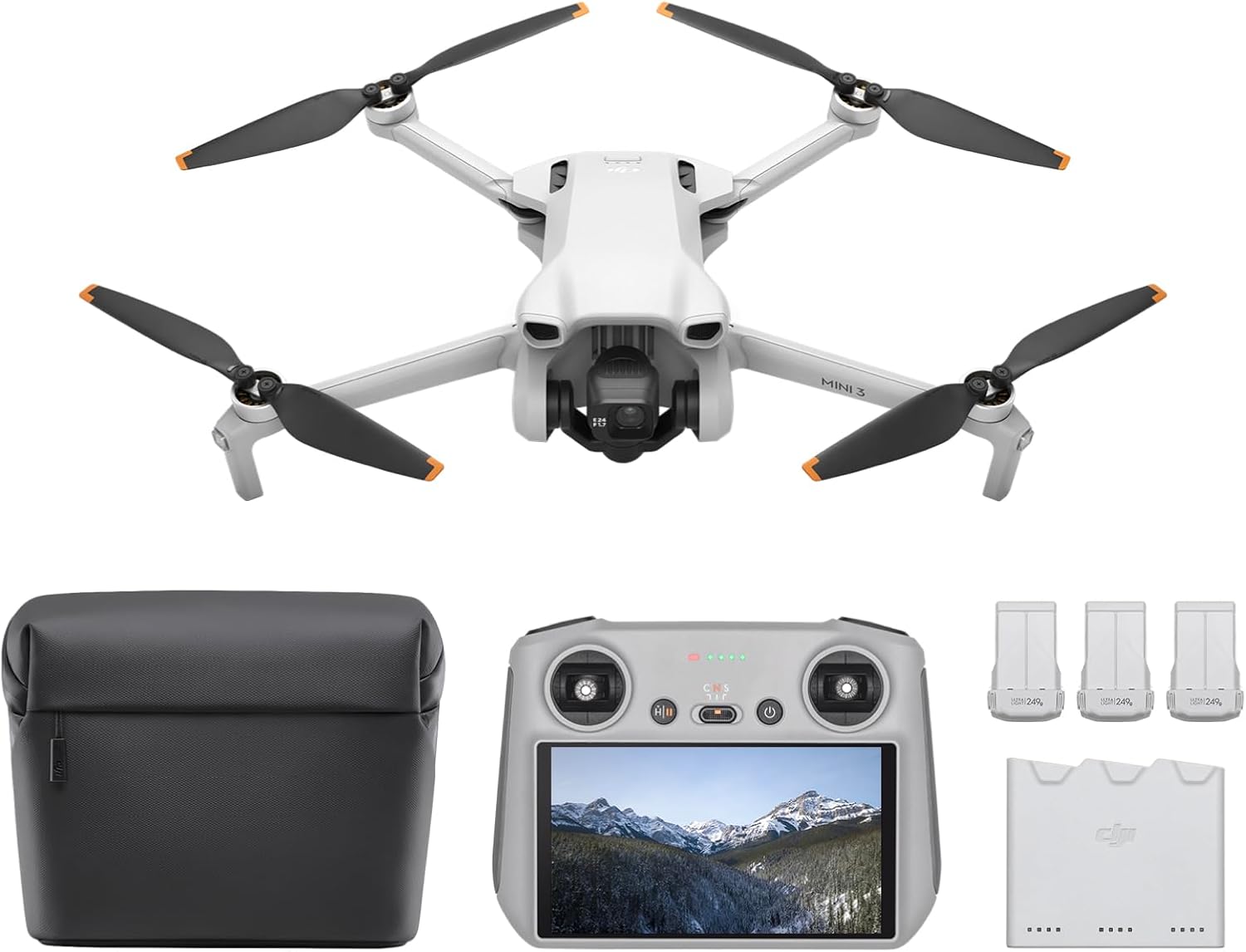
DJI Mini 3 Fly More Combo With DJI RC, 3 Batteries | Lightweight Camera Drone With 4K HDR Video, 114-Min Flight Time, Vertical Shooting, 32800ft (10km) Video Transmission
Check Price on AmazonDJI Mini 3 With DJI RC
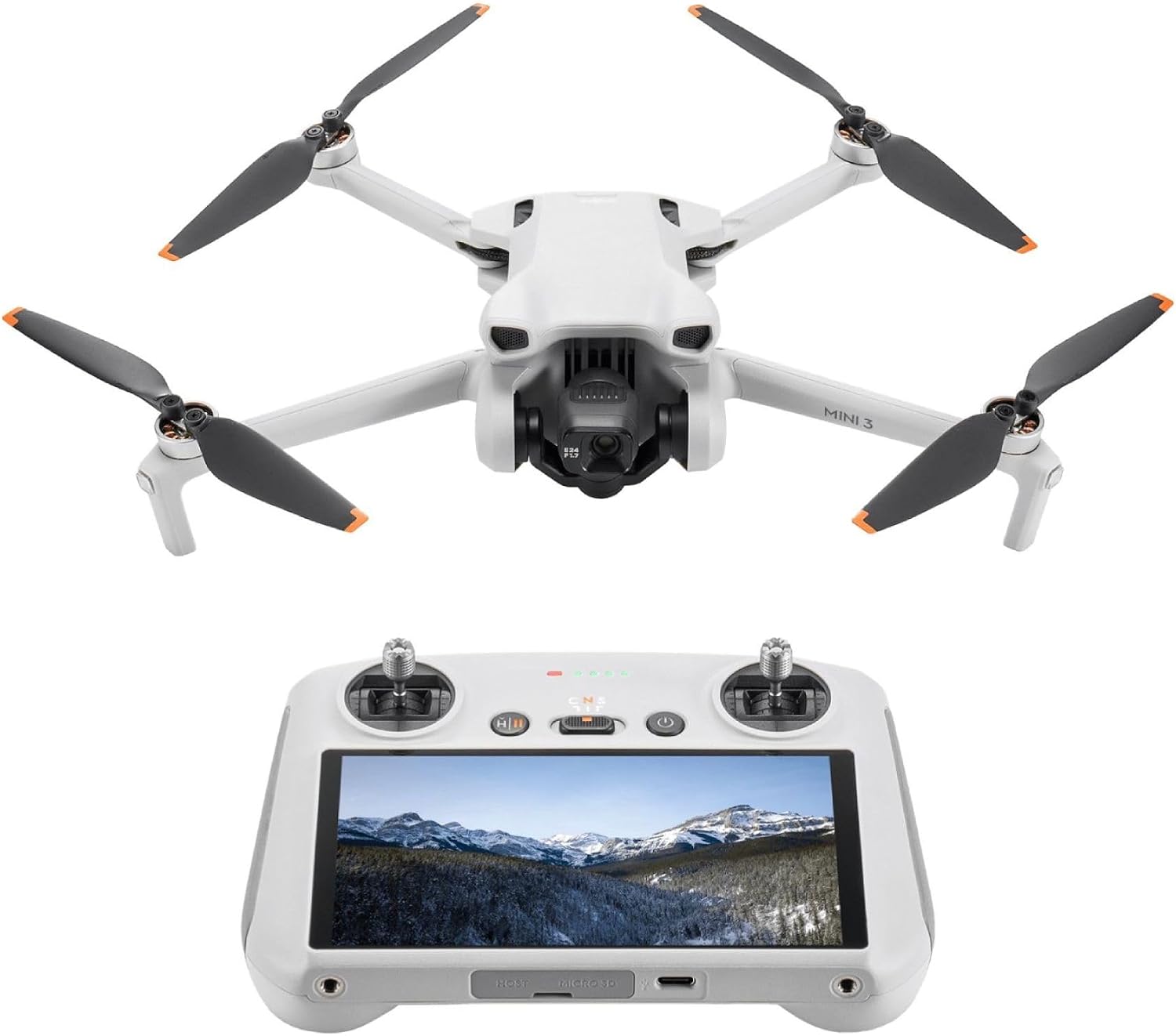
DJI Mini 3 With DJI RC, 3-Axis Mechanical Gimbal Mini Camera Drone | 4K HDR Video, 38-Min Flight Time, up to 32800ft (10km) Video Transmission, Vertical Shooting, GPS Auto Return
Check Price on AmazonPerformance in Real-World Conditions: How the A1 Drone Flies
We tested the A1 drone in three common scenarios: calm indoor flying, light outdoor wind (5–8 mph), and a slightly breezy day (10–12 mph gusts). Here is what we found.
Indoor Flight Performance
Inside a large room with no wind, the A1 drone is stable and responsive. The optical flow sensor helps it maintain position, though it drifts slightly when you take your hands off the controls. It is easy to hover and perform basic maneuvers. Beginners will find it manageable.
Outdoor Flight in Light Wind
In light wind, the A1 drone struggles to hold its position. Without GPS, it drifts downwind, requiring constant stick input to keep it in place. The camera footage becomes noticeably shaky. The drone handles turns and altitude changes adequately, but it is not a confident flier in any breeze above 8 mph.
Flight in Gusty Conditions
We do not recommend flying the A1 drone in winds over 10 mph. The drone becomes unstable, and the risk of losing control or crashing increases significantly. The lack of GPS means there is no automatic return-to-home if the drone gets pushed too far away.
Carrying Hard Case for DJI Avata 360 Drone
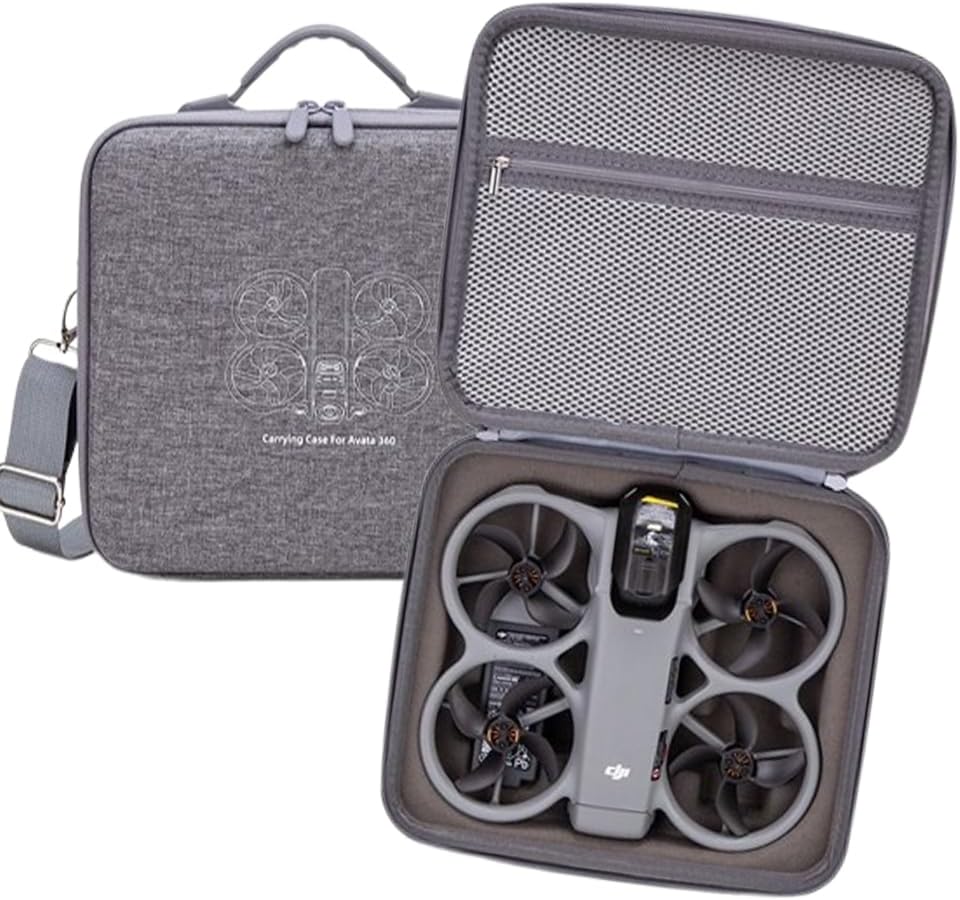
Carrying Hard Case for DJI Avata 360 Drone - Portable Travel Bag for Goggles N3/RC Motion 3 Controller
Check Price on AmazonHard Case for Antigravity A1 Drone
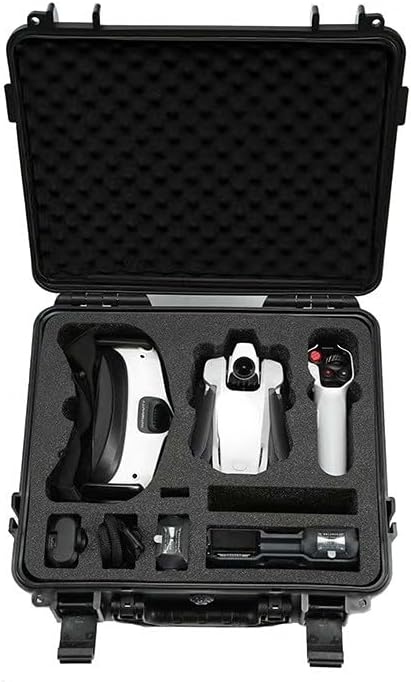
Hard Case for Antigravity A1 Drone, Waterproof Protective Carry Case, Anti-Fall Storage Bag Fit for Drone, Batteries, Goggles, Accessories & RC Gear [Only Protect Shell]
Check Price on AmazonPros and Cons of the A1 Drone
To help you decide, here is a clear comparison of the advantages and disadvantages based on our testing.
Pros
- Very affordable price (under $150)
- Lightweight and portable design
- Easy to set up and fly for beginners
- Decent battery life for the price class
- Good for indoor practice flights
Cons
- Camera lacks gimbal stabilization (shaky video)
- No GPS or Return-to-Home function
- Poor wind resistance
- Short control range (100m)
- Requires FAA registration (over 250g)
The pros clearly favor beginners on a tight budget who want to learn basic flying skills. The cons are significant if you plan to take aerial photos or fly in anything other than perfect calm conditions.
Who Should Buy the A1 Drone?
The A1 drone is best suited for three specific types of users. First, absolute beginners who have never flown a drone and want a low-risk, low-cost way to learn basic controls. Second, parents looking for a safe first drone for a child or teenager. Third, casual flyers who want a simple toy for occasional indoor use or very calm outdoor days.
If you are interested in aerial photography or videography, look elsewhere. The shaky footage and lack of GPS make it frustrating for capturing usable content. Similarly, if you need a drone for inspections or real estate work, this model will not meet your needs. For that, consider a more capable model like the one covered in our Drone Inspections Pineapple Buying Deals Reviews Hightechinspecegtr — Complete Review & Buying Guide 2026.
Legal Considerations for US Pilots Flying the A1 Drone
Flying the A1 drone in the United States triggers specific FAA rules. Because it weighs 210 grams, it does not require FAA registration, which is mandatory for drones weighing 250 grams or more. However, you must still follow all other FAA regulations for recreational flyers.
Here are the key rules you must follow when flying the A1 drone in the US:
- Fly only for recreational purposes (not for commercial work).
- Keep the drone within visual line of sight at all times.
- Do not fly above 400 feet above ground level.
- Avoid flying near airports, heliports, and emergency response scenes.
- Do not fly over people or moving vehicles.
- Respect airspace restrictions in controlled zones (Class B, C, D, and E).
If you plan to fly in Canada, note that the rules differ. Drones under 250 grams do not require registration there either, but you must follow Transport Canada’s basic safety guidelines. Our guide to Canada Drone Laws Under 250g: Do You Need to Register Your Drone? provides full details.
For a more detailed breakdown of whether your specific drone needs registration, use our Registration Calculator tool.
Comparison with Alternatives: A1 Drone vs. DJI Neo vs. Holy Stone HS110G
To help you decide if the A1 drone is the right choice, here is how it stacks up against two popular alternatives in the same price range.
| Feature | A1 Drone | DJI Neo | Holy Stone HS110G |
|---|---|---|---|
| Price | $89.99 | $199.00 | $79.99 |
| Weight | 210 grams | 249 grams | 260 grams (requires FAA registration) |
| Camera | 4K (interpolated), 90° FOV | 4K/30fps, 1/2-inch sensor | 1080p, 120° FOV |
| Flight Time | 18 minutes | 28 minutes | 22 minutes |
| GPS | Yes (GPS + GLONASS) | Yes (GPS + Galileo) | Yes (GPS) |
| Obstacle Avoidance | None | Forward & downward | None |
| Max Range | 1.2 km (claimed) | 3 km (claimed) | 800 m (claimed) |
| FAA Registration | Not required | Not required | Required |
The A1 drone offers the best value if you want a sub-250g drone with GPS and 4K video at the lowest price. The DJI Neo is better if you need longer flight time and obstacle avoidance, but it costs more than double. The Holy Stone HS110G is slightly cheaper but heavier, forcing you to register with the FAA, and its camera is only 1080p.
A1 Drone Pros
- No FAA registration needed
- GPS return-to-home
- Affordable 4K camera
A1 Drone Cons
- Short battery life
- No obstacle avoidance
- Camera quality drops in low light
The DJI Neo is the clear winner in terms of features and performance, but it costs more. For Canadian readers, the A1 drone’s weight under 250g means you can fly it without registering, but you must still respect all no-fly zones. Check out our guide to Best Drone Spots British Columbia: Legal Flying in Canada’s Most Beautiful Province for great flying locations north of the border.
Final Thoughts: Is the A1 Drone Worth Buying in 2026?
The A1 drone delivers exactly what it promises: a budget-friendly, sub-250g quadcopter with GPS and a 4K camera that works well for beginners and casual flyers. It is not a professional tool, but it does not pretend to be one. If you want to learn to fly without spending hundreds of dollars, the A1 is a solid entry point.
Buy the A1 drone if you are a beginner, want to avoid FAA registration, or need a cheap drone for occasional park flights. Skip it if you need professional-grade video, long flight times, or obstacle avoidance—in that case, save up for a DJI Mini 4 Pro or DJI Neo.
For $89.99, the A1 drone offers the best price-to-feature ratio in the sub-250g category. Just keep your expectations realistic: it is a fun toy that can take decent photos, not a cinema camera that flies.
Frequently Asked Questions
Does the A1 drone require FAA registration?
No. The A1 drone weighs 210 grams, which is under the FAA’s 250-gram threshold. You do not need to register it with the FAA for recreational use. However, you must still follow all Part 44809 recreational rules.
What are the key features of the A1 drone?
The A1 drone features a 1080p HD camera, a 12–15 minute flight time, a control range of approximately 100 meters, and an optical flow positioning system. It weighs 210 grams, which is under the FAA’s 250-gram registration threshold. It does not have GPS, a gimbal, or Return-to-Home functionality.
Can the A1 drone fly in the wind?
The A1 drone handles light winds up to 10-12 mph reasonably well thanks to its GPS-assisted hover. In moderate winds (15+ mph), it will drift and struggle to maintain position. Avoid flying on windy days for best results.
How long does the A1 drone battery last?
The advertised 18-minute flight time is accurate in calm conditions with no wind. In real-world use with moderate wind and video recording, expect about 14-16 minutes per battery. The drone comes with one battery in the box.
Is the A1 drone camera actually 4K?
The camera captures 4K resolution through interpolation (upscaling from a lower native resolution). The resulting video is acceptable for social media but lacks the sharpness and dynamic range of true 4K sensors found in DJI drones. For the price, it is still impressive.
Does the A1 drone have return-to-home?
Yes. The A1 drone has GPS return-to-home (RTH) that activates when the signal is lost or the battery is low. The RTH function works reliably as long as the drone has a GPS lock before takeoff.
Can I fly the A1 drone at night?
The A1 drone does not have built-in lighting sufficient for night flying. While the FAA allows recreational night flights with sub-250g drones, the A1’s lack of visible anti-collision lighting makes it unsafe and difficult to orient in the dark. Stick to daylight flights.
Where can I buy the A1 drone?
The A1 drone is available on Amazon, Walmart.com, and directly from the manufacturer’s website. Prices vary between $79.99 and $99.99 depending on the seller and any current promotions.
What laws apply to flying the A1 drone in the USA?
Because the A1 drone weighs 210 grams, it does not require FAA registration. However, you must still follow all recreational drone rules: keep it within visual line of sight, fly below 400 feet, avoid airports and restricted airspace, and never fly over people or moving vehicles. Always check local airspace with the B4UFLY app or our No-Fly Zone Checker before flying.
Last updated: July 23, 2026
- Federal Aviation Administration (FAA) — Recreational Flyers & Community-Based Organizations
- FAA Part 107 and Part 44809 regulations
- Manufacturer specifications for the A1 drone
NANUK 935 Pro Photo Kit Camera Case
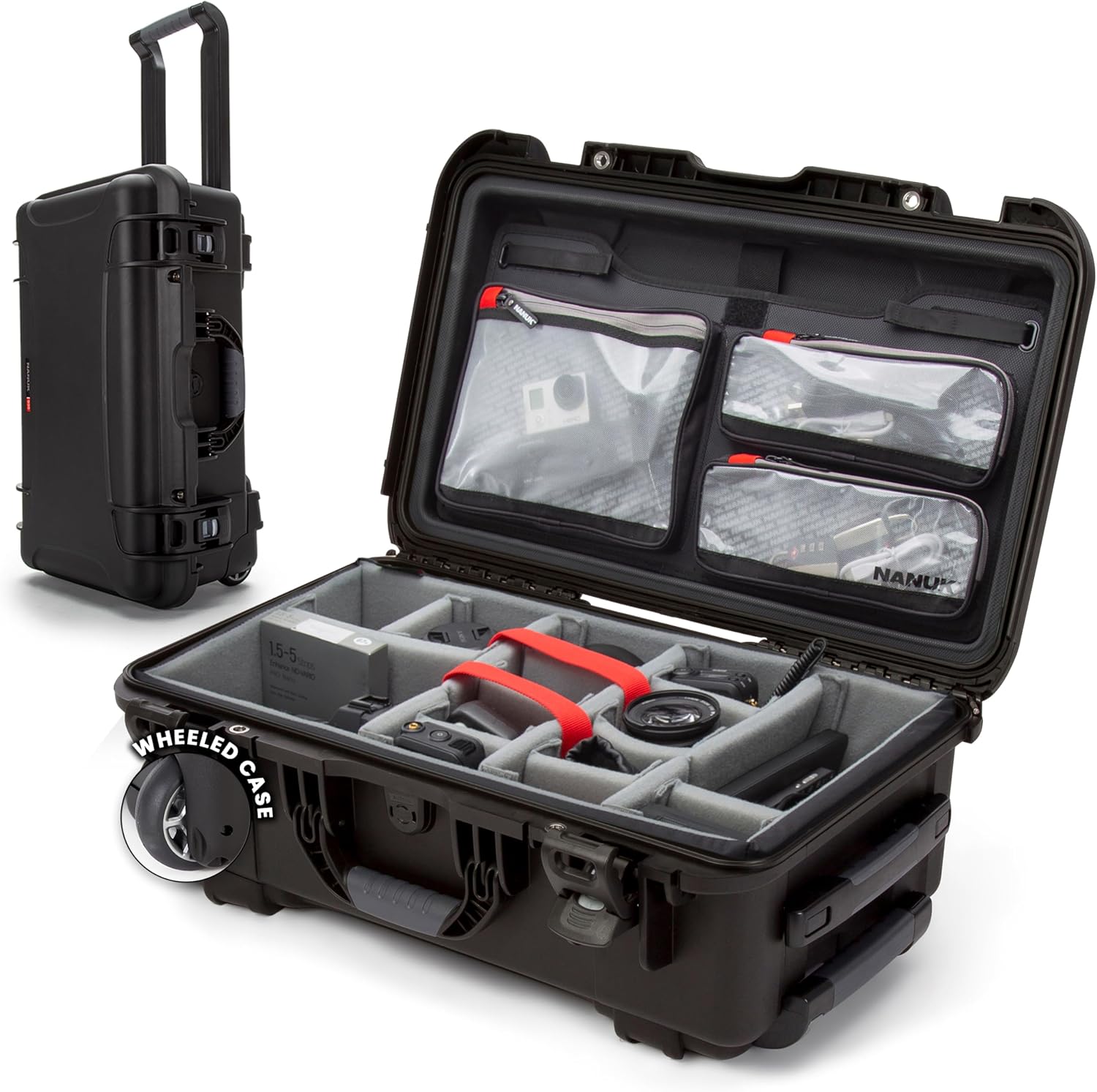
NANUK 935 Pro Photo Kit Camera Case, Waterproof Wheeled Hard Case, Carry-On, Black
Check Price on AmazonNANUK 925 DJI Mavic 4 Pro Creator Combo
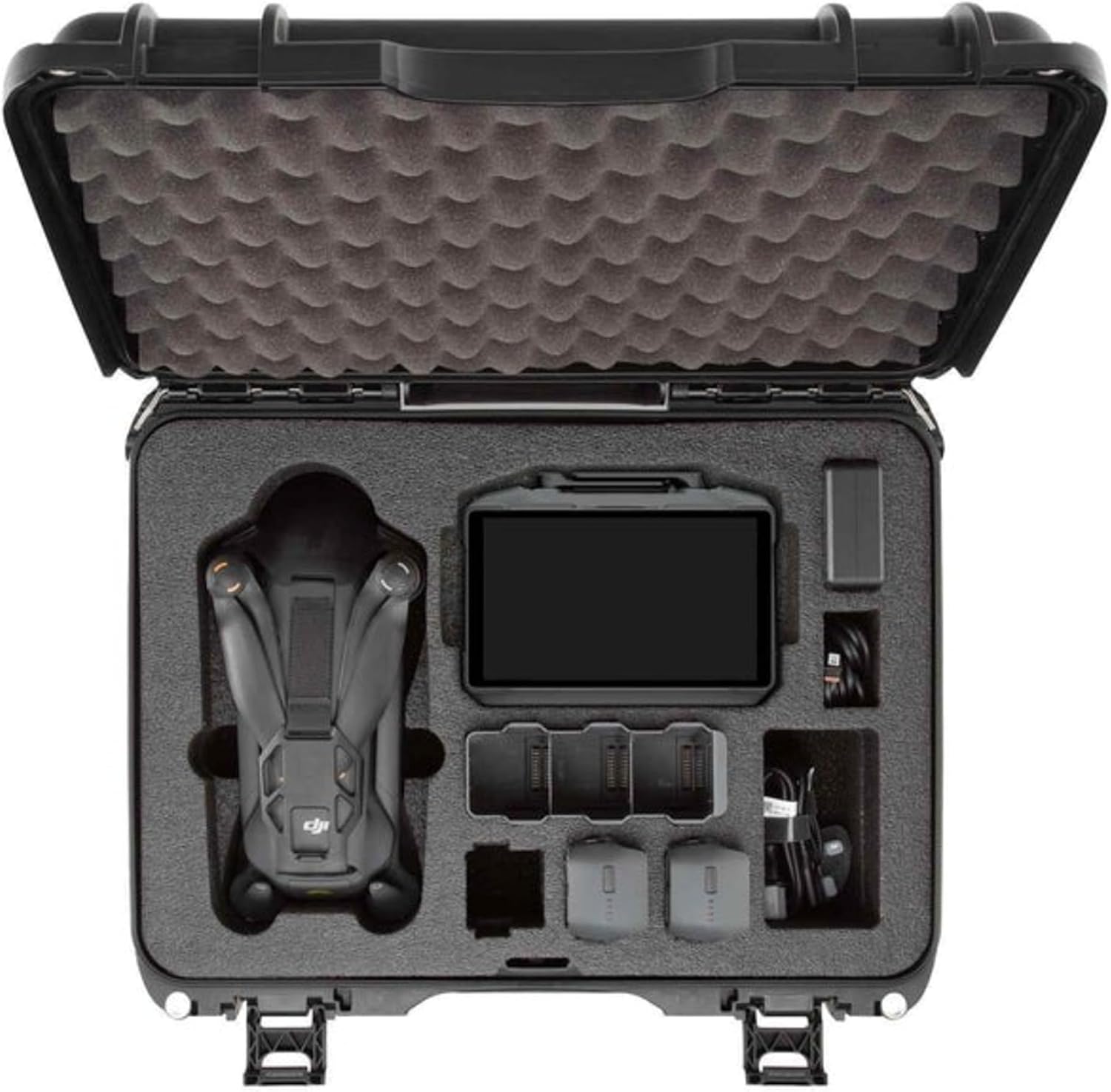
NANUK 925 DJI Mavic 4 Pro Creator Combo - Waterproof Hard Case with Drone Foam Insert, Crushproof, Portable Travel Case, Made in Canada (18.7” x 14.8”x 7”) - Black
Check Price on Amazon Drone Allowed
DroneAllowed editor covering drone regulations, aviation law, and aerial photography across USA, UK, Canada & Australia.