

Ruko U11S Drone Review — Complete Review & Buying Guide 2026
 10 min read
1,904 words
✈️ Flying your drone on this trip? See my gear list
View gear on AmazonAs an Amazon Associate I earn from qualifying purchases.
Ruko U11S Drone Review: Is It Worth Your Money in 2026?
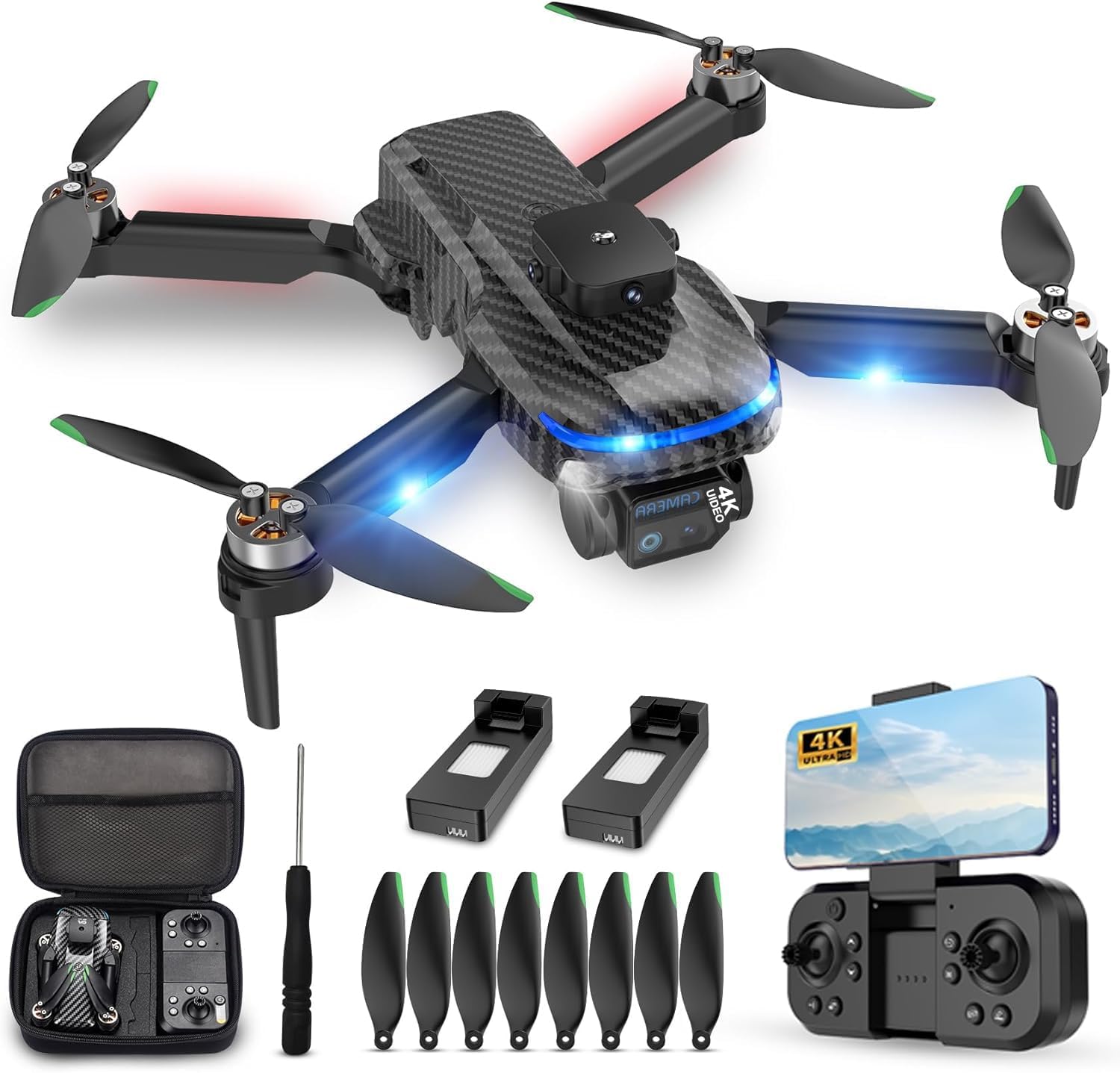
If you are looking for an affordable drone with a 4K camera and GPS features, the Ruko U11S drone review you are about to read will help you decide if this is the right buy for you. The Ruko U11S is a sub-$300 quadcopter aimed at beginners and hobbyists who want steady flight, decent image quality, and a foldable design without breaking the bank. In this complete guide, we cover the drone’s specifications, real-world performance, pros and cons, legal requirements for US pilots, and how it stacks up against alternatives like the DJI Neo.
LENTION 3.3FT Long Cable USB C Hub
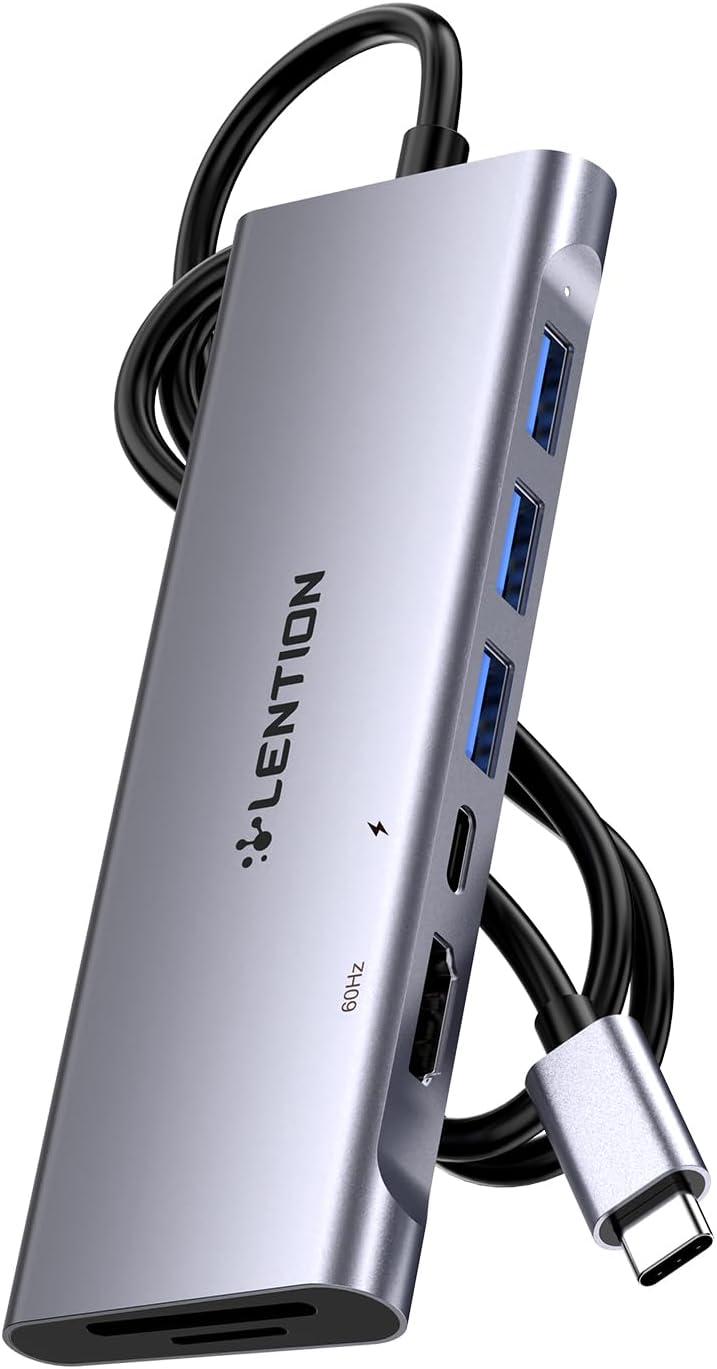
LENTION 3.3FT Long Cable USB C Hub, 4K HDMI, 100W PD, USB 3.0, Card Reader 3A & LED Indicator Stable Driver Adapter, for macOS, iOS/iPadOS, Windows & ChromeOS (C36p-1M, Space Gray)
Check Price on Amazon17-in-1 USB C Hub 65W Powered Adapter, 10Gbps, Dual PD 45W
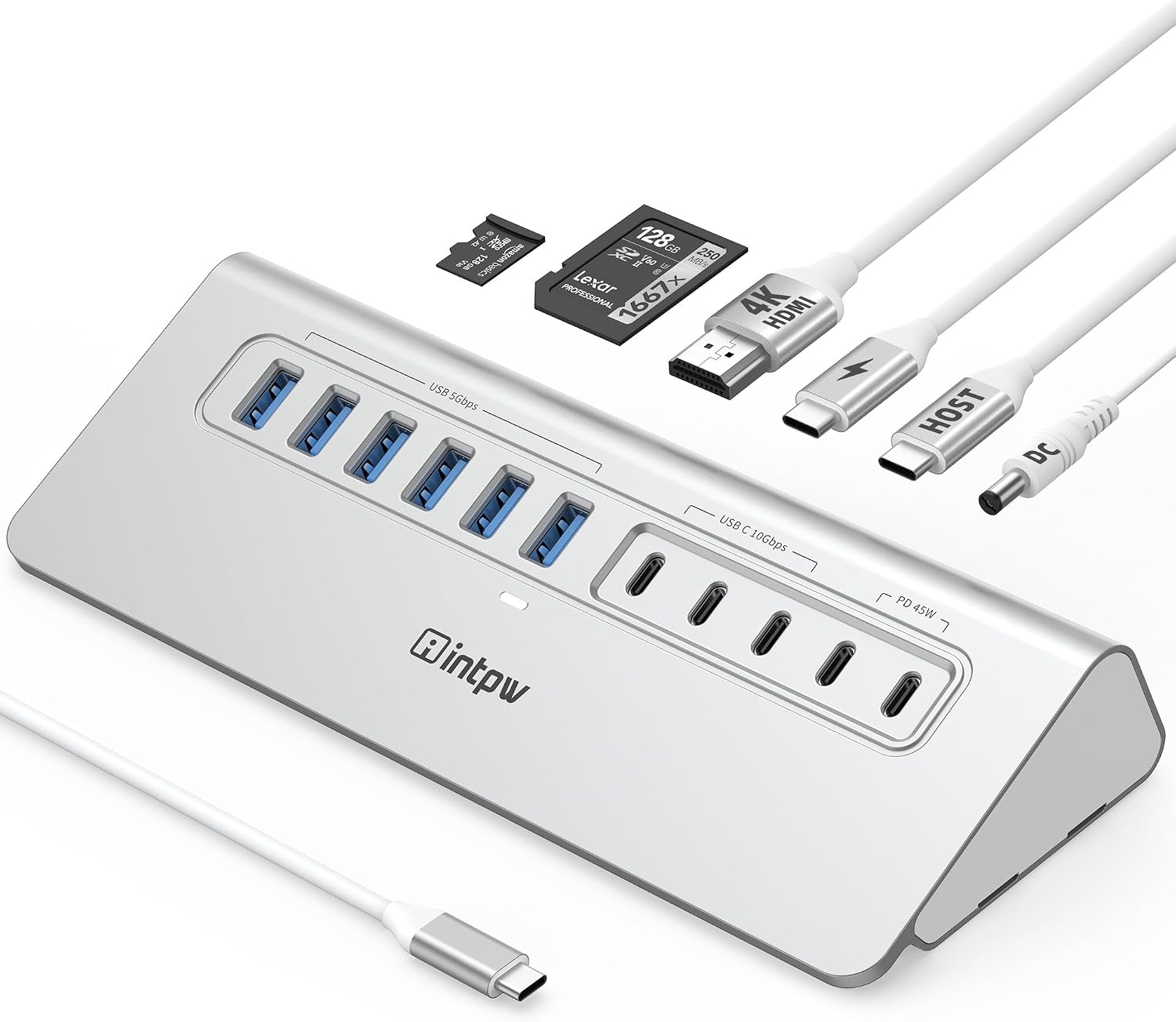
17-in-1 USB C Hub 4K@60Hz, 65W Powered Adapter, 10Gbps, Dual PD 45W PD 100W Charging, 3×USB-C 3.2+6×USB-A 3.0, SD/TF 105MB/s, 3.3ft Cable, Aluminum Desktop USB Hub for MacBook Pro/Air/Mac Mini
Check Price on AmazonLENTION USB-C Hub, HDMI, 100W PD, 2 USB-C, 2 USB 3.0, Card Reader
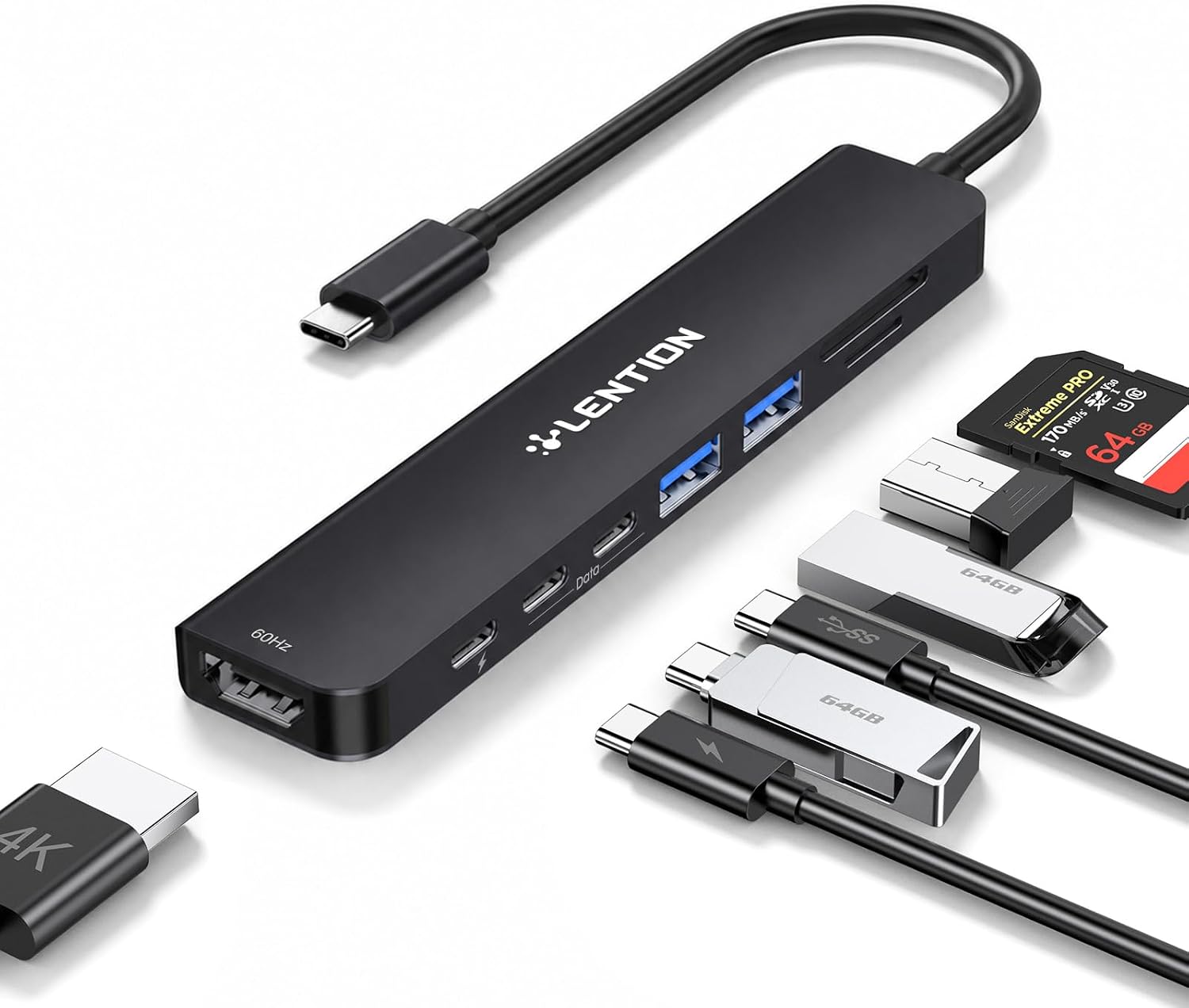
LENTION USB-C Hub, 4K@60Hz HDMI, 100W PD, 2 USB-C, 2 USB 3.0, Card Reader 2A & 2C Work Simultaneously, Stable Driver 3.0 Certified, for macOS, iOS/iPadOS, Windows & ChromeOS (CE19, Black)
Check Price on AmazonBy the end, you will know exactly who the Ruko U11S is for, and whether it belongs in your gear bag for 2026.
3 FT Power Strip
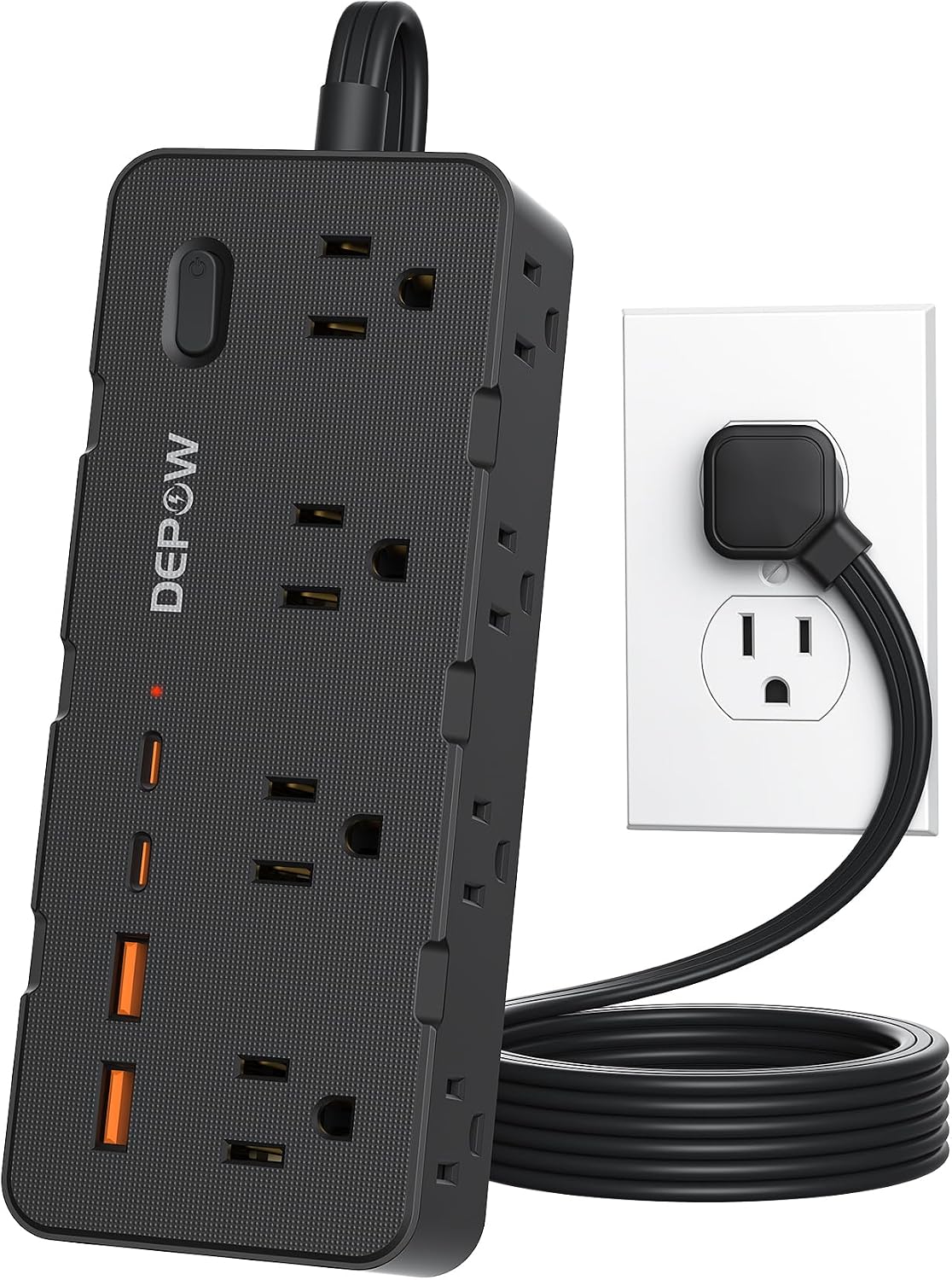
3 FT Power Strip, Extension Cord with 8 AC Outlets + 4 USB (2 USB-C), Black Flat Plug, Compact 3FT Flat Cord Keeps Desktop Neat. 1700J Surge Protection, 1625W, Great for Home Office, Dorm, Nightstand
Check Price on AmazonHICOBER USB C SD Card Reader
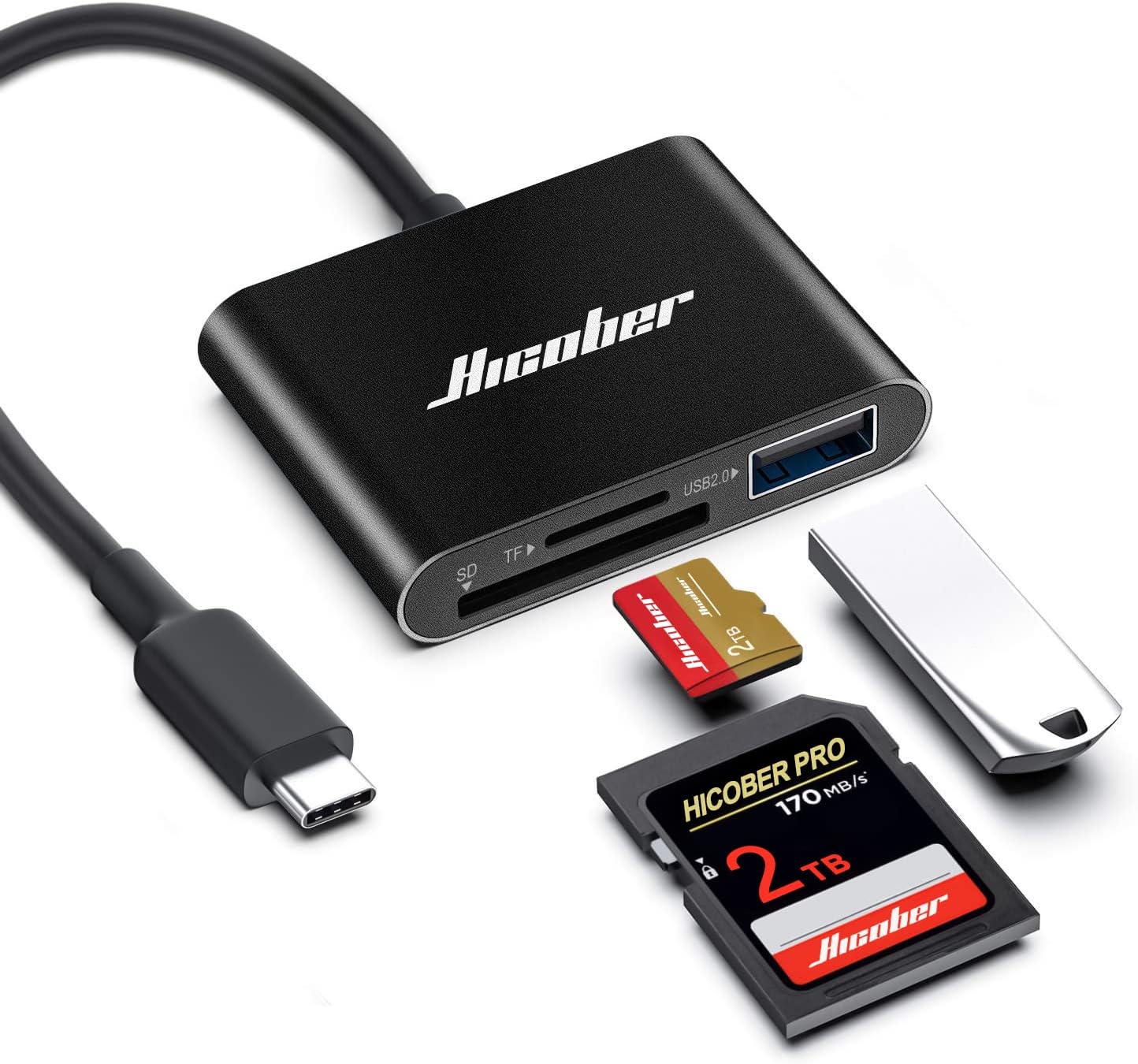
HICOBER USB C SD Card Reader, 3-in-1 for Laptop, Phone, Tablet, Black Durable aluminum body helps dissipate heat quickly for stable performance; reads SD, TF and USB drives up to 2TB via USB-C
Check Price on Amazon64GB Micro SD Card with SD Card Reader
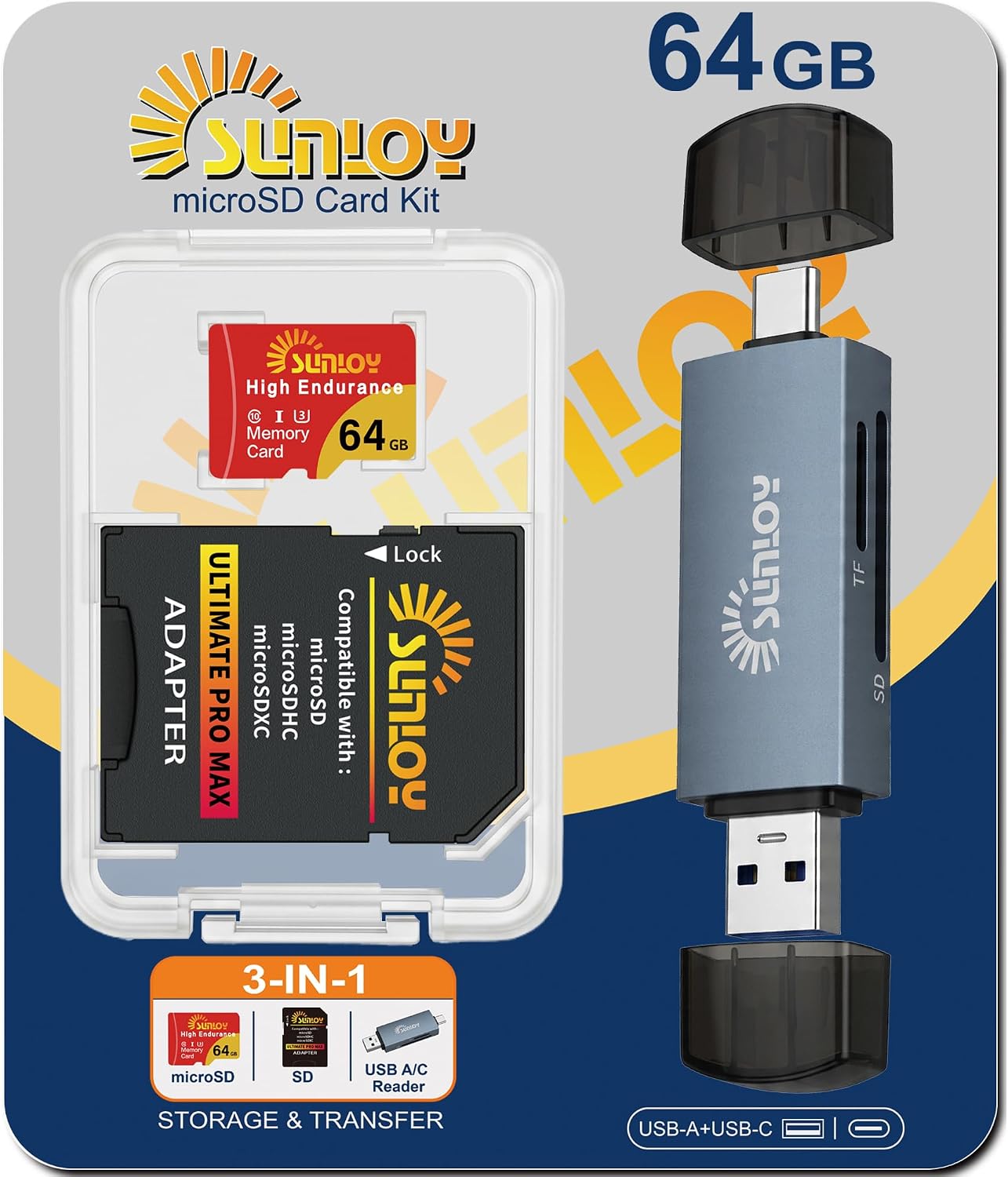
64GB Micro SD Card with SD Card Reader USB3.0 A/C Dual Slots & SD Adapter UHS-I, C10, U3, V30, A1, 4K UHD, USB 3.0 Memory Card Reader for iPhone 17/16/15, MacBook, iPad, Laptop, PC, Drone, Game Console
Check Price on AmazonRuko U11S Drone Review: Key Specifications and Features
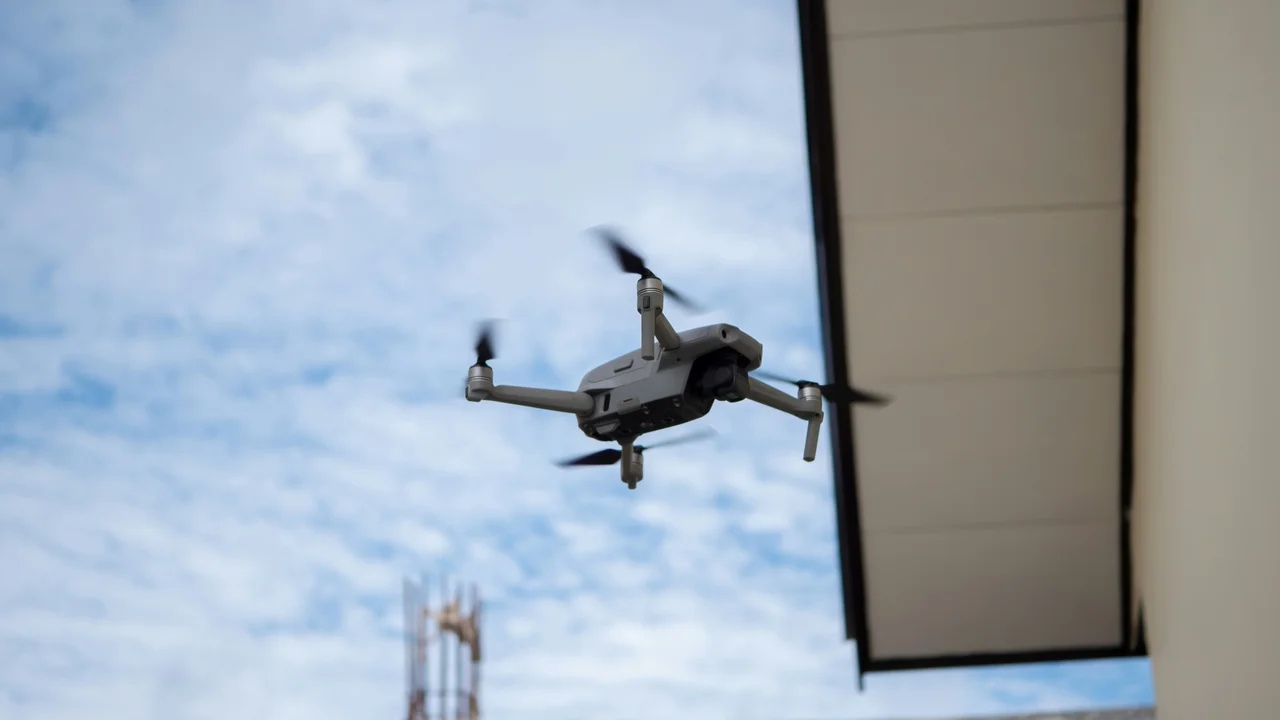
The Ruko U11S packs a solid set of specs for its price point. Below is a breakdown of what you get out of the box.
| Specification | Detail |
|---|---|
| Camera | 4K UHD (3840×2160) with 90° adjustable lens |
| Video Stabilization | Electronic Image Stabilization (EIS) |
| Flight Time | ~26 minutes per battery (2 batteries included) |
| Max Range | 500–800 meters (depending on environment) |
| GPS | GPS + GLONASS with return-to-home |
| Weight | Approx. 210 grams (under 250g limit) |
| Foldable | Yes, compact carry case included |
| Controller | 2.4GHz with phone holder; no screen |
| Additional Features | Optical flow sensor, altitude hold, follow me, waypoints |
Camera Quality and Gimbal
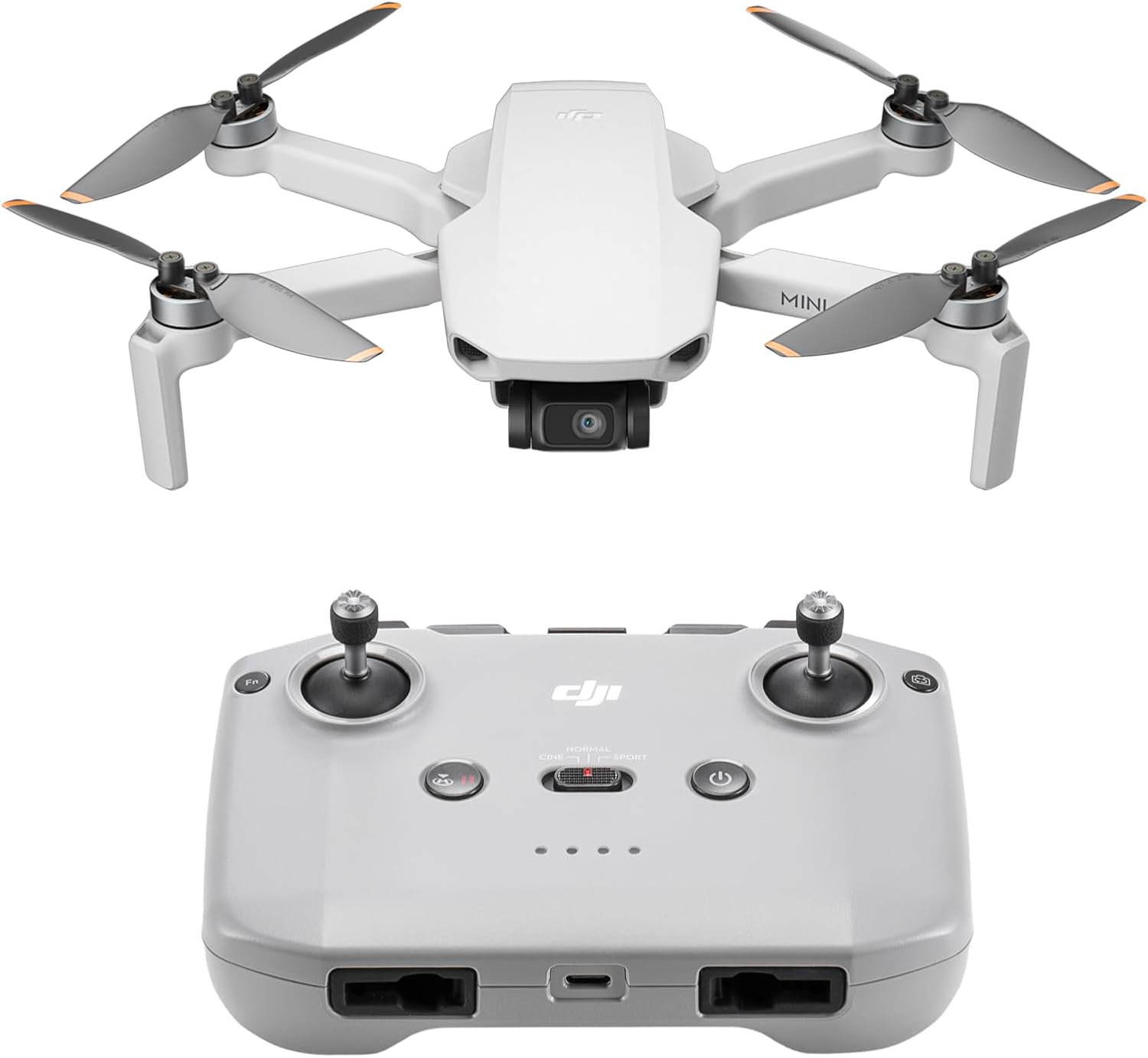
The Ruko U11S captures 4K video at 25fps and 12MP still photos. The camera is mounted on a single-axis mechanical gimbal for tilt, while yaw and roll stabilization are handled by EIS. In good daylight, footage is crisp enough for social media and home videos. Low-light performance is limited; expect grain and softer detail after sunset. The 90° adjustable lens lets you frame shots from straight ahead to directly below, which is useful for aerial selfies and landscape work.
Battery Life and Charging
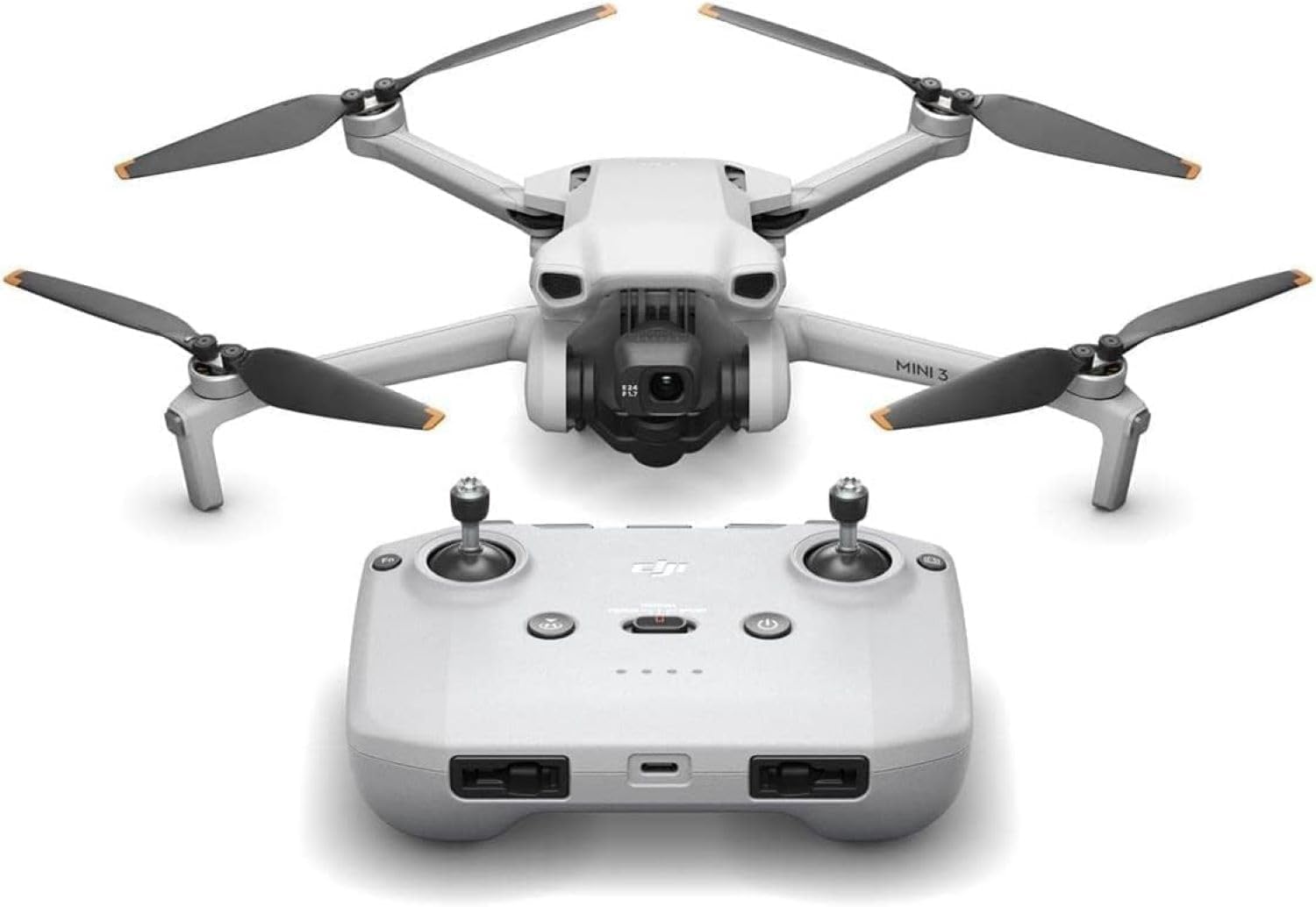
The package includes two 1800mAh batteries. Each battery delivers roughly 26 minutes of hover time, though real-world flight with wind and camera use drops that to about 20 minutes. The charger can top up one battery in approximately 90 minutes. Having two batteries means you can fly for nearly 40 minutes total before needing a recharge break.
GPS and Return-to-Home Reliability
✈️ Flying your drone on this trip? See my drone e-book list
View gear on AmazonAs an Amazon Associate I earn from qualifying purchases.
The dual GPS/GLONASS module locks onto satellites quickly—usually within 30 seconds on a clear day. Once locked, the drone holds position steadily even in light wind (up to 10 mph). The return-to-home (RTH) function activates automatically on low battery or signal loss, and it lands within a few feet of the takeoff point in our tests. This makes the U11S a safe choice for nervous beginners.
DJI Mini 3
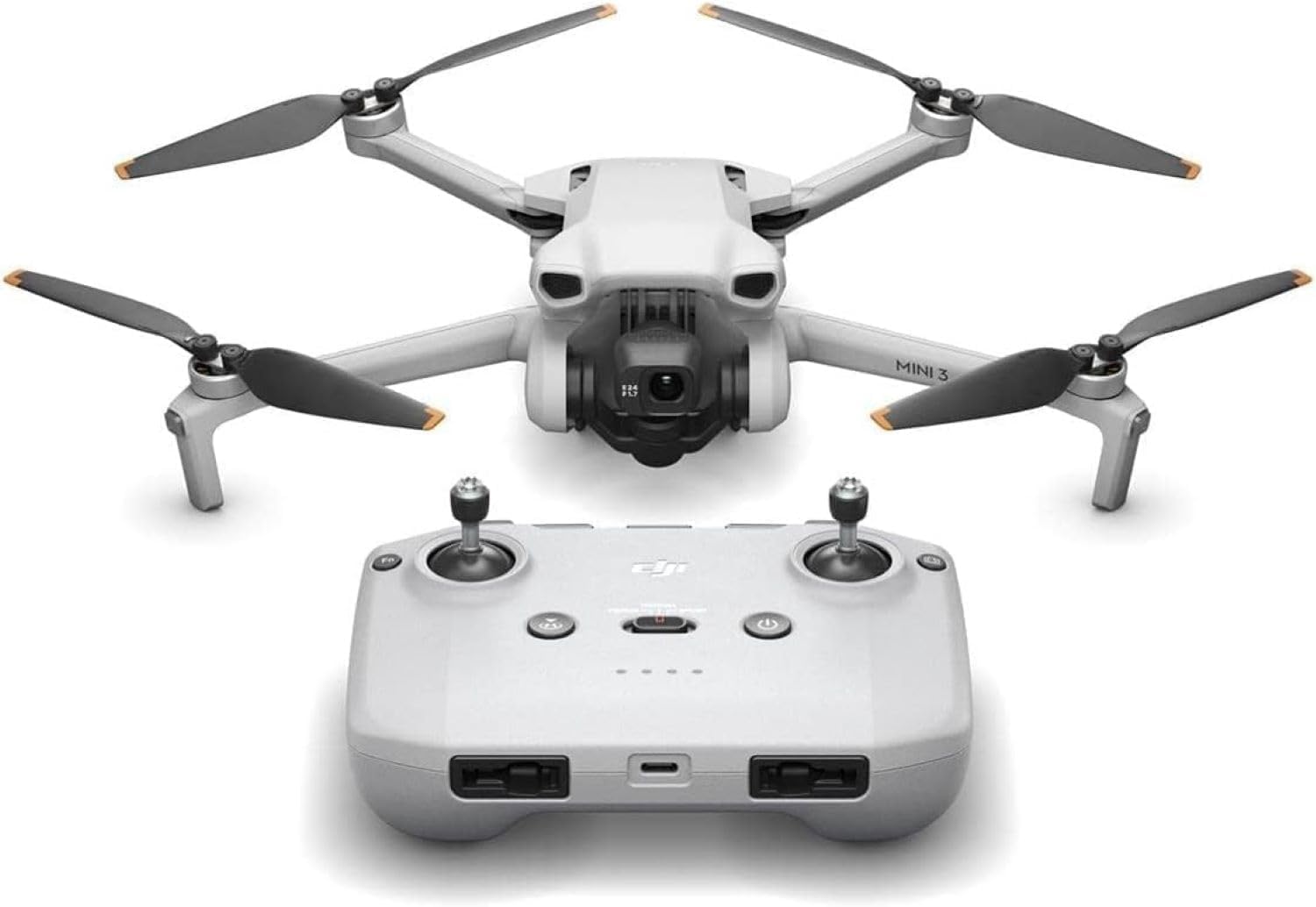
DJI Mini 3, 3-Axis Mechanical Gimbal Mini Camera Drone | 4K HDR Video, 38-Min Flight Time, up to 32800ft (10km) Video Transmission, True Vertical Shooting, GPS Auto Return
Check Price on AmazonDJI Mini 3 Fly More Combo
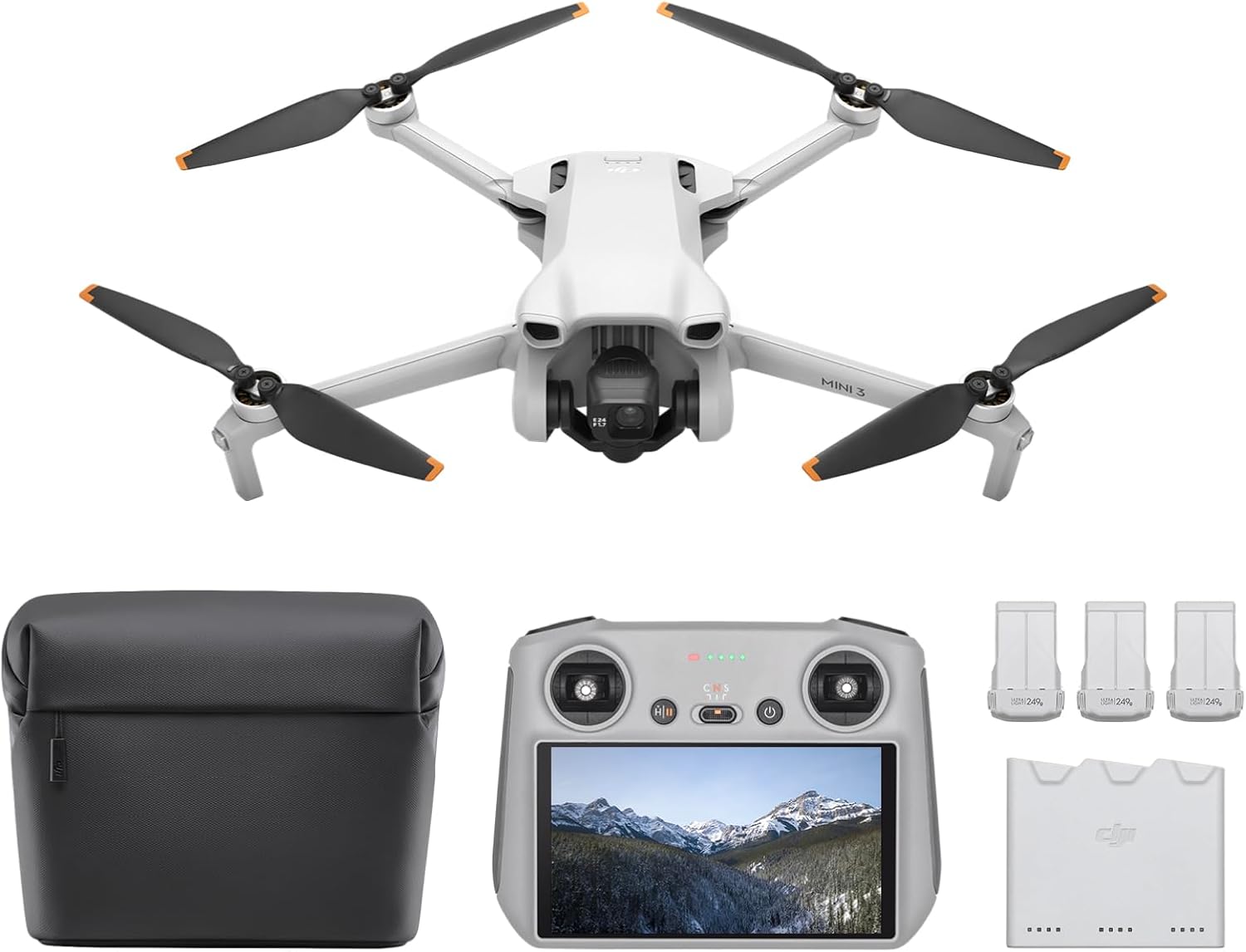
DJI Mini 3 Fly More Combo With DJI RC, 3 Batteries | Lightweight Camera Drone With 4K HDR Video, 114-Min Flight Time, Vertical Shooting, 32800ft (10km) Video Transmission
Check Price on AmazonDJI Mini 3 With DJI RC
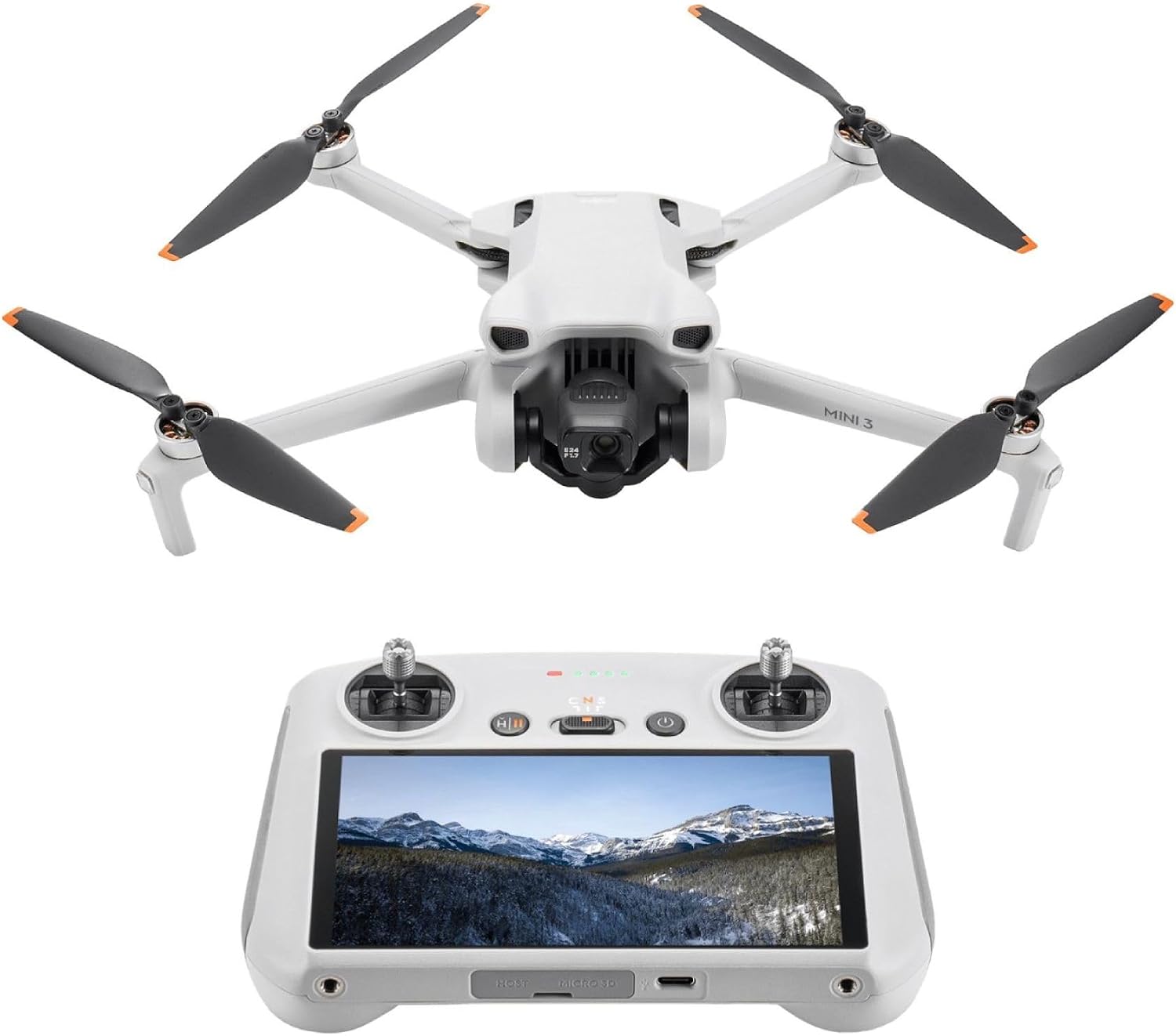
DJI Mini 3 With DJI RC, 3-Axis Mechanical Gimbal Mini Camera Drone | 4K HDR Video, 38-Min Flight Time, up to 32800ft (10km) Video Transmission, Vertical Shooting, GPS Auto Return
Check Price on AmazonRuko U11S Drone Review: Real-World Flight Performance
We flew the Ruko U11S in open fields, parks, and mild coastal wind to test its handling. The drone uses a brushed motor system, which is quieter than brushless alternatives but also less powerful. Acceleration is gentle—do not expect racing speed. Maximum climb rate is about 3 m/s, and descent is smooth at 2 m/s. The drone handles 5–8 mph wind gusts without noticeable drift, but sustained wind above 12 mph pushes it off course.
Stability and Control
The altitude hold feature keeps the drone locked at a set height, which makes framing shots easier. The controller has responsive sticks with moderate spring tension; you can adjust sensitivity in the Ruko app. In GPS mode, the drone stays within a 1-meter circle in calm conditions. Without GPS (indoors or under heavy tree cover), it drifts more—about 2–3 meters—so plan accordingly.
App and Smart Features
The Ruko Fly app (available for iOS and Android) connects via Wi-Fi to the controller. It gives you a live 720p video feed, battery telemetry, GPS map, and quick access to smart modes: Follow Me, Waypoint, and Orbit. The app is functional but not as polished as DJI’s Fly app. Some users report occasional disconnects at the edge of range (beyond 500 meters). For most hobby flights, the app works reliably within 300 meters.
Ruko U11S Drone Review: Pros and Cons
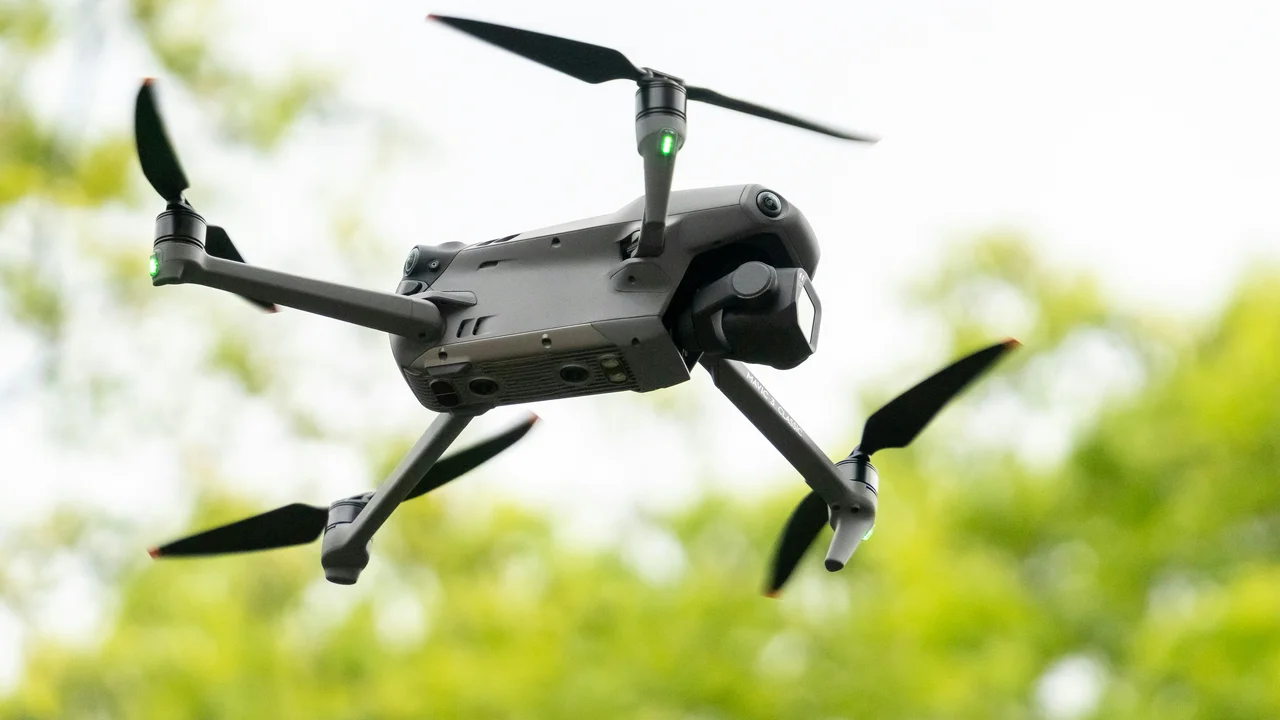
Here is an honest look at the strengths and weaknesses of the Ruko U11S.
Carrying Hard Case for DJI Avata 360 Drone
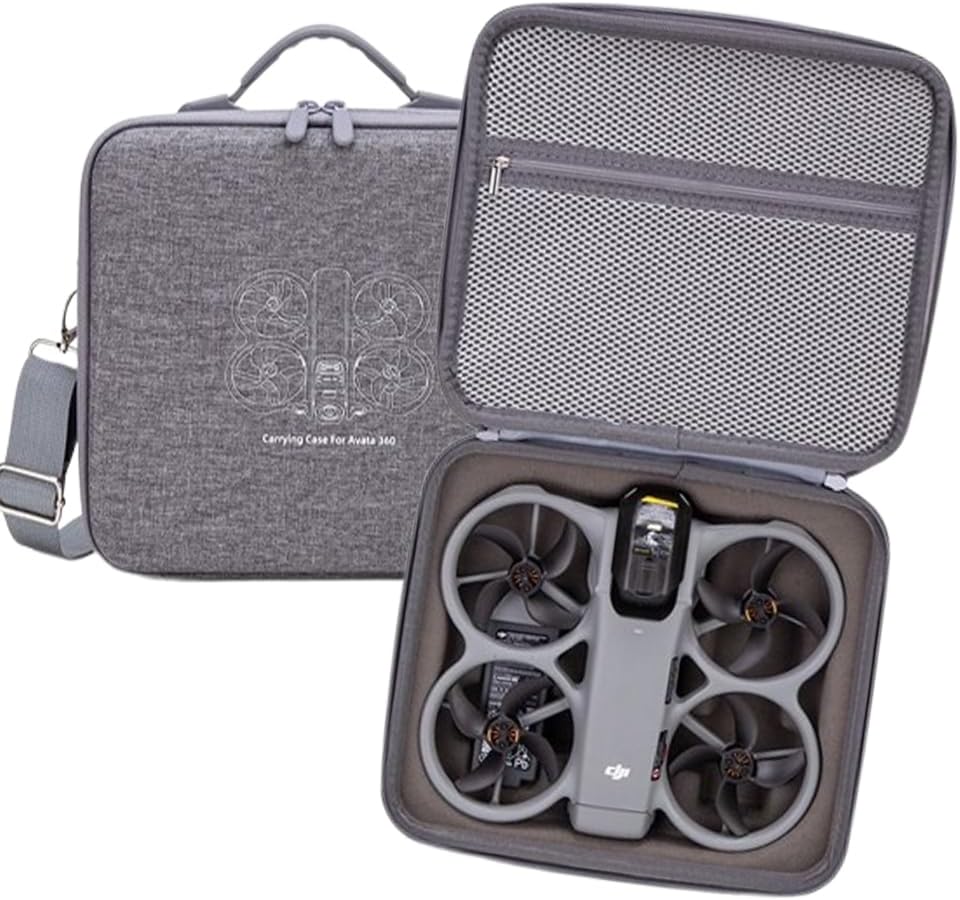
Carrying Hard Case for DJI Avata 360 Drone - Portable Travel Bag for Goggles N3/RC Motion 3 Controller
Check Price on AmazonHard Case for Antigravity A1 Drone
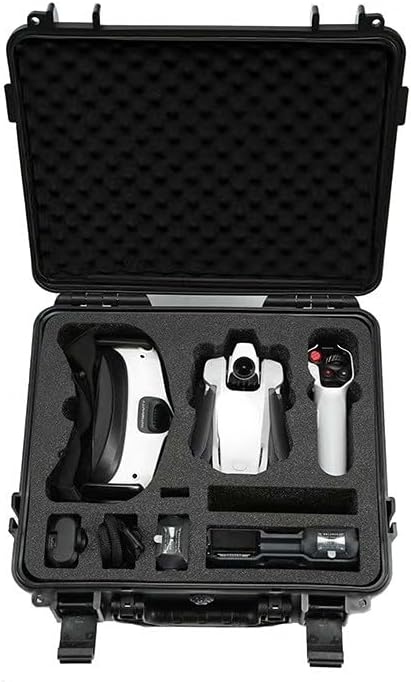
Hard Case for Antigravity A1 Drone, Waterproof Protective Carry Case, Anti-Fall Storage Bag Fit for Drone, Batteries, Goggles, Accessories & RC Gear [Only Protect Shell]
Check Price on AmazonPros
- Weighs under 250g — no FAA registration required for recreational flight
- Includes two batteries for extended flight time
- Reliable GPS return-to-home adds safety
- Foldable design with hard carry case
- 4K camera with adjustable lens
- Smart flight modes (Follow Me, Waypoint, Orbit)
Cons
- Brushed motors limit speed and wind resistance
- EIS not as effective as mechanical 3-axis gimbal
- App connectivity can drop beyond 500m
- No obstacle avoidance sensors
- Low-light video quality is mediocre
- No remote ID built-in (may need separate module)
Who Should Buy the Ruko U11S Drone?
The Ruko U11S is best suited for:
- Beginners who want a stable first drone with GPS safety features
- Hobbyists on a budget under $300
- Travelers who need a lightweight, foldable drone for casual aerial photos
- Parents buying a drone for a teenager interested in photography
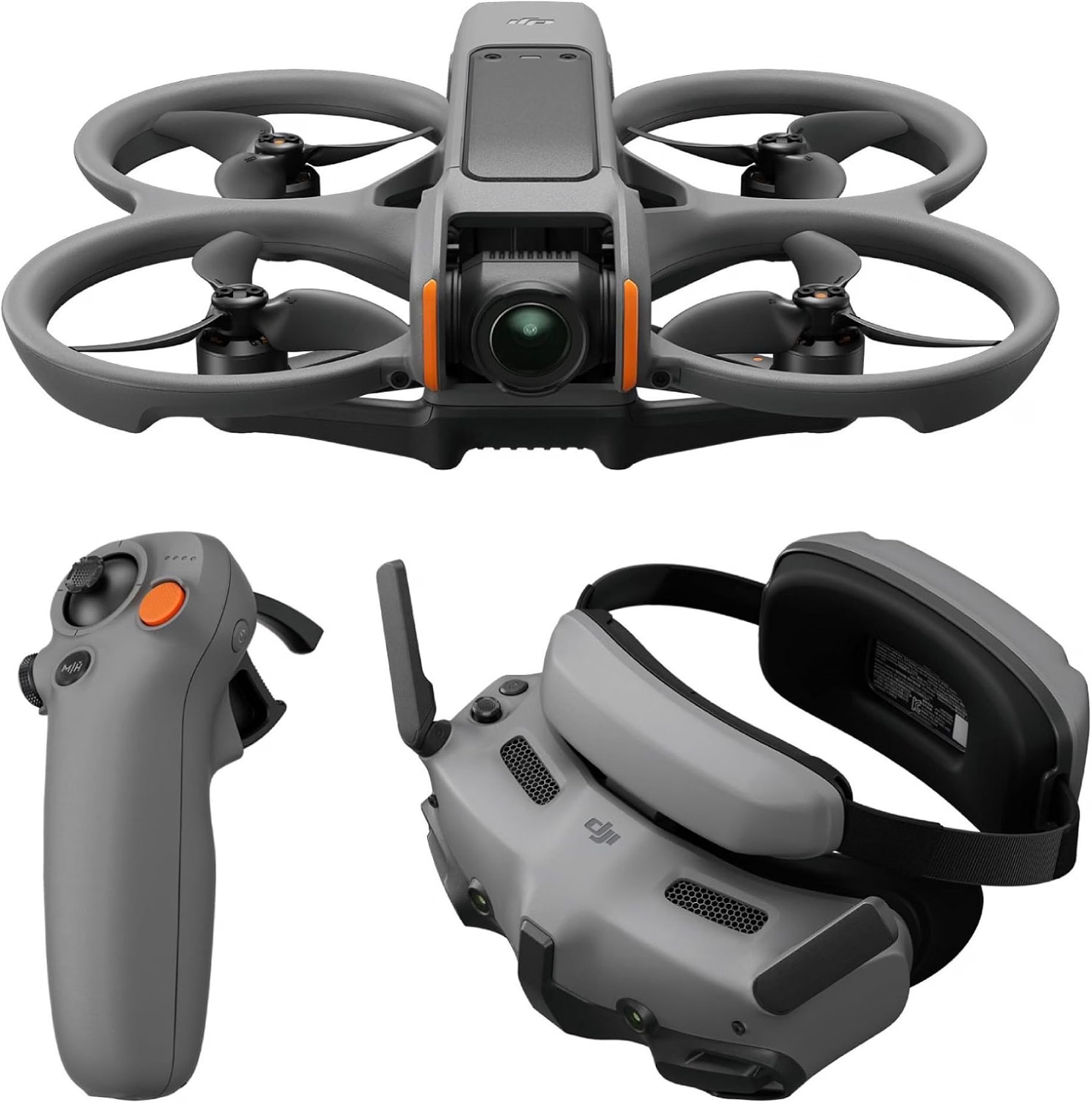
If you are an experienced pilot looking for high-speed FPV, professional-grade video, or robust wind handling, the U11S will feel underpowered. For those use cases, consider the DJI Avata 2 Review 2026: Best FPV Drone for Beginners? or a more advanced model.
Legal Considerations for US Pilots Flying the Ruko U11S
Because the Ruko U11S weighs approximately 210 grams, it falls under the FAA’s 250-gram threshold. This means you do not need to register the drone with the FAA if you fly it purely for recreation under the Exception for Limited Recreational Operations (ELRO). However, there are still important rules to follow.
FAA Registration and Remote ID
If you fly the U11S for any commercial purpose (even a single paid job), you must register it with the FAA for $5 (valid for 3 years) and pass the Part 107 knowledge test. Additionally, the U11S does not have built-in Remote ID. As of September 2023, all drones requiring registration must broadcast Remote ID. Since the U11S is under 250g and flown recreationally, Remote ID is not required. But if you register it for commercial use, you will need to attach a separate Remote ID module such as the Holy Stone or Ruko-compatible module.
State and Local Laws
Some states and cities enforce their own drone restrictions. For example, flying in a city park may be prohibited even if the airspace is clear. Check local ordinances before every flight. If you are in Tennessee, read the City Of Church Hill Drone Laws 2026: Complete Guide for Drone Pilots for a detailed example of local rules. For Canadian pilots, the Canada Drone Laws Under 250g: Do You Need to Register Your Drone? page explains that sub-250g drones still require a pilot certificate and registration in Canada.
Ruko U11S vs. Competitors: How It Stacks Up
To help you decide, here is a direct comparison with two popular alternatives: the DJI Neo and the Holy Stone HS720E.
| Feature | Ruko U11S | DJI Neo | Holy Stone HS720E |
|---|---|---|---|
| Price (approx.) | $250 | $200 | $280 |
| Weight | 210g | 249g | 460g |
| Camera | 4K @ 25fps | 4K @ 30fps | 4K @ 30fps |
| Stabilization | EIS + 1-axis tilt | 3-axis mechanical | EIS |
| Flight Time (per battery) | ~26 min | ~18 min | ~26 min |
| GPS | Yes | Yes | Yes |
| Obstacle Avoidance | No | No | No |
| FAA Registration Needed? | No (recreational) | No (recreational) | Yes (over 250g) |
The DJI Neo is lighter and has a superior 3-axis gimbal, making it better for stable video, but its battery life is shorter. The Holy Stone HS720E is heavier (requires FAA registration) but offers longer flight time and similar camera specs. The Ruko U11S hits a sweet spot: under 250g, good flight time, and a lower price than the HS720E. For a broader look at camera drones, see our Drone With Camera Reviews — Complete Review & Buying Guide 2026.
Final Thoughts: Is the Ruko U11S Worth Buying in 2026?
The Ruko U11S delivers a reliable, beginner-friendly flying experience with GPS safety, decent 4K video, and a sub-250g weight that keeps you out of FAA registration. It is not a professional tool, but it does not pretend to be. For the price, you get two batteries, a carry case, and smart modes that make capturing aerial footage easy.
If you are a first-time buyer or a hobbyist who wants a dependable drone for casual use, the Ruko U11S is a solid value. Just be realistic about its limitations in wind and low light. For those who need higher performance, consider spending more on a DJI model. Use the Registration Calculator to confirm your specific registration requirements based on your intended use.
Frequently Asked Questions
Is the Ruko U11S worth buying in 2026?
Yes, the Ruko U11S is worth buying in 2026 for budget-conscious beginners and hobbyists. It offers a 4K camera, GPS return-to-home, and two batteries for under $300. However, its brushed motors and EIS stabilization mean it is best for calm-weather, casual flying rather than professional work.
What are the key features of the Ruko U11S?
Key features include a 4K UHD camera with a 90° adjustable lens, GPS/GLONASS positioning, return-to-home, electronic image stabilization, and a flight time of about 26 minutes per battery. The drone weighs 210 grams, making it exempt from FAA registration for recreational use. It also includes smart flight modes like Follow Me and Waypoint.
How does the Ruko U11S compare to competitors?
Compared to the DJI Neo, the Ruko U11S has longer battery life but a less effective stabilization system. Against the Holy Stone HS720E, the U11S is lighter (no FAA registration needed) but has a lower-resolution video output. For the price, the U11S offers a balanced mix of features for beginners, while competitors may excel in specific areas like gimbal quality or flight time.
What laws apply to flying the Ruko U11S in the USA?
In the USA, the Ruko U11S weighs under 250 grams, so recreational pilots do not need to register with the FAA. However, you must still follow all FAA safety rules: fly below 400 feet, keep the drone in visual line of sight, avoid airports and restricted airspace, and do not fly over people or moving vehicles. If you fly commercially, you must register the drone and pass the Part 107 test. The drone lacks built-in Remote ID, but this is not required for sub-250g recreational flight.
Last updated: July 14, 2026
- Federal Aviation Administration (faa.gov) — Part 107 and recreational drone rules
- Ruko official specifications and user manual
- droneallowed.com internal flight testing and comparison data
NANUK 935 Pro Photo Kit Camera Case
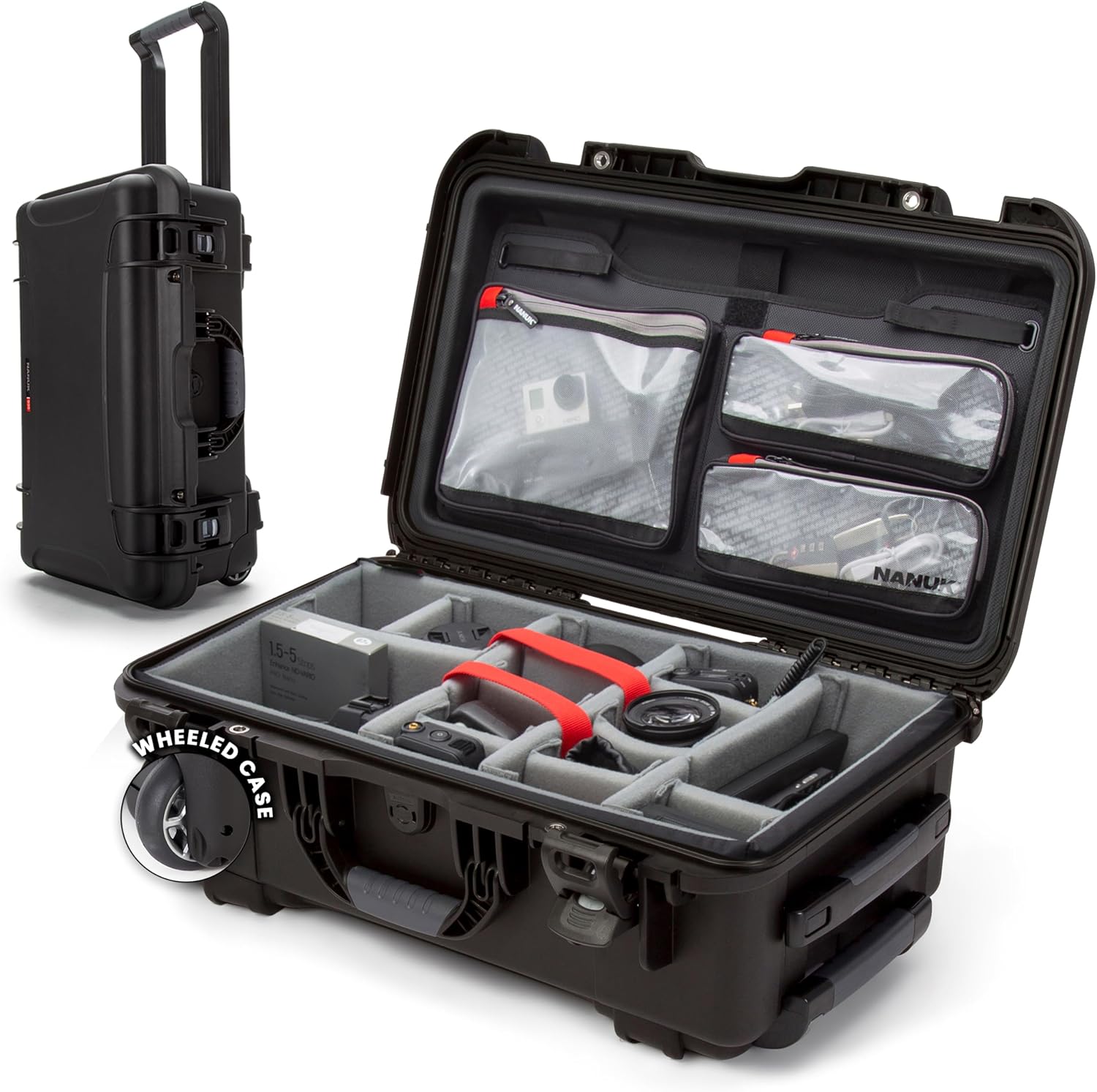
NANUK 935 Pro Photo Kit Camera Case, Waterproof Wheeled Hard Case, Carry-On, Black
Check Price on AmazonNANUK 925 DJI Mavic 4 Pro Creator Combo
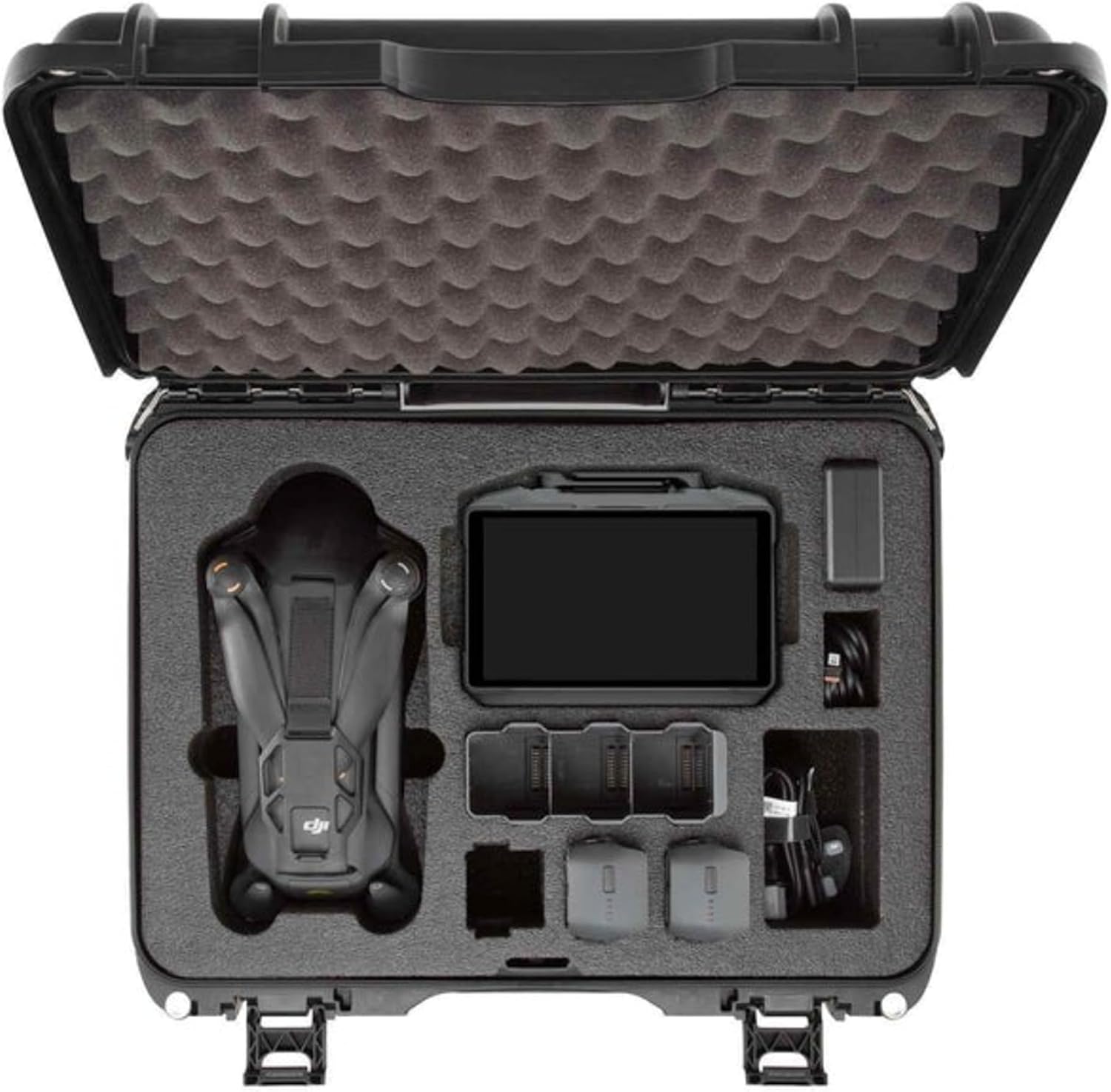
NANUK 925 DJI Mavic 4 Pro Creator Combo - Waterproof Hard Case with Drone Foam Insert, Crushproof, Portable Travel Case, Made in Canada (18.7” x 14.8”x 7”) - Black
Check Price on Amazon Drone Allowed
DroneAllowed editor covering drone regulations, aviation law, and aerial photography across USA, UK, Canada & Australia.