DJI Air 3: Laws, Registration & Where You Can Fly in 2026
 13 min read
2,465 words
✈️ Flying your drone on this trip? See my gear list
View gear on AmazonAs an Amazon Associate I earn from qualifying purchases.
The DJI Air 3 weighs 720 grams, which means you must register it with the FAA before your first flight, regardless of whether you fly for fun or for work. This is the single most important legal fact about this drone, and it changes everything compared to lighter models like the Mini 4 Pro. In this guide, you will learn exactly which laws apply to the DJI Air 3 in the USA, how to register, when you need a Part 107 license, and where you can and cannot fly in 2026. This guide covers everything you need to know about DJI Air 3 drone laws.
LENTION 3.3FT Long Cable USB C Hub
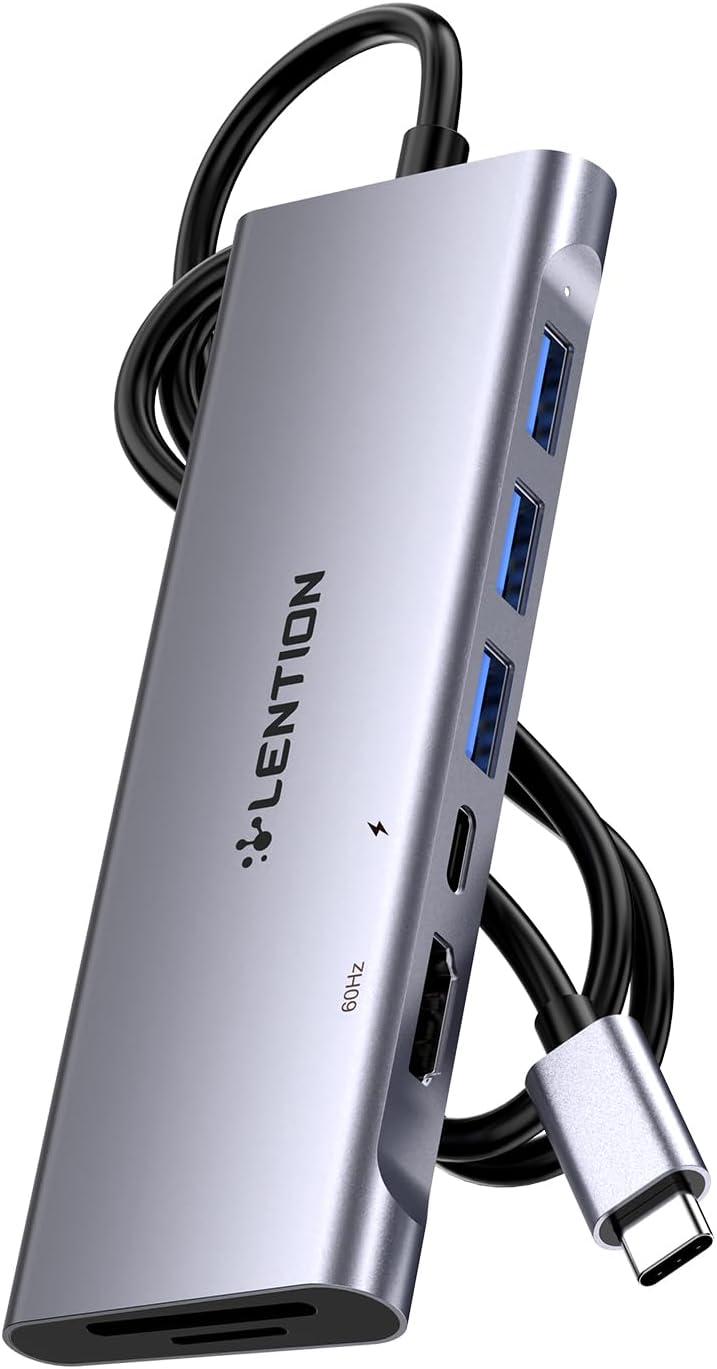
LENTION 3.3FT Long Cable USB C Hub, 4K HDMI, 100W PD, USB 3.0, Card Reader 3A & LED Indicator Stable Driver Adapter, for macOS, iOS/iPadOS, Windows & ChromeOS (C36p-1M, Space Gray)
Check Price on Amazon17-in-1 USB C Hub 65W Powered Adapter, 10Gbps, Dual PD 45W
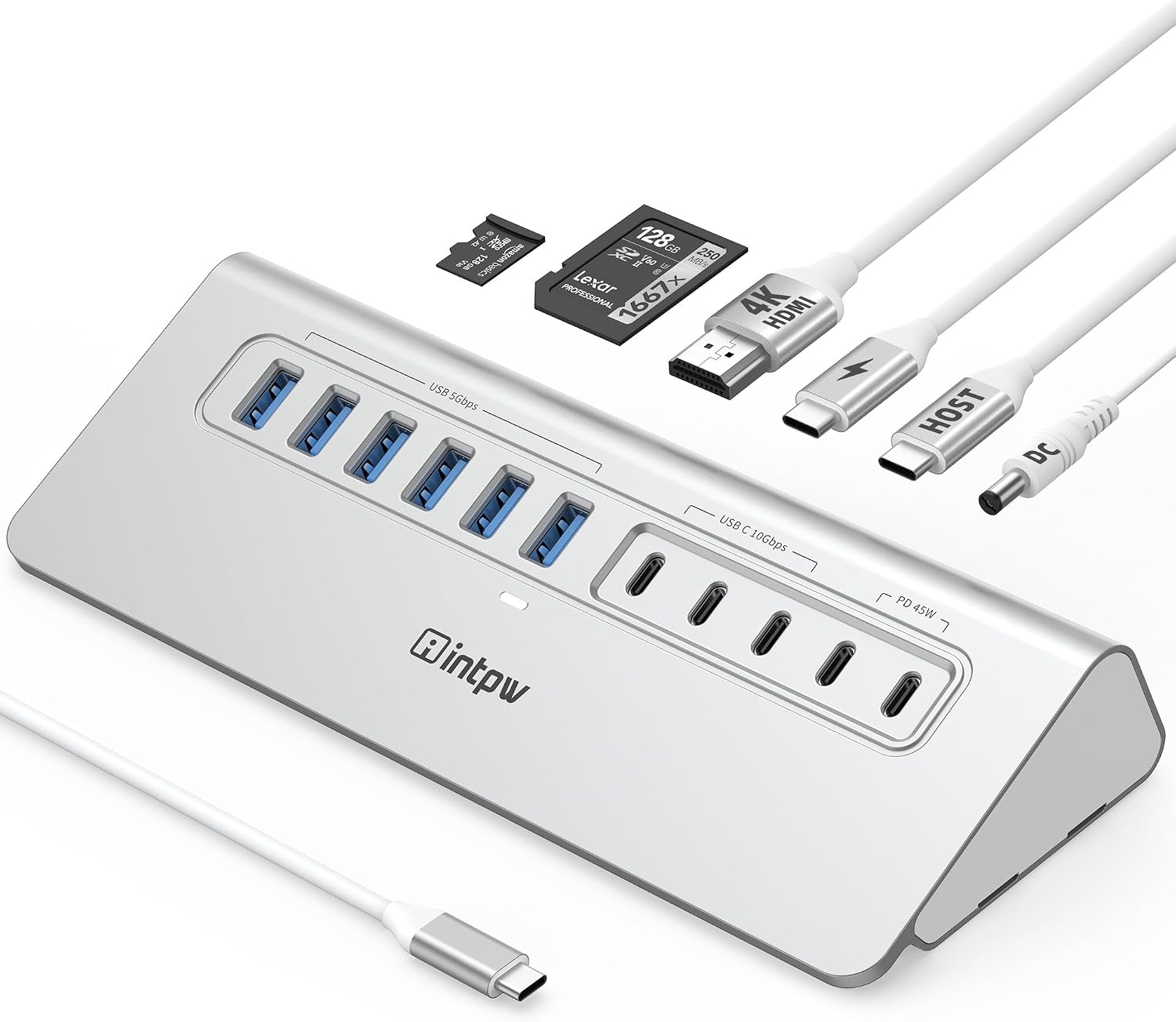
17-in-1 USB C Hub 4K@60Hz, 65W Powered Adapter, 10Gbps, Dual PD 45W PD 100W Charging, 3×USB-C 3.2+6×USB-A 3.0, SD/TF 105MB/s, 3.3ft Cable, Aluminum Desktop USB Hub for MacBook Pro/Air/Mac Mini
Check Price on AmazonLENTION USB-C Hub, HDMI, 100W PD, 2 USB-C, 2 USB 3.0, Card Reader
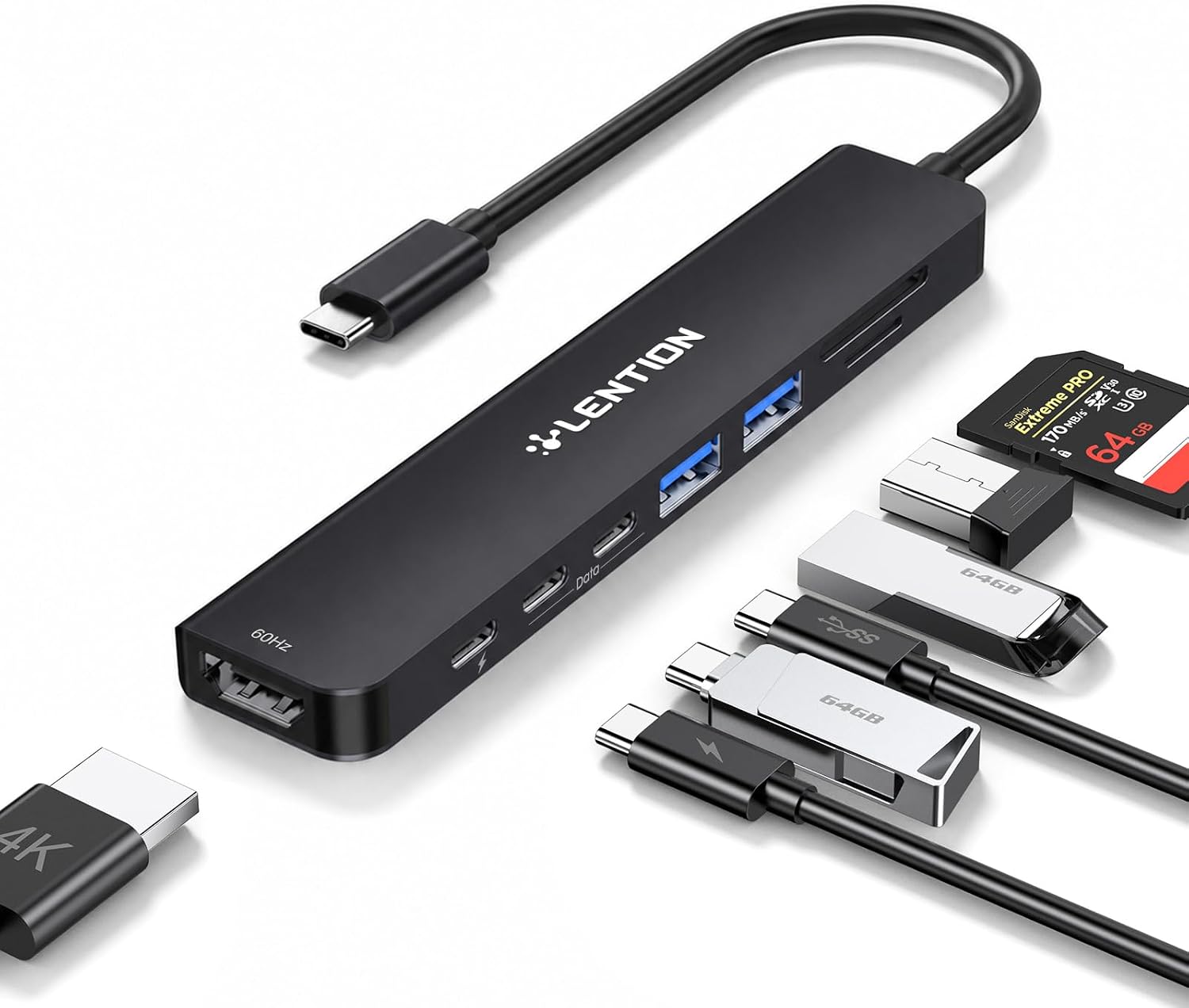
LENTION USB-C Hub, 4K@60Hz HDMI, 100W PD, 2 USB-C, 2 USB 3.0, Card Reader 2A & 2C Work Simultaneously, Stable Driver 3.0 Certified, for macOS, iOS/iPadOS, Windows & ChromeOS (CE19, Black)
Check Price on AmazonDJI Air 3 Laws USA: The Core Regulations You Must Follow
The DJI Air 3 operates under the FAA’s rules for drones weighing more than 250 grams. Since it weighs 720 grams, it does not qualify for the “under 250g” exemption that applies to the DJI Mini series. This means every flight requires FAA registration, and all recreational flights require passing The Recreational UAS Safety Test (TRUST).
3 FT Power Strip
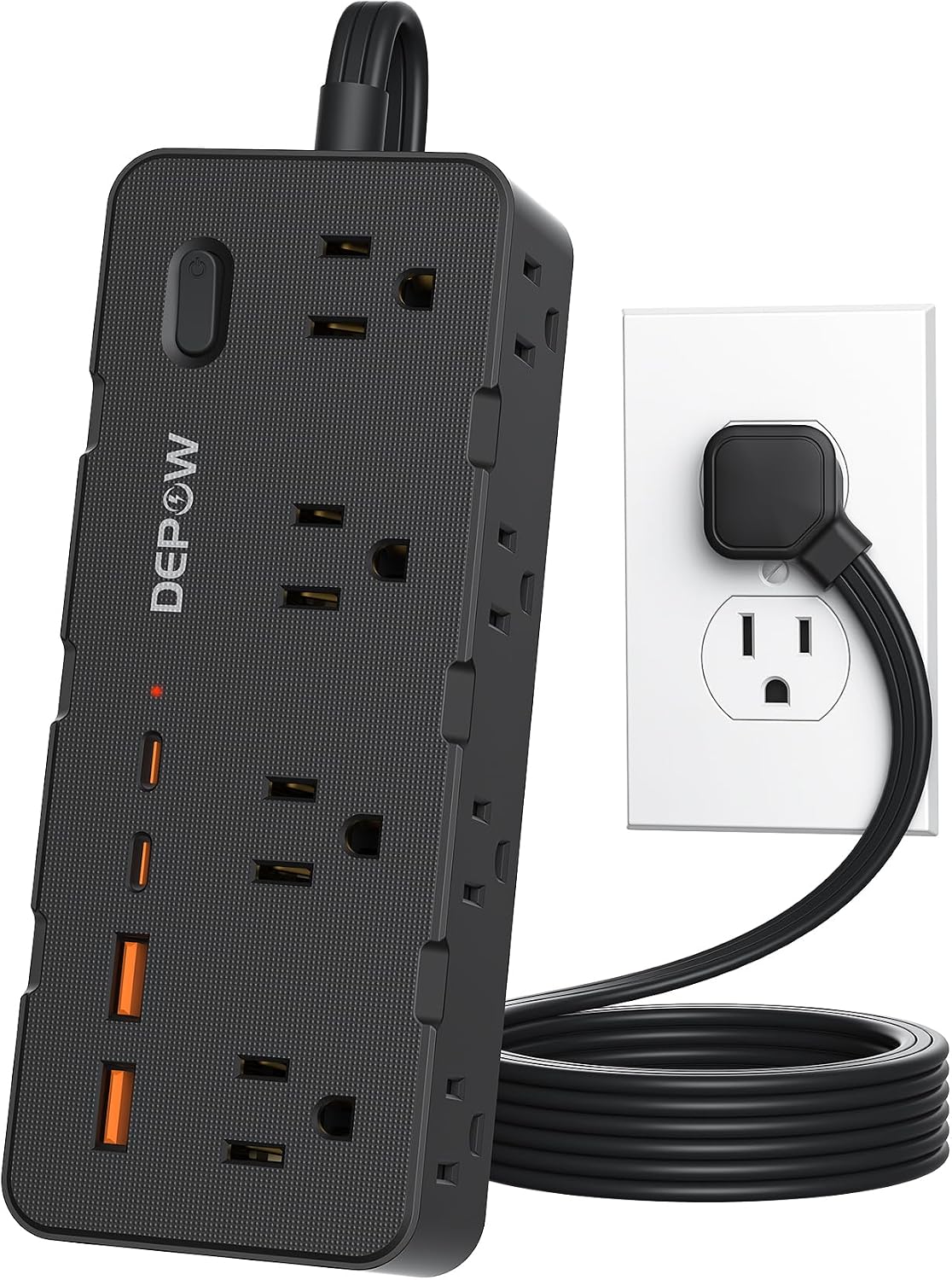
3 FT Power Strip, Extension Cord with 8 AC Outlets + 4 USB (2 USB-C), Black Flat Plug, Compact 3FT Flat Cord Keeps Desktop Neat. 1700J Surge Protection, 1625W, Great for Home Office, Dorm, Nightstand
Check Price on AmazonHICOBER USB C SD Card Reader
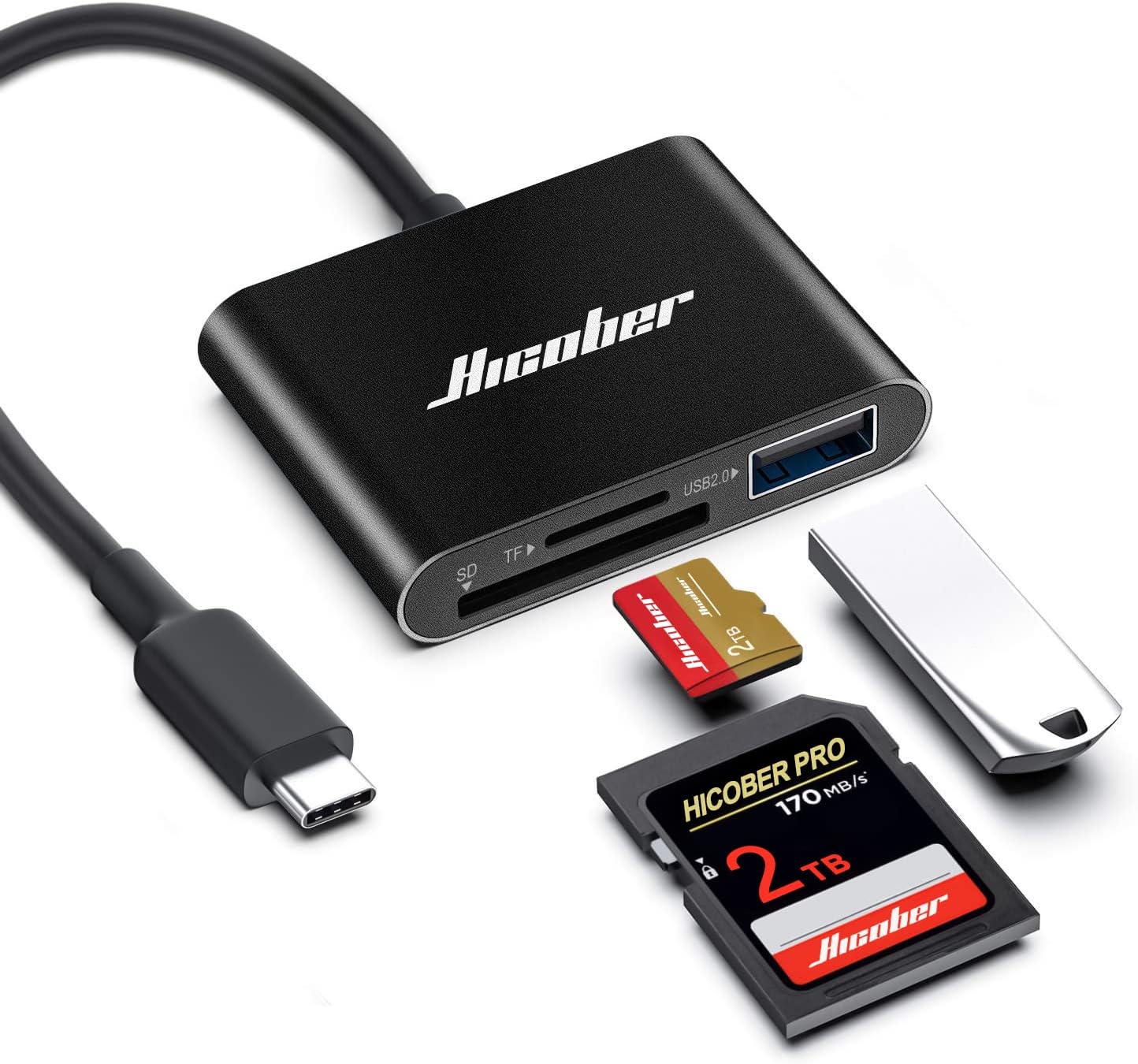
HICOBER USB C SD Card Reader, 3-in-1 for Laptop, Phone, Tablet, Black Durable aluminum body helps dissipate heat quickly for stable performance; reads SD, TF and USB drives up to 2TB via USB-C
Check Price on Amazon64GB Micro SD Card with SD Card Reader
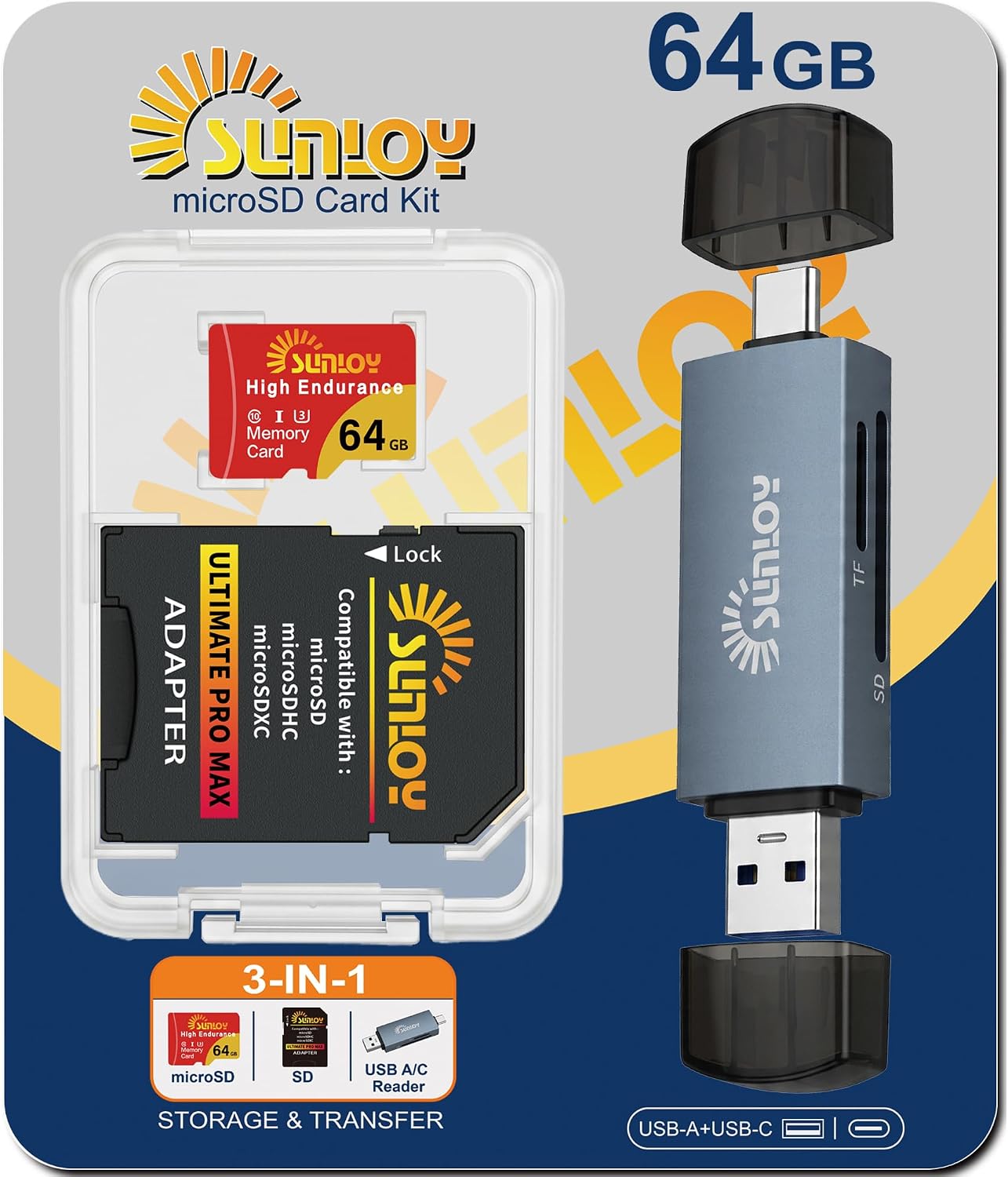
64GB Micro SD Card with SD Card Reader USB3.0 A/C Dual Slots & SD Adapter UHS-I, C10, U3, V30, A1, 4K UHD, USB 3.0 Memory Card Reader for iPhone 17/16/15, MacBook, iPad, Laptop, PC, Drone, Game Console
Check Price on AmazonFor recreational flyers, you must fly under the FAA’s “Exception for Recreational Flyers” (49 USC § 44809). This requires you to register the drone, pass TRUST, and follow all community-based safety guidelines. For commercial operators, a Part 107 Remote Pilot Certificate is mandatory.
DJI Air 3 Registration FAA: Step-by-Step Process
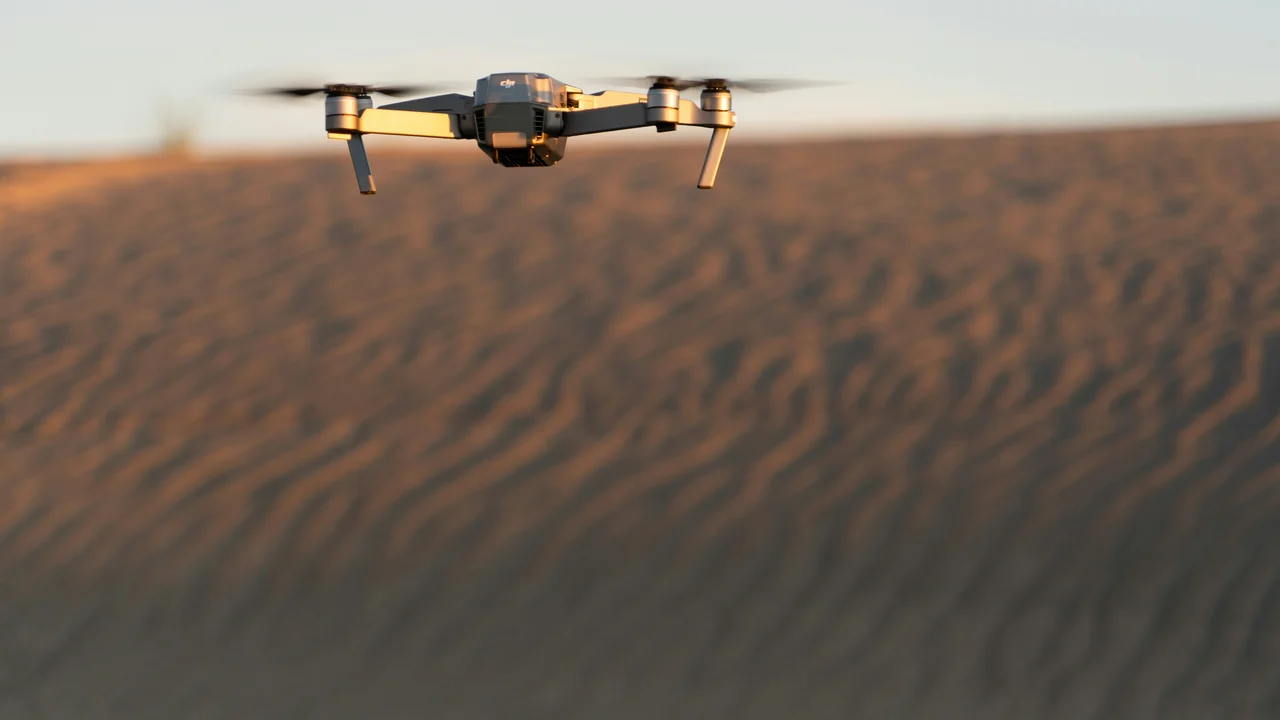
Registering your DJI Air 3 with the FAA is a straightforward process that takes about 10 minutes. You can register online through the FAA DroneZone portal. The fee is $5 and covers registration for 3 years.
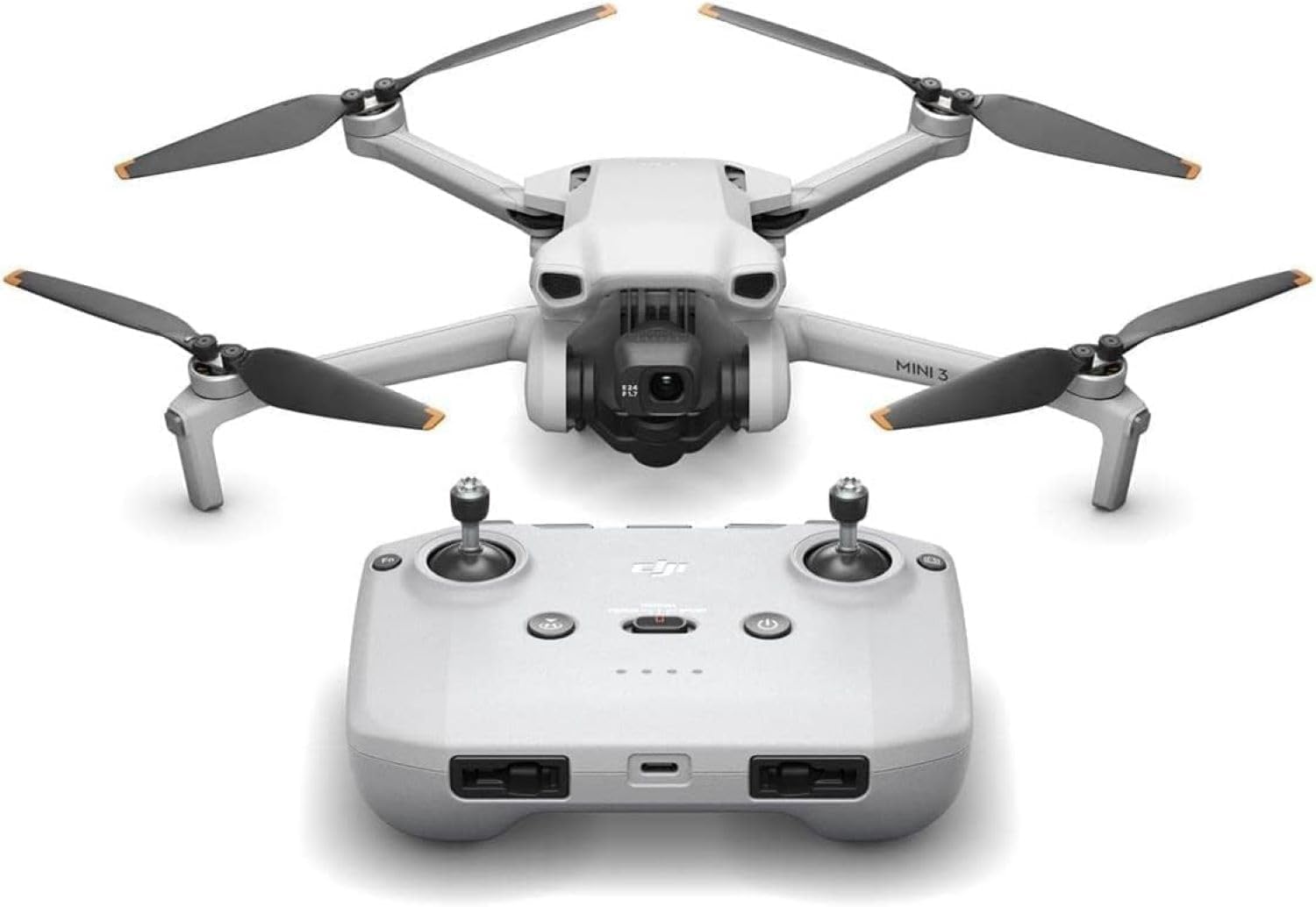
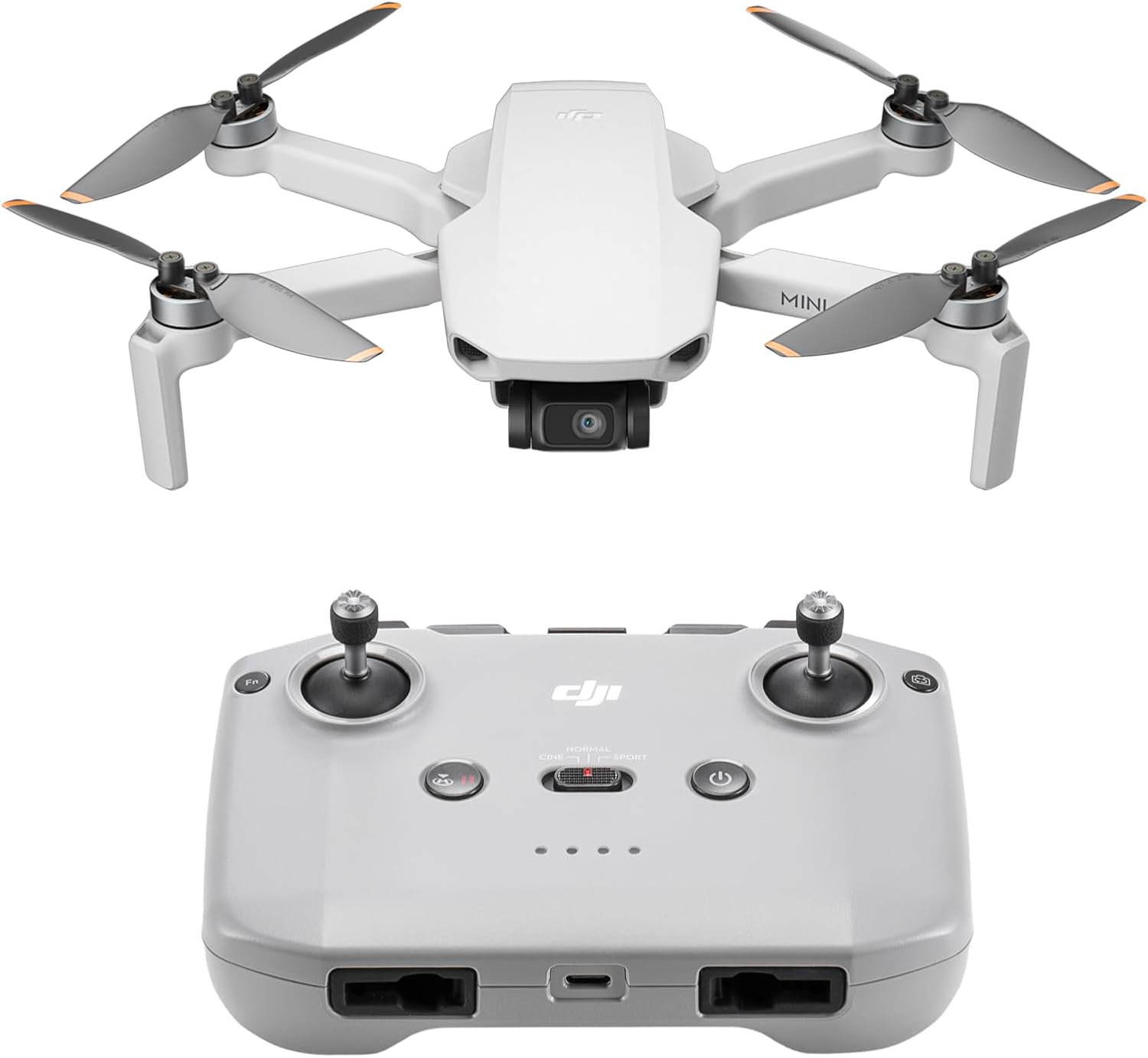
Visit faadronezone.faa.gov and create an account using your email address. You will need a valid credit or debit card for the $5 fee.
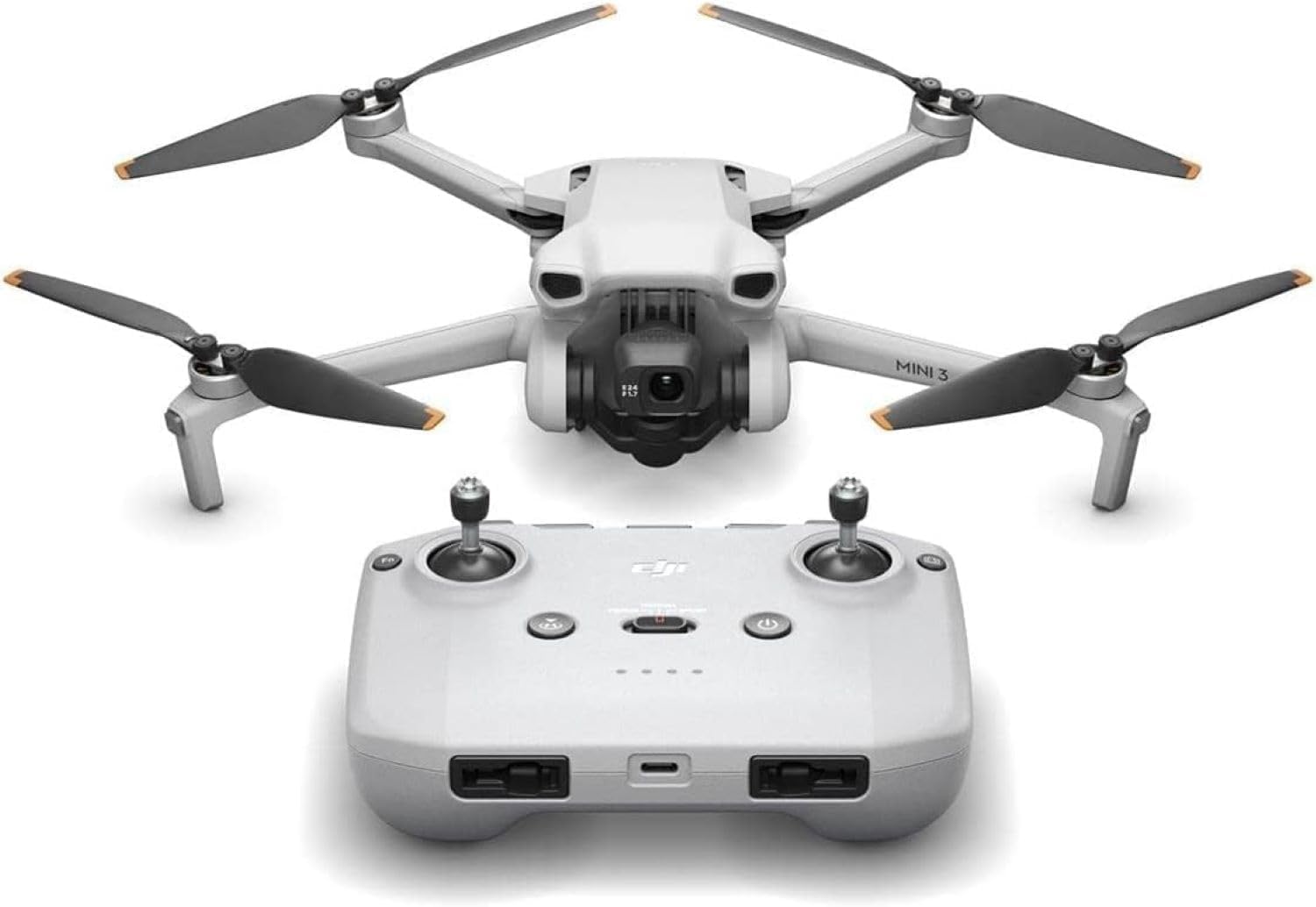
DJI Mini 3
✈️ Flying your drone on this trip? See my drone e-book list
View gear on AmazonAs an Amazon Associate I earn from qualifying purchases.
DJI Mini 3, 3-Axis Mechanical Gimbal Mini Camera Drone | 4K HDR Video, 38-Min Flight Time, up to 32800ft (10km) Video Transmission, True Vertical Shooting, GPS Auto Return
Check Price on AmazonDJI Mini 3 Fly More Combo
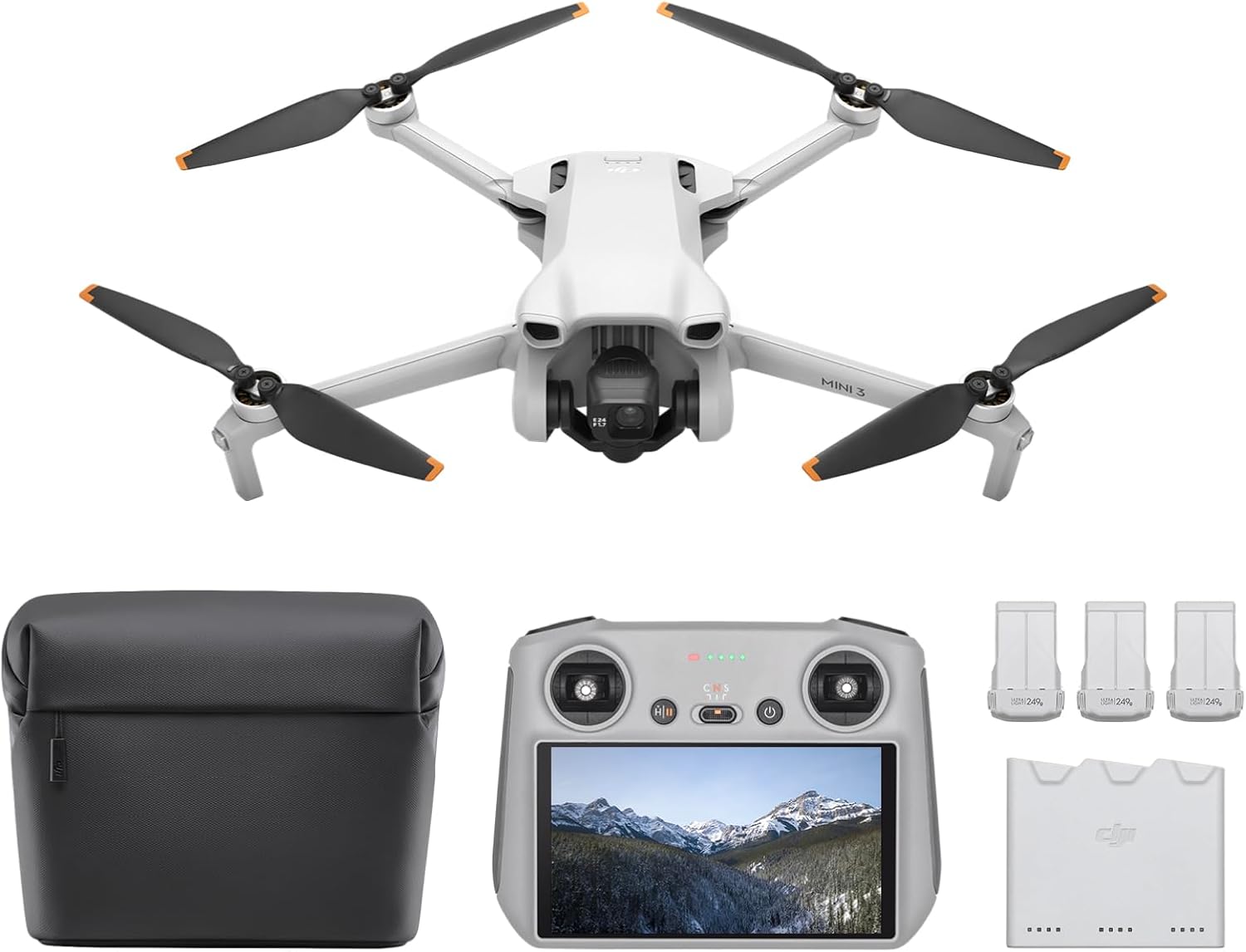
DJI Mini 3 Fly More Combo With DJI RC, 3 Batteries | Lightweight Camera Drone With 4K HDR Video, 114-Min Flight Time, Vertical Shooting, 32800ft (10km) Video Transmission
Check Price on AmazonDJI Mini 3 With DJI RC
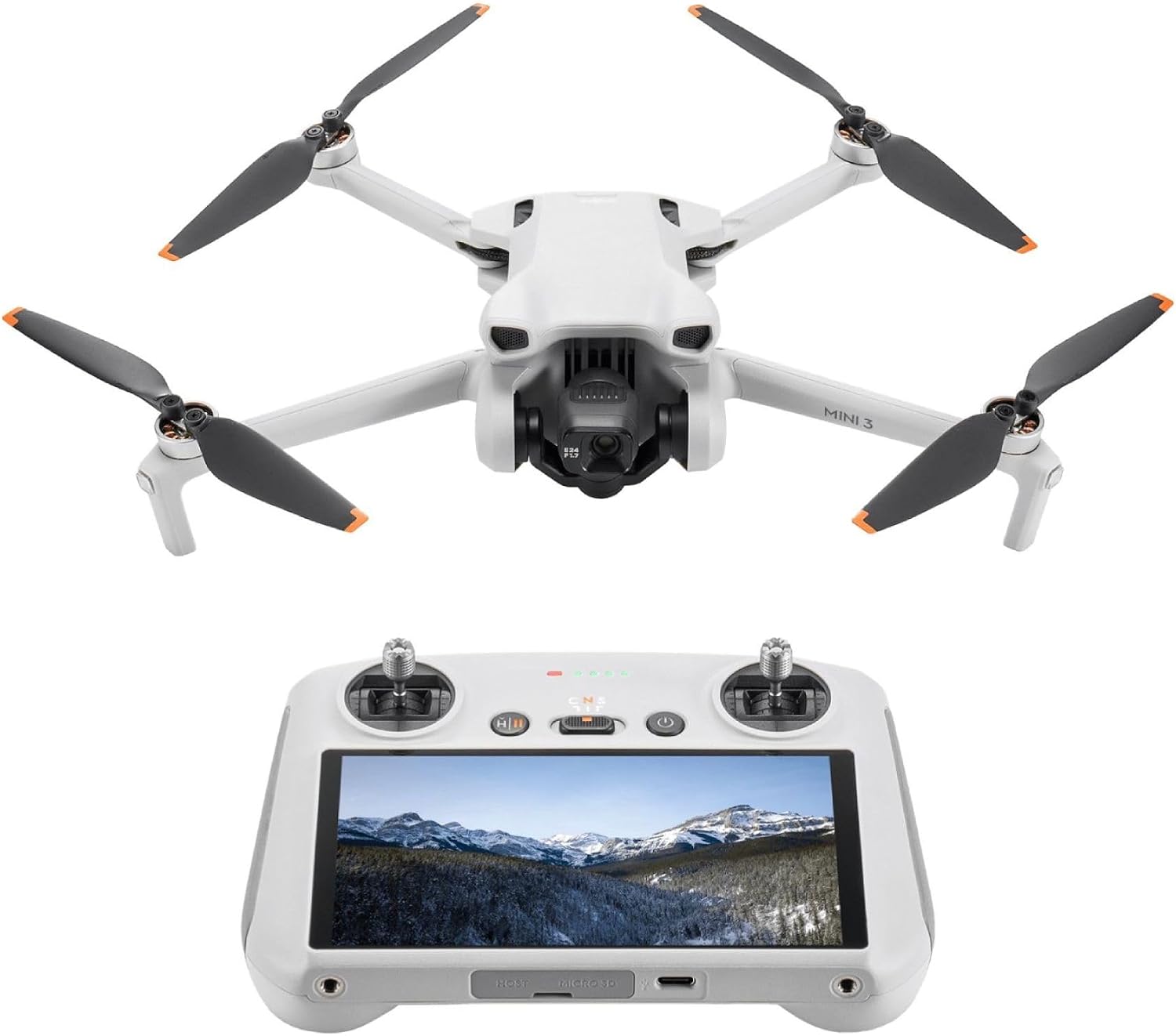
DJI Mini 3 With DJI RC, 3-Axis Mechanical Gimbal Mini Camera Drone | 4K HDR Video, 38-Min Flight Time, up to 32800ft (10km) Video Transmission, Vertical Shooting, GPS Auto Return
Check Price on AmazonSelect the correct category. If you fly only for fun, choose “Recreational.” If you fly for any work or business purpose, choose “Part 107.”
Provide the DJI Air 3’s make (DJI), model (Air 3), and serial number. The serial number is printed on the drone and in the DJI Fly app under “About.”
Carrying Hard Case for DJI Avata 360 Drone
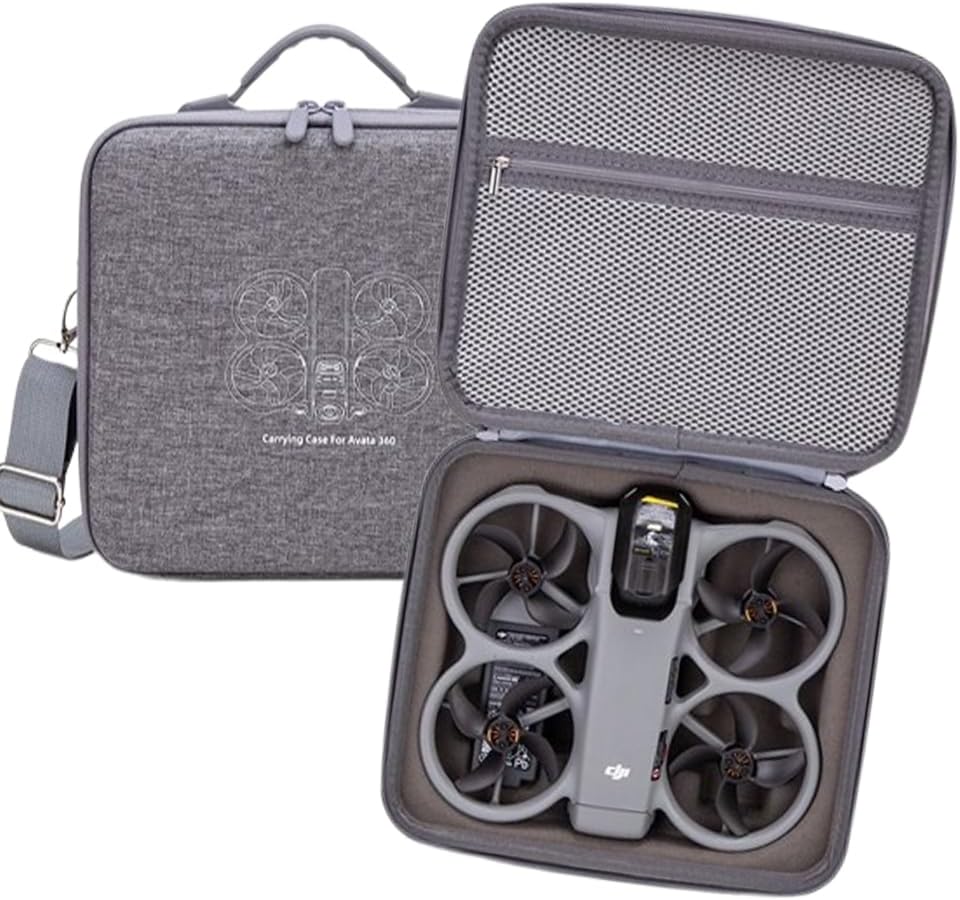
Carrying Hard Case for DJI Avata 360 Drone - Portable Travel Bag for Goggles N3/RC Motion 3 Controller
Check Price on AmazonHard Case for Antigravity A1 Drone
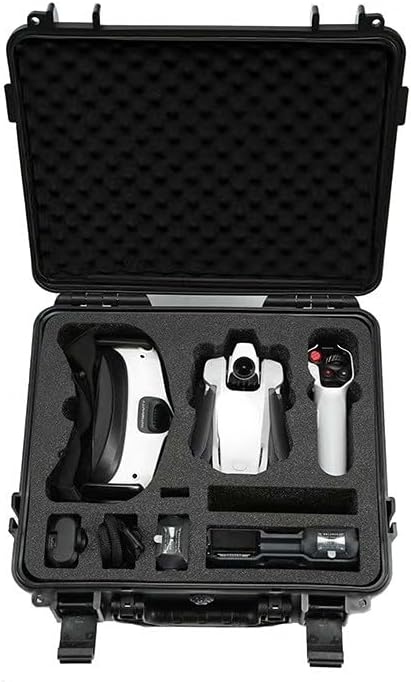
Hard Case for Antigravity A1 Drone, Waterproof Protective Carry Case, Anti-Fall Storage Bag Fit for Drone, Batteries, Goggles, Accessories & RC Gear [Only Protect Shell]
Check Price on AmazonAfter payment, you will receive a unique FAA registration number. You must affix this number to the exterior of the drone in a visible location. Use a label maker or permanent marker.
Do I Need Part 107 for DJI Air 3?
Whether you need a Part 107 Remote Pilot Certificate for the DJI Air 3 depends entirely on how you use the drone. If you fly purely for recreation—meaning you never receive any form of compensation or business benefit—you can fly under the recreational exception. If you use the drone for any commercial purpose, Part 107 is mandatory.
When Part 107 is Required for DJI Air 3
You need Part 107 if you use the DJI Air 3 for any of the following activities:
- Real estate photography or videography for a client
- Roof or building inspections for a business
- Agricultural monitoring for a farm or ranch
- Content creation for a monetized YouTube channel or social media account
- Teaching drone flight for a fee
- Any activity where the drone directly or indirectly generates income
The FAA considers “commercial use” broadly. Even if you are not paid directly, if the drone footage helps you sell a product or service, Part 107 applies. Many DJI Air 3 buyers who upgrade from a Mini 4 Pro are surprised by this requirement because they could fly the Mini 4 Pro recreationally without Part 107.
DJI Air 3 Weight Class: Why 720 Grams Matters
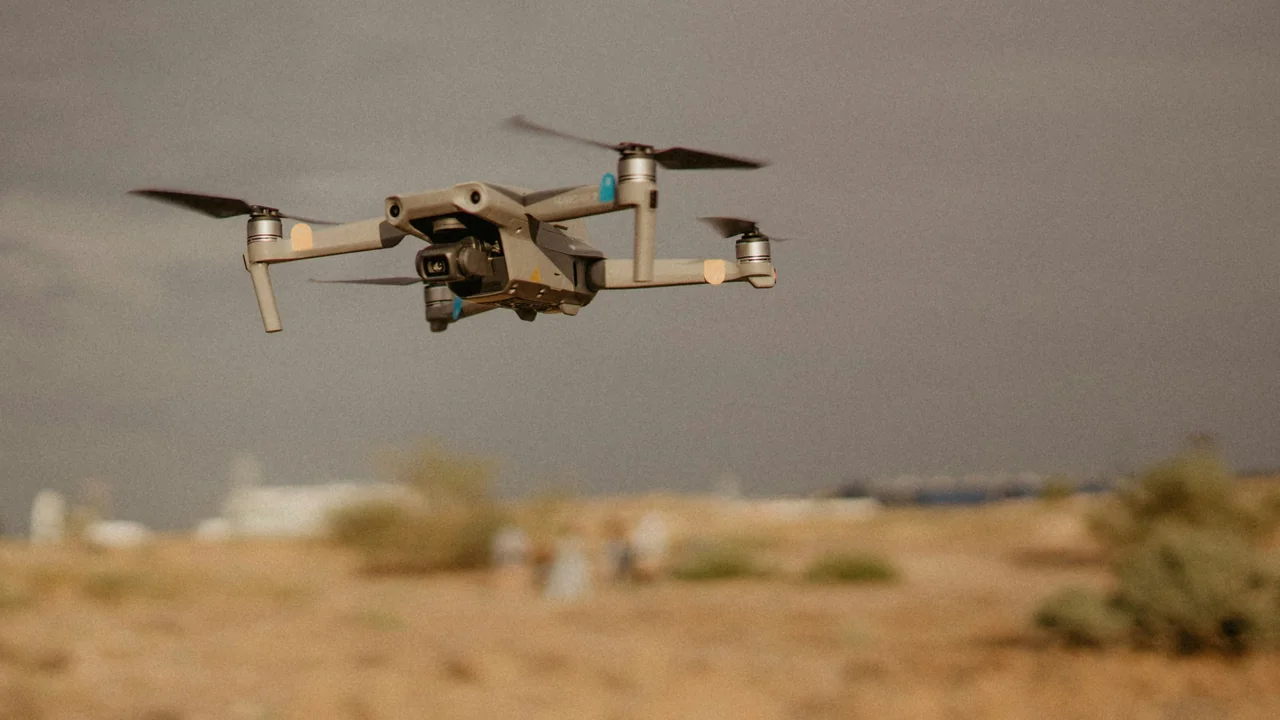
The DJI Air 3’s weight of 720 grams places it firmly in the category of drones that require FAA registration for all flights. This is different from the DJI Mini 4 Pro, which weighs under 250 grams and can fly recreationally without registration.
| Feature | DJI Air 3 (720g) | DJI Mini 4 Pro (249g) |
|---|---|---|
| FAA Registration Required | Yes, for all flights | Only for Part 107 flights |
| TRUST Test Required | Yes, for recreational | Yes, for recreational |
| Part 107 for Commercial Use | Yes | Yes |
| Remote ID Required | Yes | Yes |
| Maximum Altitude (AGL) | 400 ft | 400 ft |
| Can Fly Over People | Only with Part 107 waiver | Category 1 (unmodified) |
The weight difference also affects where you can fly. The Mini 4 Pro, when unmodified, qualifies as a Category 1 drone under Part 107, meaning it can fly over people without a waiver. The DJI Air 3 does not meet Category 1 requirements because it weighs more than 250 grams and does not have a low-risk design. Flying over people with the Air 3 requires a Part 107 waiver.
DJI Air 3 vs Mini 4 Pro Laws: Which Has Fewer Restrictions?
The DJI Mini 4 Pro has fewer legal restrictions than the DJI Air 3 for recreational flyers. The Mini 4 Pro’s under-250-gram weight means you can fly it recreationally without FAA registration, though you still need to pass TRUST and follow all other recreational rules. The Air 3 requires registration for every flight.
For commercial operators, both drones require Part 107. However, the Mini 4 Pro’s lighter weight gives it an advantage for flying over people and in certain controlled airspace situations. Many commercial operators prefer the Mini 4 Pro for this reason, even though the Air 3 offers better camera quality and dual-lens capabilities.
DJI Air 3 Advantages
- Superior dual-camera system (wide + telephoto)
- Longer flight time (46 minutes)
- Better wind resistance (Level 6 wind rating)
- Omnidirectional obstacle sensing
DJI Air 3 Disadvantages
- Requires FAA registration for all flights
- Cannot fly over people without waiver
- Heavier payload for travel
- More expensive to insure
Where You Can Fly a DJI Air 3
You can fly the DJI Air 3 in most uncontrolled airspace (Class G) without prior authorization. Uncontrolled airspace is typically found in rural areas, away from airports and heliports. You can also fly in controlled airspace (Class B, C, D, or E) if you obtain LAANC (Low Altitude Authorization and Notification Capability) approval through the DJI Fly app or a third-party service.
Using LAANC for Controlled Airspace
The DJI Fly app includes a built-in LAANC system that lets you request airspace authorization in real time. When you open the app and select a flight location, it will show you the airspace class and whether LAANC is available. If it is, you can request authorization up to a specific altitude, usually between 50 and 400 feet.
Navigate to the “Fly” screen. The map will show colored zones indicating airspace restrictions.
Look for the airspace icon (usually a small tower or shield) and tap it to see available authorizations.
Select your desired altitude and submit the request. Most approvals come within seconds.
Where You Cannot Fly a DJI Air 3
There are several places where flying the DJI Air 3 is strictly prohibited or heavily restricted. Ignoring these rules can result in fines of up to $33,000 per violation.
National Parks
The National Park Service (NPS) prohibits drone launch, landing, and operation in all national parks. This includes Grand Canyon, Yellowstone, Yosemite, and all 63 national parks. The DJI Air 3’s geofencing system will prevent takeoff in most national park boundaries, but you should never rely solely on software—always check the NPS website before planning a flight.
Controlled Airspace Without LAANC
You cannot fly in Class B, C, D, or E airspace without prior authorization. Class B airspace surrounds major airports like LAX, JFK, and O’Hare. Class C and D airspace surrounds smaller commercial and general aviation airports. Flying into these zones without LAANC approval is a federal violation.
Other Restricted Areas
- Military bases and training areas
- Power plants and dams
- State parks and wildlife refuges (check local laws)
- Private property without owner permission
- Near wildfires or emergency response zones
- Within 5 miles of an airport without prior notification
DJI Fly Safe Geofencing on Air 3
The DJI Air 3 includes DJI’s Fly Safe geofencing system, which uses GPS coordinates to prevent takeoff in restricted zones. The system is updated regularly and includes no-fly zones around airports, military bases, and other sensitive areas. You can unlock certain zones if you have verified authorization, but this requires a DJI account and proof of permission.
Remote ID Compliance for DJI Air 3
The DJI Air 3 is equipped with built-in Remote ID, which broadcasts the drone’s location, altitude, and identification information to nearby receivers. Remote ID is required for all drones that weigh more than 250 grams and are operated in the United States. The Air 3 broadcasts over Wi-Fi and Bluetooth, and the signal can be received by FAA-approved apps and law enforcement devices.
You do not need to purchase a separate Remote ID module for the Air 3. The feature is enabled by default in the DJI Fly app. However, you must ensure the app is updated to the latest version to maintain compliance.
Part 107 Implications for Content Creators Using DJI Air 3
If you create content for a monetized social media account, YouTube channel, or any platform where you earn money, you need a Part 107 Remote Pilot Certificate to fly the DJI Air 3. The FAA considers content creation that generates revenue as a commercial operation, even if you do not charge clients directly.
This is a common area of confusion. Many hobbyists who start a YouTube channel about drone flying eventually monetize it, which triggers the Part 107 requirement. The FAA has issued warnings and fines to content creators who flew under the recreational exception while earning advertising revenue.
Summary: What You Need to Do Before Flying Your DJI Air 3
Before you take your DJI Air 3 into the air, complete these steps to ensure you are fully compliant with FAA regulations:
- Register your Air 3 with the FAA at faadronezone.faa.gov ($5 fee, valid for 3 years)
- Pass the TRUST test (free, online, takes 15 minutes)
- If flying commercially, obtain a Part 107 Remote Pilot Certificate
- Label your drone with the FAA registration number
- Update the DJI Fly app to the latest version for Remote ID compliance
- Check airspace using the FAA B4UFLY app or DJI Fly’s airspace map
- Obtain LAANC authorization for controlled airspace flights
The DJI Air 3 is a powerful and capable drone, but its weight places it in a different legal category than lighter models. Understanding these rules before you fly will keep you safe, legal, and out of trouble.
Frequently Asked Questions
Do I need to register a DJI Air 3 in the USA?
Yes, you must register the DJI Air 3 with the FAA before your first flight. The drone weighs 720 grams, which exceeds the 250-gram threshold that triggers registration for all operations. The registration fee is $5 and is valid for three years. You can register online through the FAA DroneZone portal, and you will receive a unique registration number that must be affixed to the drone’s exterior.
Does DJI Air 3 require a Part 107 license?
Only if you use the drone for commercial purposes. If you fly purely for recreation, you can operate under the FAA’s recreational exception, which requires only FAA registration and passing the TRUST test. However, if you use the DJI Air 3 for any activity that generates income—including real estate photography, inspections, or monetized content creation—you must obtain a Part 107 Remote Pilot Certificate. The Part 107 exam costs $175 and must be taken at an FAA-approved testing center.
What is the weight of DJI Air 3 and does it need registration?
The DJI Air 3 has a takeoff weight of 720 grams, which includes the battery and propellers. Because it weighs more than 250 grams, it requires FAA registration for all flights—recreational and commercial. This is a key difference from the DJI Mini 4 Pro, which weighs 249 grams and can fly recreationally without registration. The registration process takes about 10 minutes online and costs $5 for three years.
Can I fly DJI Air 3 in a national park?
No, you cannot fly the DJI Air 3 in any U.S. national park. The National Park Service (NPS) prohibits the launch, landing, and operation of drones in all national park units. This includes popular parks like Grand Canyon, Yellowstone, Yosemite, and Zion. Violating this rule can result in fines of up to $5,000 and potential confiscation of your drone. The DJI Air 3’s geofencing system will typically prevent takeoff in national park boundaries, but you should always verify restrictions before traveling.
DJI Air 3 vs Mini 4 Pro: which has fewer legal restrictions?
The DJI Mini 4 Pro has fewer legal restrictions for recreational flyers because it weighs under 250 grams. This means it can be flown recreationally without FAA registration, though you still need to pass the TRUST test. The DJI Air 3, at 720 grams, requires FAA registration for all flights. For commercial operators, both drones require a Part 107 license, but the Mini 4 Pro qualifies as a Category 1 drone, allowing it to fly over people without a waiver. The Air 3 cannot fly over people without a Part 107 waiver.
Can I use DJI Air 3 for real estate photography commercially?
Yes, you can use the DJI Air 3 for real estate photography, but you must hold a valid Part 107 Remote Pilot Certificate from the FAA. Real estate photography is considered a commercial operation because you are providing a service for a client in exchange for payment. You must also register the drone with the FAA, label it with your registration number, and follow all Part 107 rules, including flying below 400 feet AGL and obtaining LAANC authorization in controlled airspace.
Last updated: July 23, 2026
- Federal Aviation Administration (FAA) – Drone Registration
- FAA Part 107 Regulations (14 CFR Part 107)
- FAA Recreational Drone Rules (49 USC § 44809)
- National Park Service – Drone Policy
- DJI Fly Safe Geofencing Documentation
NANUK 935 Pro Photo Kit Camera Case
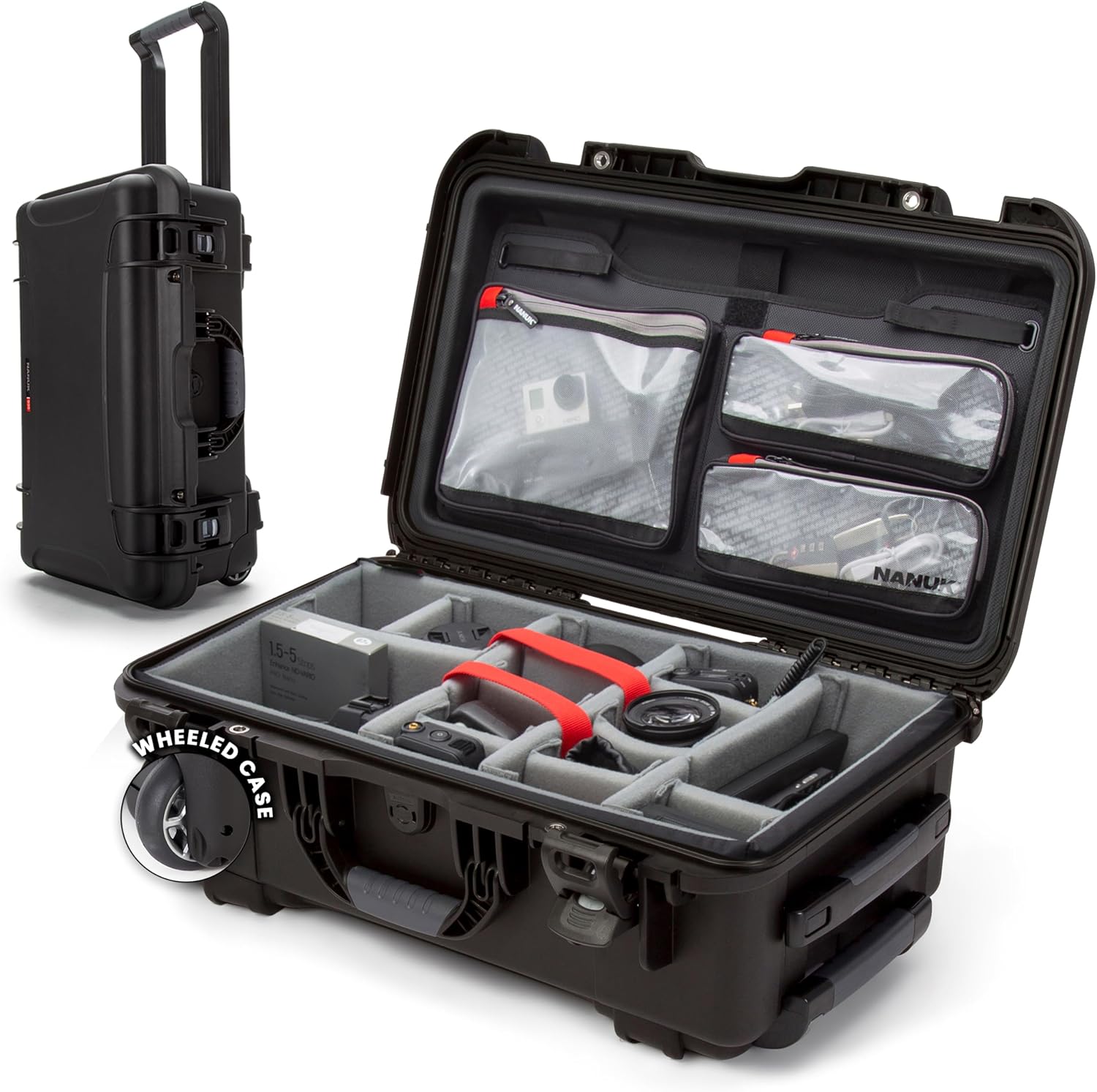
NANUK 935 Pro Photo Kit Camera Case, Waterproof Wheeled Hard Case, Carry-On, Black
Check Price on AmazonNANUK 925 DJI Mavic 4 Pro Creator Combo
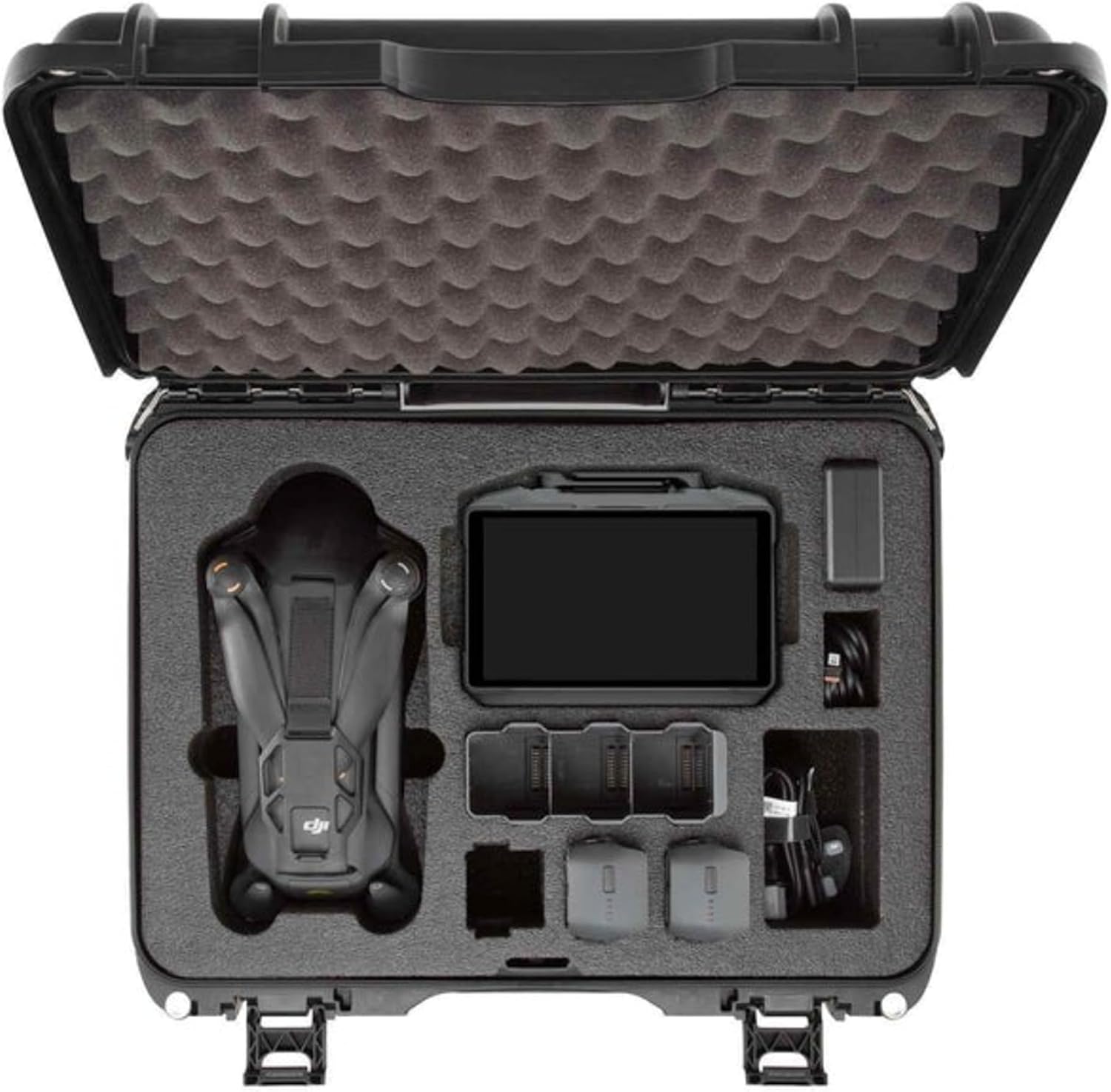
NANUK 925 DJI Mavic 4 Pro Creator Combo - Waterproof Hard Case with Drone Foam Insert, Crushproof, Portable Travel Case, Made in Canada (18.7” x 14.8”x 7”) - Black
Check Price on Amazon Drone Allowed
DroneAllowed editor covering drone regulations, aviation law, and aerial photography across USA, UK, Canada & Australia.