DJI Mini 4 Pro Drone Laws in the USA: Do You Need to Register?
 14 min read
2,662 words
14 min read
2,662 words
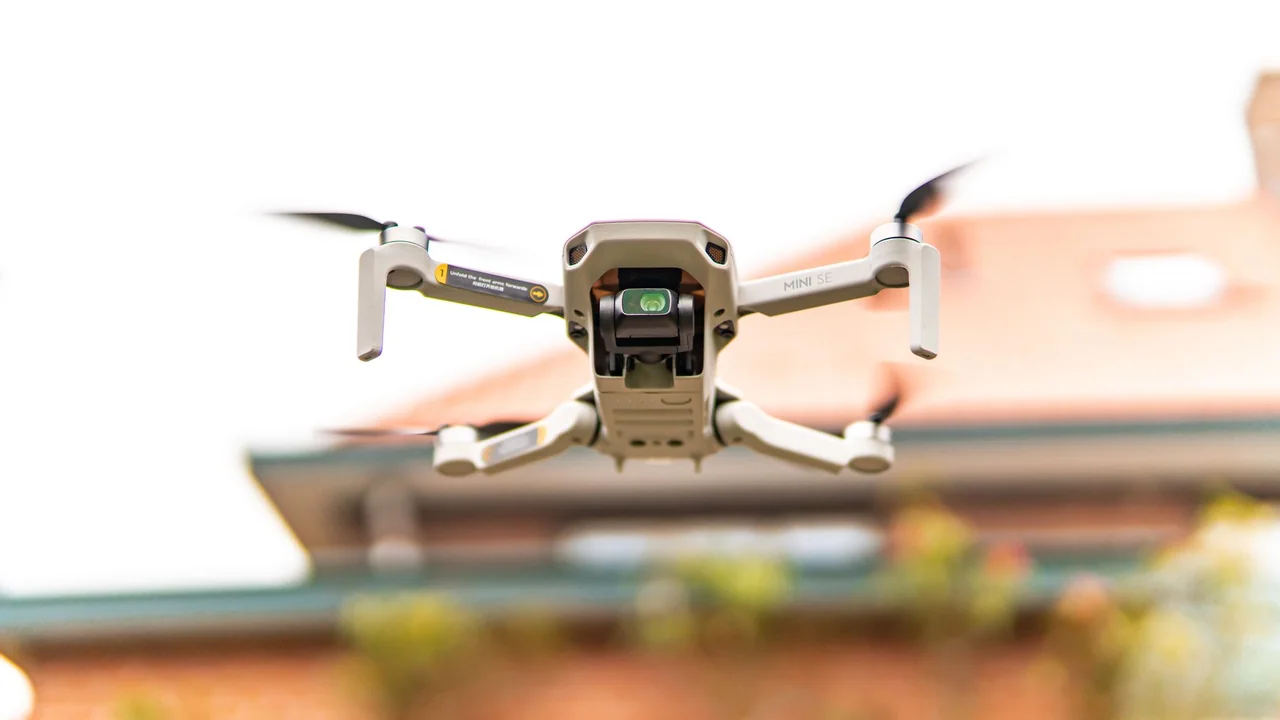
If you just bought a DJI Mini 4 Pro or are considering one, the first question is almost always about its legal status under FAA rules. Because the DJI Mini 4 Pro weighs exactly 249 grams, it sits at a critical threshold that determines whether you need to register it with the FAA. This guide covers the specific DJI Mini 4 Pro laws USA owners must follow in 2026, breaking down the weight rule, commercial requirements, airspace restrictions, and where you can actually fly. You’ll get a clear answer on registration, Part 107 obligations, and practical flying tips tailored to this particular drone.
DJI Mini 4 Pro Weight Grams: Why 249g Matters Under FAA Rules
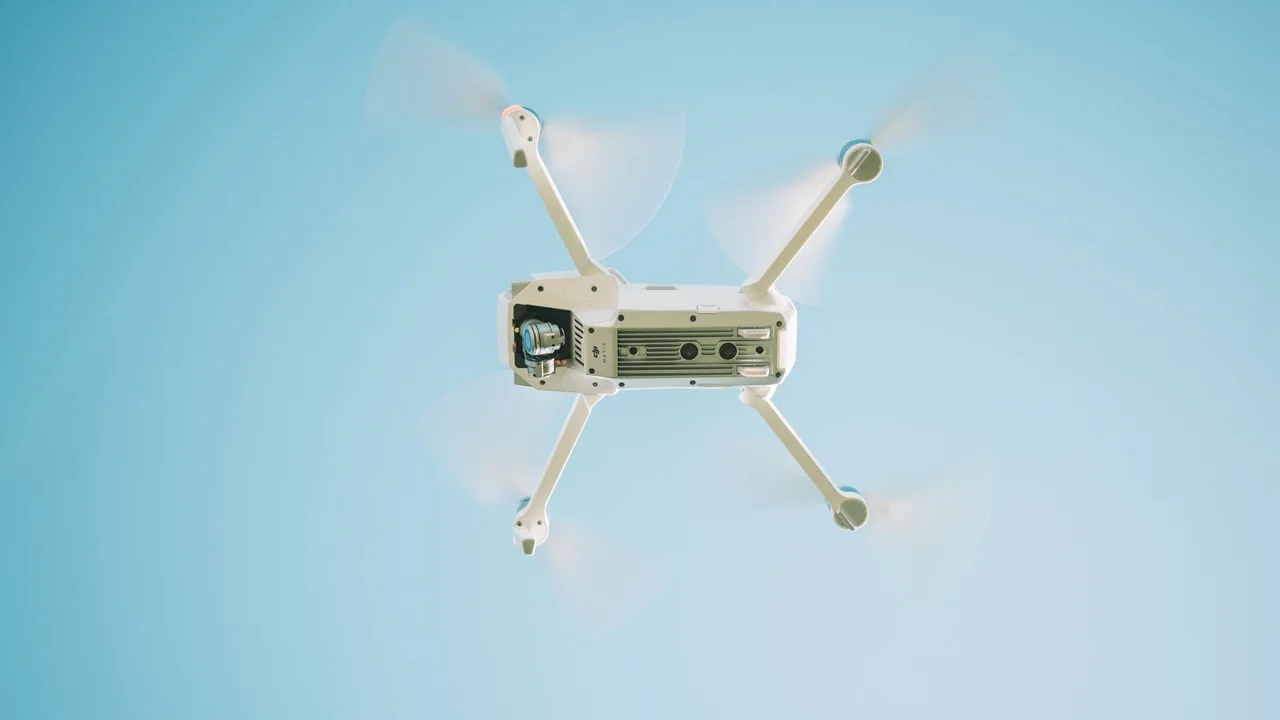
The DJI Mini 4 Pro weighs exactly 249 grams (8.78 ounces) with the standard battery and microSD card installed. This places it just one gram below the FAA’s 250-gram (0.55-pound) registration threshold. Under 14 CFR Part 48, any drone weighing more than 0.55 pounds (250 grams) must be registered with the FAA before outdoor flight. Because the Mini 4 Pro weighs 249g, it legally qualifies as a sub-250g drone and is exempt from FAA registration for recreational use.
This weight is intentional on DJI’s part. The Mini 4 Pro uses a slightly lighter battery and propellers compared to the Mini 3 Pro to stay under the limit. However, if you attach any accessory that increases the takeoff weight above 250 grams — such as a third-party battery, a larger propeller guard, or a payload — you must register the drone. The FAA considers the total weight at takeoff, not the drone’s empty weight.
Do You Need to Register a DJI Mini 4 Pro in the USA?
The answer depends entirely on how you plan to use the drone. Here is the breakdown for recreational and commercial scenarios.
DJI Mini 4 Pro FAA Registration for Recreational Use
If you fly the DJI Mini 4 Pro purely for fun, as a hobby, or for personal enjoyment, you do not need to register it with the FAA. The 249g weight keeps it below the 250g threshold, and the Recreational UAS Safety Test (TRUST) is the only requirement. You must carry proof of TRUST completion when flying. You still must follow all other FAA rules, including staying below 400 feet AGL, keeping the drone in visual line of sight, and avoiding controlled airspace without authorization.
DJI Mini 4 Pro FAA Registration for Commercial Use
If you use the DJI Mini 4 Pro for any commercial purpose — such as real estate photography, roof inspections, mapping, or selling aerial footage — you must register the drone with the FAA regardless of its weight. The FAA requires all drones used for commercial operations to be registered, even sub-250g models. Registration costs $5 and is valid for three years through the FAA DroneZone.
Additionally, you need a Part 107 Remote Pilot Certificate to fly commercially. The Mini 4 Pro’s light weight does not exempt you from the Part 107 requirement. You must pass the FAA knowledge exam at an approved testing center, which costs around $175 for the test plus any study materials.
| Use Case | FAA Registration Required? | License Required? |
|---|---|---|
| Recreational (under 250g) | No | TRUST certificate only |
| Commercial (under 250g) | Yes | Part 107 Remote Pilot Certificate |
| Recreational (over 250g with accessories) | Yes | TRUST certificate only |
DJI Mini 4 Pro Part 107: Who Needs It and How to Get It
If you plan to make money with your DJI Mini 4 Pro, you need a Part 107 Remote Pilot Certificate. The FAA does not make exceptions for sub-250g drones in commercial operations. The Part 107 exam covers airspace classification, weather, drone performance, emergency procedures, and FAA regulations. You must be at least 16 years old, pass a background check by the Transportation Security Administration (TSA), and retest every 24 months to maintain currency.
The exam itself is 60 multiple-choice questions, and you have two hours to complete it. A passing score is 70 percent. Most pilots spend 15–20 hours studying using FAA-approved materials or online courses. The test fee is approximately $175, and you schedule it through an FAA-approved testing center such as PSI or CATS. After passing, you apply for your certificate through the FAA’s Integrated Airman Certification and Rating Application (IACRA) system.
Flying in Class G vs Controlled Airspace with the DJI Mini 4 Pro
Class G airspace is uncontrolled airspace where you can fly without prior authorization. Most rural areas, farmland, and remote locations fall under Class G. In Class G, you can fly your Mini 4 Pro up to 400 feet AGL without needing approval. This is the safest and simplest airspace for recreational flying.
Controlled airspace (Class B, C, D, and E) requires authorization before you fly. Controlled airspace typically surrounds airports and busy urban areas. Even though the Mini 4 Pro is sub-250g, you still need authorization to fly in controlled airspace. The FAA uses the Low Altitude Authorization and Notification Capability (LAANC) system to grant near-real-time approvals. You request authorization through a LAANC-enabled app such as DJI Fly, Kittyhawk, or Aloft. You must have an FAA-registered account, even if your drone is unregistered, to use LAANC.
LAANC and How to Get Authorization for the Mini 4 Pro
LAANC is the FAA’s automated system for granting airspace authorizations. You submit a request through a LAANC provider app, and the system checks your flight plan against current airspace restrictions. If approved, you receive a digital authorization valid for a specific time window. The process takes seconds for most requests.
To use LAANC with the Mini 4 Pro, download a LAANC-enabled app like DJI Fly (which integrates LAANC for DJI drones), Aloft (formerly Kittyhawk), or AirMap. Create an account and link your FAA registration number if you have one. For recreational pilots without registration, the app still works — you just need to verify your identity. The app shows a map with color-coded airspace zones. Tap a zone to request authorization up to a maximum altitude (typically 100–400 feet depending on the zone).
Download a LAANC app
Use DJI Fly, Aloft, or AirMap to access LAANC.
Create an account
Link your FAA registration (if commercial) or verify identity (if recreational).
Request authorization
Tap the airspace zone and set your desired altitude. Submit the request.
Fly within approved limits
Your authorization is valid for the time and altitude specified. Do not exceed them.
National Parks: Drones Still Banned Regardless of Weight
The National Park Service (NPS) bans all drones, including sub-250g models like the DJI Mini 4 Pro, in all national parks. The ban applies to launch, landing, and operation from park property. This includes popular parks such as Yosemite, Grand Canyon, Yellowstone, and Zion. Even if you launch from outside the park boundary and fly into the park, you violate the ban. The NPS enforces this rule with fines and potential confiscation of your drone.
State parks have varying rules. Some allow drones, others restrict them. Always check the specific state park’s drone policy before flying. Use the No-Fly Zone Checker tool to verify restrictions in your area.
Flying Over People Rules: DJI Mini 4 Pro Category 1 Status
The FAA’s Part 107 rules allow flying over people under certain conditions. For sub-250g drones like the Mini 4 Pro, the FAA classifies them as Category 1 aircraft. Category 1 drones do not require a specific safety declaration or design approval to fly over people. However, the drone must not have any exposed rotating parts that could cause injury. The Mini 4 Pro’s propeller guards are optional, and using them may expose the props. Without guards, the drone is Category 1 compliant and can fly over people as long as you follow all other Part 107 rules.
For recreational flyers, the FAA’s recreational rule also allows flying over people if the drone weighs less than 250g and you follow the safety guidelines in the TRUST certificate. The Mini 4 Pro meets this condition. However, you must avoid sustained flight over crowds or sensitive areas.
Remote ID: Does the DJI Mini 4 Pro Have It Built In?
Yes, the DJI Mini 4 Pro has Remote ID built into the drone’s firmware and hardware. Remote ID broadcasts the drone’s location, altitude, speed, and a unique ID to a local network. This allows law enforcement and other authorities to identify the drone in flight. The FAA requires Remote ID for all drones weighing over 250g, but DJI included it in the Mini 4 Pro as a standard feature. You do not need to purchase an external Remote ID module.
To use Remote ID, ensure the drone firmware is up to date and that you have the DJI Fly app installed. The app automatically enables Remote ID when you connect the drone. You can verify Remote ID status in the app’s settings. If you fly in areas where Remote ID is required (such as near airports or in controlled airspace), the Mini 4 Pro complies fully.
Best Accessories for Legal Flying with the DJI Mini 4 Pro
To fly legally and safely with the Mini 4 Pro, consider these accessories that do not push the drone over 250g:
- ND filters (8, 16, 32) for better video exposure in bright light — these are lightweight and do not affect registration status.
- Extra DJI standard batteries — each weighs 77g, but swapping batteries does not increase takeoff weight.
- Propeller guards — use only DJI’s official guards, which are designed to stay under 250g when installed.
- Landing pad to prevent dust and debris from affecting sensors.
- Carrying case that protects the drone without adding weight during flight.
Avoid third-party batteries, larger propeller guards, or payloads that push the drone over 250g. If you must use such accessories, register the drone with the FAA first.
Where Can You Fly Legally with a DJI Mini 4 Pro in the USA?
You can fly the Mini 4 Pro in Class G airspace without authorization, which covers most rural and remote areas. In controlled airspace, you need LAANC authorization. Use the No-Fly Zone Checker to identify restricted zones before each flight. Good places to fly include:
- Open fields, parks (check local rules), and beaches outside national parks.
- Private property with the owner’s permission.
- Agricultural land away from airports.
- Designated drone flying fields and clubs.
Avoid flying near airports, military bases, stadiums during events, and emergency response scenes. The FAA also prohibits flying over wildfires and other disaster areas.
Comparison: Mini 4 Pro vs Mini 3 Pro Rules (Same Weight Class)
The DJI Mini 4 Pro and Mini 3 Pro both weigh 249g, so they fall under the same FAA rules. Both drones do not require registration for recreational use, both need Part 107 for commercial use, and both have built-in Remote ID. The key difference is the Mini 4 Pro’s improved obstacle avoidance and better camera, which do not affect legal compliance. If you already own a Mini 3 Pro, the rules are identical. The Mini 4 Pro offers no legal advantage but provides better flight safety features.
| Feature | DJI Mini 4 Pro | DJI Mini 3 Pro |
|---|---|---|
| Weight | 249g | 249g |
| FAA Registration (recreational) | Not required | Not required |
| FAA Registration (commercial) | Required | Required |
| Remote ID | Built-in | Built-in |
| Category 1 over people | Yes | Yes |
Tips for First-Time DJI Mini 4 Pro Owners in the USA
If you just unboxed your Mini 4 Pro, follow these steps to stay legal from day one:
Take the TRUST exam
Even though registration is not required, TRUST is mandatory for all recreational flyers. It is free and takes about 30 minutes online.
Update firmware
Ensure the drone and DJI Fly app are on the latest version to enable Remote ID and LAANC features.
Check airspace
Use the No-Fly Zone Checker before your first flight to avoid restricted areas.
Set altitude limits
Configure the drone to 400 feet AGL maximum in the DJI Fly app.
Keep the drone light
Do not add accessories that push the weight over 250g unless you register first.
Summary
The DJI Mini 4 Pro’s 249g weight makes it one of the simplest drones to own legally in the USA for recreational use. You do not need FAA registration, but you must complete TRUST and follow all airspace rules. For commercial use, registration and Part 107 are mandatory. The drone’s built-in Remote ID and Category 1 status for flying over people add convenience. Use the Weight Checker Tool to verify your drone’s weight with accessories, and check local laws with the Registration Calculator if you plan to fly in states like Florida, which has its own drone laws covered in our Florida Drone Laws guide. Fly smart, stay within the rules, and enjoy the Mini 4 Pro’s capabilities.
Frequently Asked Questions
Does the DJI Mini 4 Pro need FAA registration in the USA?
No, for recreational use the DJI Mini 4 Pro does not need FAA registration because it weighs 249 grams, just under the 250-gram threshold. You must still complete the TRUST exam and follow all airspace rules. For commercial use, registration is required regardless of weight. If you add accessories that push the total takeoff weight above 250 grams, registration becomes mandatory for all flights.
Do I need a Part 107 licence to fly the DJI Mini 4 Pro commercially?
Yes, you need a Part 107 Remote Pilot Certificate to fly the DJI Mini 4 Pro for any commercial purpose, including real estate photography, inspections, or selling footage. The sub-250g weight does not exempt you from this requirement. The exam costs approximately $175 and requires passing a 60-question test at an FAA-approved testing center.
Can I fly the DJI Mini 4 Pro over people in the USA?
Yes, the DJI Mini 4 Pro is Category 1 compliant under FAA Part 107 rules, meaning it can fly over people without a specific safety declaration. Recreational pilots can also fly over people because the drone weighs under 250 grams. However, you must avoid sustained flight over crowds or sensitive areas, and you should always maintain visual line of sight.
Does the DJI Mini 4 Pro have Remote ID?
Yes, the DJI Mini 4 Pro has Remote ID built into its firmware and hardware. It automatically broadcasts the drone’s location, altitude, and identification information when connected to the DJI Fly app. You do not need to purchase an external Remote ID module. Ensure your firmware is up to date for proper Remote ID functionality.
Can I fly my DJI Mini 4 Pro in a national park?
No, the National Park Service bans all drones, including sub-250g models like the DJI Mini 4 Pro, in all national parks. This includes launching, landing, or operating from park property. Flying into a park from outside the boundary also violates the ban. State parks have varying rules, so check local regulations before flying.
Last updated: June 24, 2026
- Federal Aviation Administration (FAA) – faadronezone.faa.gov
- 14 CFR Part 48 – Registration and Marking Requirements for Small Unmanned Aircraft
- 14 CFR Part 107 – Small Unmanned Aircraft Systems
- FAA Remote ID Rule (Part 89)
Drone Allowed
DroneAllowed editor covering drone regulations, aviation law, and aerial photography across USA, UK, Canada & Australia.