
FAA Drone Registration 2026: Step-by-Step Guide (Under 20 Minutes)
 12 min read
2,245 words
12 min read
2,245 words
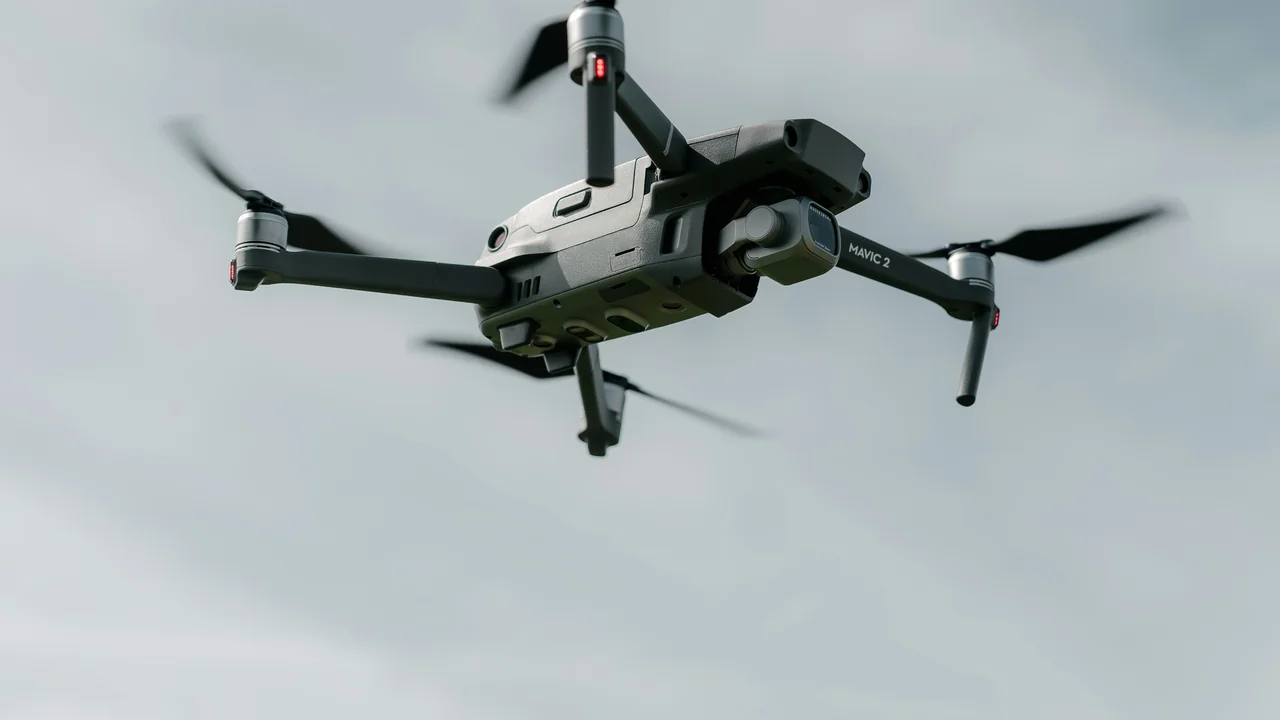
If you own a drone that weighs more than 0.55 pounds (250 grams), you are required by the FAA to register it before your first flight. This complete guide walks you through the entire FAA drone registration process step by step, from creating your DroneZone account to affixing your registration number, and it should take you less than 20 minutes. You will learn exactly who needs to register, what information you need, how to pay the fee, and how to stay compliant for the full three-year validity period.
Do You Need to Register Your Drone with the FAA?
Understanding the weight threshold and your intended use is the first step. The FAA requires registration for any drone weighing more than 0.55 pounds (250 grams) flown for recreational purposes. If you fly for any commercial, business, or non-recreational purpose, you must register the drone regardless of its weight, even if it is a sub-250g model like the DJI Mini 4 Pro. This is one of the most common points of confusion among new pilots.
Recreational vs. Commercial Registration Requirements
The FAA distinguishes between two main categories. For recreational flyers, registration applies only to drones over 250g. For Part 107 commercial operators, every drone used for business purposes must be registered, with no weight exemption. The table below clarifies the differences.
| Use Case | Weight Threshold | Registration Required? | Additional Requirement |
|---|---|---|---|
| Recreational | 0.55 lbs (250g) or more | Yes | TRUST certificate |
| Recreational | Under 0.55 lbs (250g) | No | TRUST certificate |
| Commercial (Part 107) | Any weight | Yes | Part 107 Remote Pilot Certificate |
How to Register Your Drone with the FAA: Step-by-Step
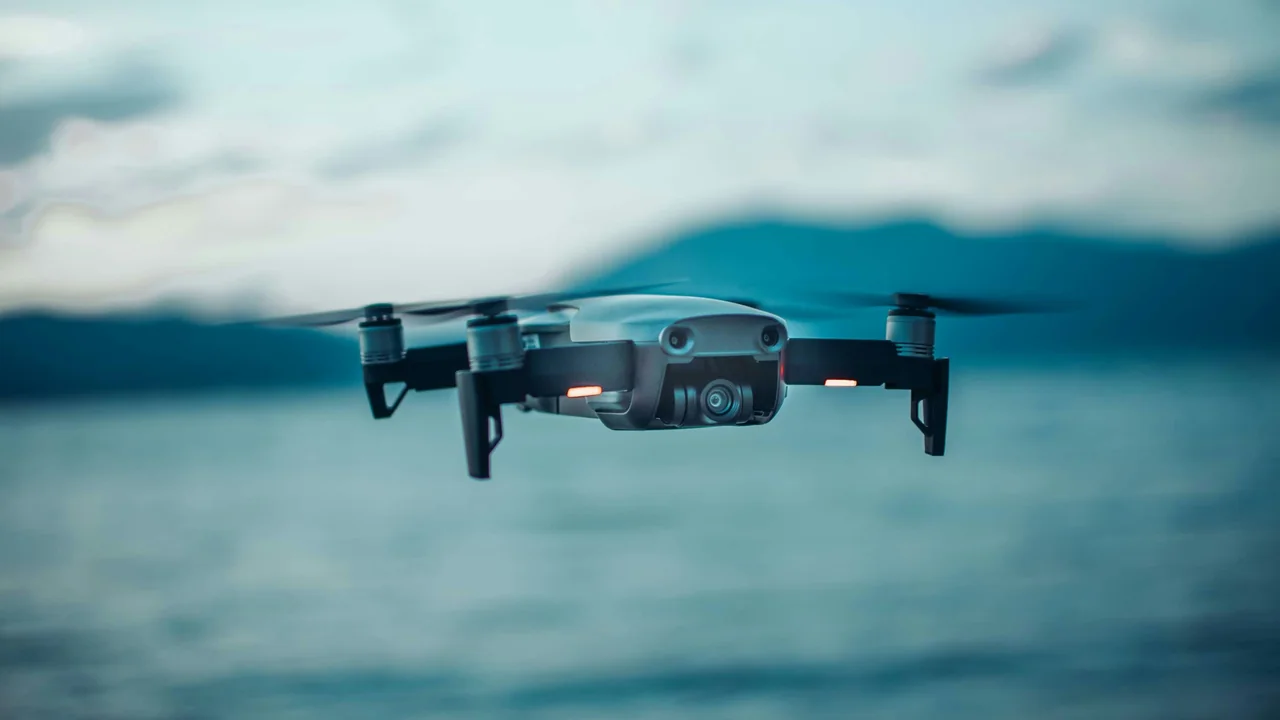
The entire process is completed through the FAA DroneZone website. Follow these numbered steps to complete your FAA drone registration step by step in under 20 minutes.
Create or log in to your DroneZone account
Go to faadronezone.faa.gov and click “Create Account.” You will need a valid email address and a U.S. mailing address. If you already have an account from a previous registration, simply log in.
Select your registration type
Choose “Fly for Fun (Recreational)” or “Fly for Work/Business (Part 107).” This choice determines the registration process and the certificate you will receive. Recreational registration covers all your drones under one number. Part 107 registration requires a separate number for each drone.
Enter your personal information
Provide your full legal name, physical address (not a P.O. box), and date of birth. The FAA uses this to verify your identity. Make sure it matches the name on your government-issued ID.
Add your drone details
For Part 107 registration, you will need the drone’s make, model, and serial number. For recreational registration, you only need to provide the make and model of the drone you intend to fly most often. The serial number is not required for recreational registration.
Pay the $5 registration fee
The FAA registration drone fee is $5 per drone for Part 107 operators and $5 total for recreational operators. Payment is made via credit or debit card through the DroneZone portal. This fee covers a three-year registration period.
Download and print your certificate
Once payment is processed, your registration certificate is available immediately as a PDF. Download it, print a copy, and keep it with you whenever you fly. The certificate contains your unique FAA registration number.
Label your drone with the registration number
Your FAA registration number must be affixed to the exterior of the drone. Use a permanent marker, a label maker, or a vinyl sticker. The number must be visible without the use of tools. Do not place it inside the battery compartment or under the propellers.
Where to Register: Navigating the FAA DroneZone
The DroneZone FAA registration portal is the only official platform for registering your drone. Do not use third-party websites that charge extra fees. The DroneZone is operated directly by the FAA and is the safest, fastest, and cheapest option.
Common DroneZone Account Issues and Fixes
Some users encounter problems when creating their account. The most frequent issues include password requirements that are too strict, email verification delays, and address mismatches. If your email verification does not arrive within 10 minutes, check your spam folder and whitelist faadronezone.faa.gov. If the problem persists, use the “Resend Verification” link on the login page.
How Much Does FAA Drone Registration Cost?
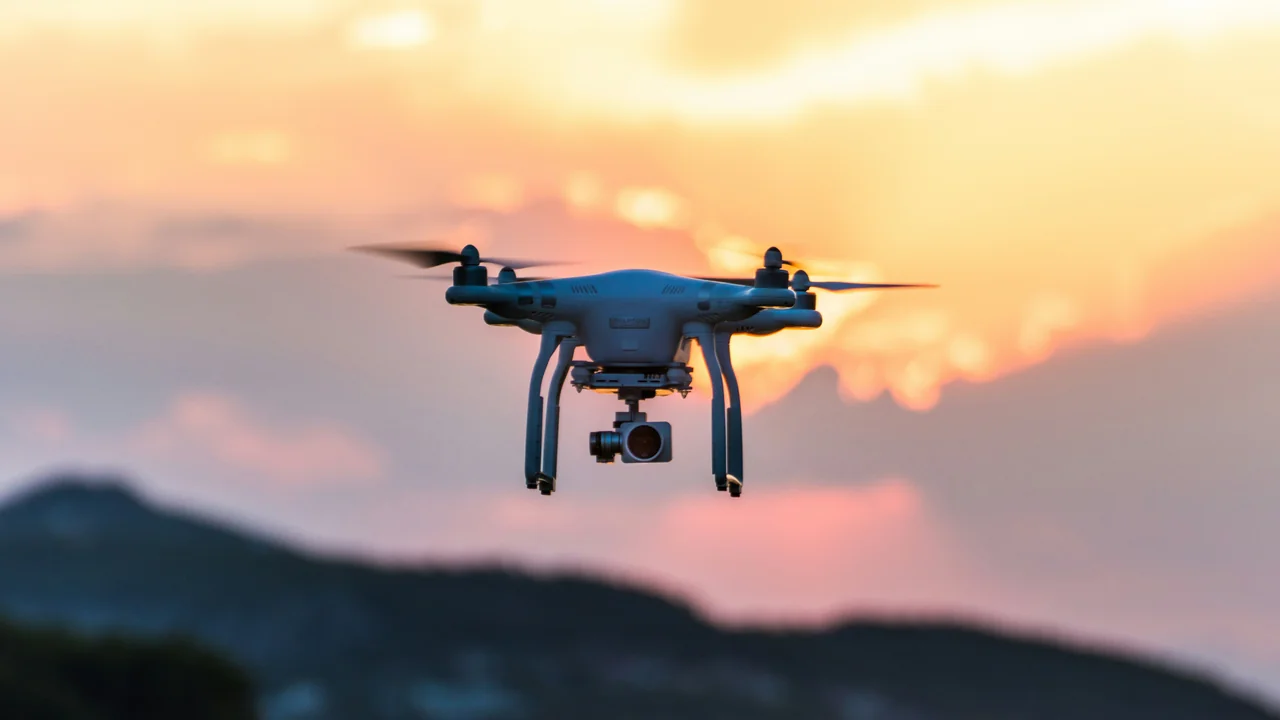
The FAA registration drone fee is a flat $5 per registration. For recreational flyers, this single $5 fee covers all drones you own for three years. For Part 107 commercial operators, you must pay $5 per drone. If you operate five drones commercially, your total cost is $25 every three years. There are no annual fees or hidden charges.
Do You Need the TRUST Test Even After Registration?
Yes. The FAA’s TRUST (The Recreational UAS Safety Test) is a separate requirement for all recreational flyers, regardless of whether your drone requires registration. Even if you fly a sub-250g drone that does not need registration, you must pass the TRUST test and carry proof of completion. You can take the TRUST test online for free through several FAA-approved test administrators.
Where to Take the TRUST Test
The FAA maintains a list of approved TRUST test administrators on its website. Popular options include the Academy of Model Aeronautics (AMA), the DronePro, and Pilot Institute. The test is free, takes about 30 minutes, and you can retake it immediately if you fail. Once you pass, you receive a certificate that never expires.
Part 107 Commercial Registration Process
If you plan to fly for any business purpose, you must obtain a Part 107 Remote Pilot Certificate and register each drone individually. The registration process for Part 107 is similar to the recreational process, but with a key difference: you must provide the serial number for each drone, and you receive a separate registration number for each aircraft.
Pros of Part 107 Registration
- Legally allows commercial operations
- Each drone has its own registration number
- You can fly in controlled airspace with LAANC authorization
- Higher credibility with clients and authorities
Cons of Part 107 Registration
- Requires passing the Part 107 knowledge test
- $5 fee per drone instead of one flat fee
- Must renew the Remote Pilot Certificate every 24 months
- More paperwork and record-keeping requirements
How Long Does FAA Drone Registration Last?
Your FAA drone registration is valid for three years from the date of issue. After three years, you must renew it through the DroneZone portal. The renewal process is faster than the initial registration because your account and drone information are already saved. You simply log in, confirm your details, pay the $5 fee, and download your new certificate.
Renewal Reminder and Process
The FAA does not send automatic renewal reminders. It is your responsibility to track the expiration date. Mark your calendar or use a service like the Registration Calculator to track your renewal date. To renew, log into DroneZone, navigate to your existing registration, and click the “Renew” button. The process takes less than five minutes.
Common Mistakes to Avoid During FAA Drone Registration
Even experienced pilots make errors during registration. Here are the most frequent mistakes and how to avoid them.
- Using a P.O. box as your mailing address — the FAA requires a physical street address
- Forgetting to update your address when you move — update it in DroneZone within 30 days
- Registering under the wrong category (recreational vs. commercial) — this can lead to fines
- Not labeling the drone with the registration number — this is a separate violation
- Assuming sub-250g drones never need registration — they do if used commercially
- Losing the registration certificate — always keep a digital copy on your phone
Final Thoughts on FAA Drone Registration
Registering your drone with the FAA is a straightforward process that protects you from fines and keeps your flights legal. The $5 fee covers three years, and the entire process takes under 20 minutes. Before you fly, confirm your drone’s weight and your intended use to determine the correct registration path. For recreational flyers with sub-250g drones, remember that while registration is not required, the TRUST test is mandatory. For commercial operators, register each drone individually and maintain your Part 107 certificate. Use the Registration Calculator to track your renewal dates and stay compliant.
Frequently Asked Questions
How much does FAA drone registration cost?
The FAA drone registration fee is $5 per registration. For recreational flyers, this single $5 fee covers all drones you own for three years. For Part 107 commercial operators, you must pay $5 per drone, so if you operate three drones, your total cost is $15 every three years.
How long does FAA drone registration take?
The entire FAA drone registration process takes between 10 and 20 minutes from start to finish. This includes creating your DroneZone account, entering your personal information, adding your drone details, paying the $5 fee, and downloading your certificate. The fastest part is the payment step, which processes immediately.
Do I need to register a DJI Mini 4 Pro?
It depends on how you use it. The DJI Mini 4 Pro weighs under 250 grams, so recreational flyers do not need to register it. However, if you use it for any commercial purpose such as real estate photography, inspections, or paid aerial services, you must register it under Part 107 and pay the $5 fee.
Where do I display my FAA registration number?
Your FAA registration number must be affixed to the exterior of the drone in a location that is visible without the use of tools. Common placement options include the top of the fuselage, the landing gear, or the arm of a quadcopter. Do not place it inside the battery compartment, under the propellers, or on a removable part that could be lost.
How long is FAA drone registration valid?
FAA drone registration is valid for three years from the date of issue. After three years, you must renew it through the DroneZone portal. The renewal process is quick and costs another $5. The FAA does not send reminders, so it is your responsibility to track the expiration date.
Can I fly before my FAA registration arrives?
No, you cannot fly until you have completed the registration process and received your certificate. Since the certificate is available for download immediately after payment, there is no waiting period. You can print it or keep a digital copy on your phone and begin flying right away.
Can I use the same registration number for multiple drones?
For recreational flyers, yes. A single registration number covers all drones you own that weigh between 0.55 lbs and 55 lbs. You must mark each drone with the same number. For Part 107 commercial operators, each drone requires its own registration number and separate $5 fee.
Do I need to register my drone if I only fly in my backyard?
Yes, the FAA requires registration for any outdoor flight of a drone weighing more than 0.55 lbs, regardless of location. Flying in your backyard is still subject to all federal regulations, including registration and airspace rules.
What if I lose my FAA registration certificate?
You can download a replacement certificate from the FAA DroneZone at any time. Log into your account, find your registered drone, and select the option to reprint or download the PDF. There is no additional fee for replacement certificates.
Do I need to register a toy drone?
It depends on the weight. If the toy drone weighs less than 0.55 lbs (250 grams), you do not need to register it with the FAA. However, you still must take the TRUST test if you fly recreationally. If the toy drone weighs more than 0.55 lbs, registration is required.
Can I register a drone if I am under 13?
No, the FAA requires the person registering the drone to be at least 13 years old. If a child under 13 will be flying, a parent or guardian must complete the registration in their own name and supervise the child during flight.
Does FAA registration apply to FPV drones?
Yes, FPV drones are subject to the same registration requirements as any other drone. If the FPV drone weighs more than 0.55 lbs, you must register it. The same rules apply for marking the registration number on the frame.
What happens if I sell my registered drone?
For recreational registration, the registration is tied to you, not the drone. If you sell the drone, you should remove or cover your registration number. The new owner must register the drone in their own name. For Part 107 commercial registration, the registration is tied to the specific drone, and the new owner must transfer or re-register it.
Last updated: June 25, 2026
- Federal Aviation Administration (FAA) — faadronezone.faa.gov
- FAA Part 107 Regulations — 14 CFR Part 107
- FAA TRUST Test Information — faa.gov/uas/recreational_flyers
Drone Allowed
DroneAllowed editor covering drone regulations, aviation law, and aerial photography across USA, UK, Canada & Australia.