
DJI Mavic 3 Pro: US Laws, Registration & Commercial Use Guide
 12 min read
2,282 words
12 min read
2,282 words
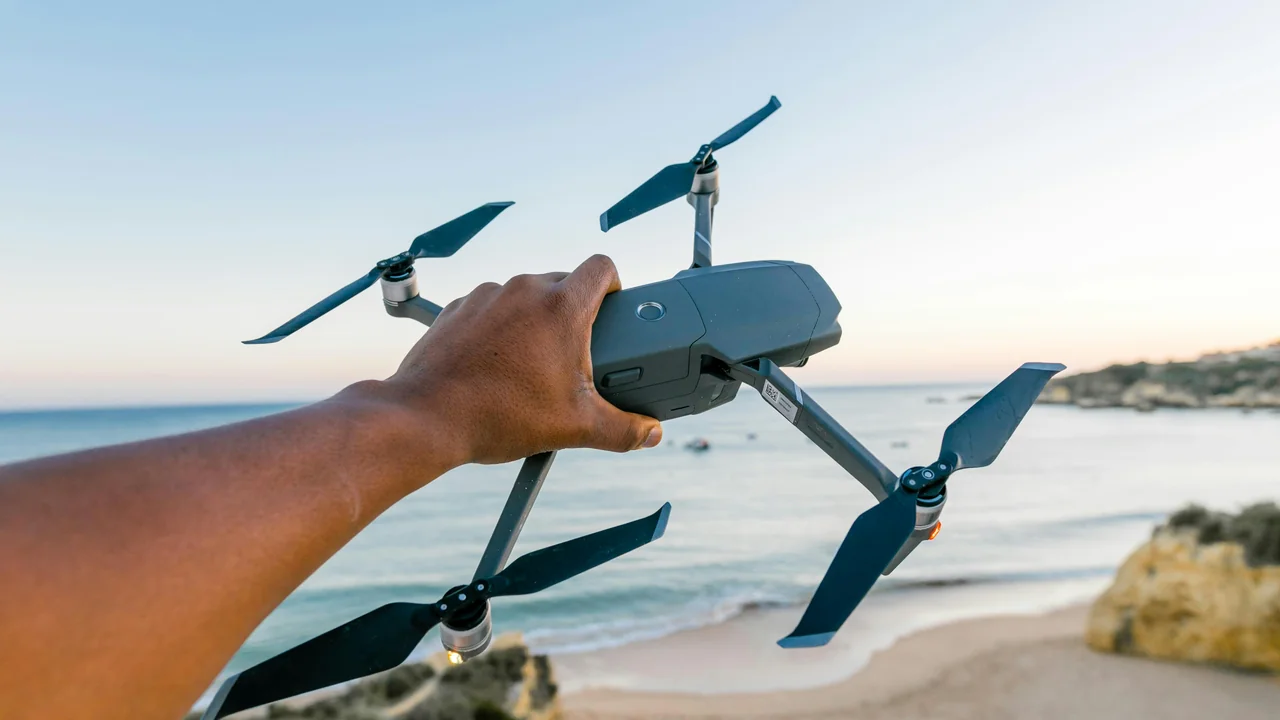
If you own or are considering purchasing a DJI Mavic 3 Pro for professional work, understanding the specific DJI Mavic 3 Pro drone laws in the United States is critical to operating legally and avoiding fines. This guide covers everything from mandatory FAA registration and the Part 107 commercial license to Remote ID requirements and flying in controlled airspace. You will learn exactly what the law requires for your Mavic 3 Pro, whether you are shooting real estate, film, or industrial inspections.
Do You Need to Register a DJI Mavic 3 Pro with the FAA?
Yes, absolutely. The DJI Mavic 3 Pro has a takeoff weight of 958 grams (33.8 ounces), which is well above the FAA’s 250-gram (0.55-pound) threshold. Any drone weighing more than 0.55 pounds must be registered with the FAA before the first flight, regardless of whether you fly for fun or for work. Registration is done through the FAA DroneZone portal (faadronezone.faa.gov) and costs $5, covering a three-year period. You will receive a unique registration number that must be displayed on the exterior of the aircraft. Flying without registration can result in civil penalties up to $27,500.
Mavic 3 Pro Part 107: What the Commercial License Means
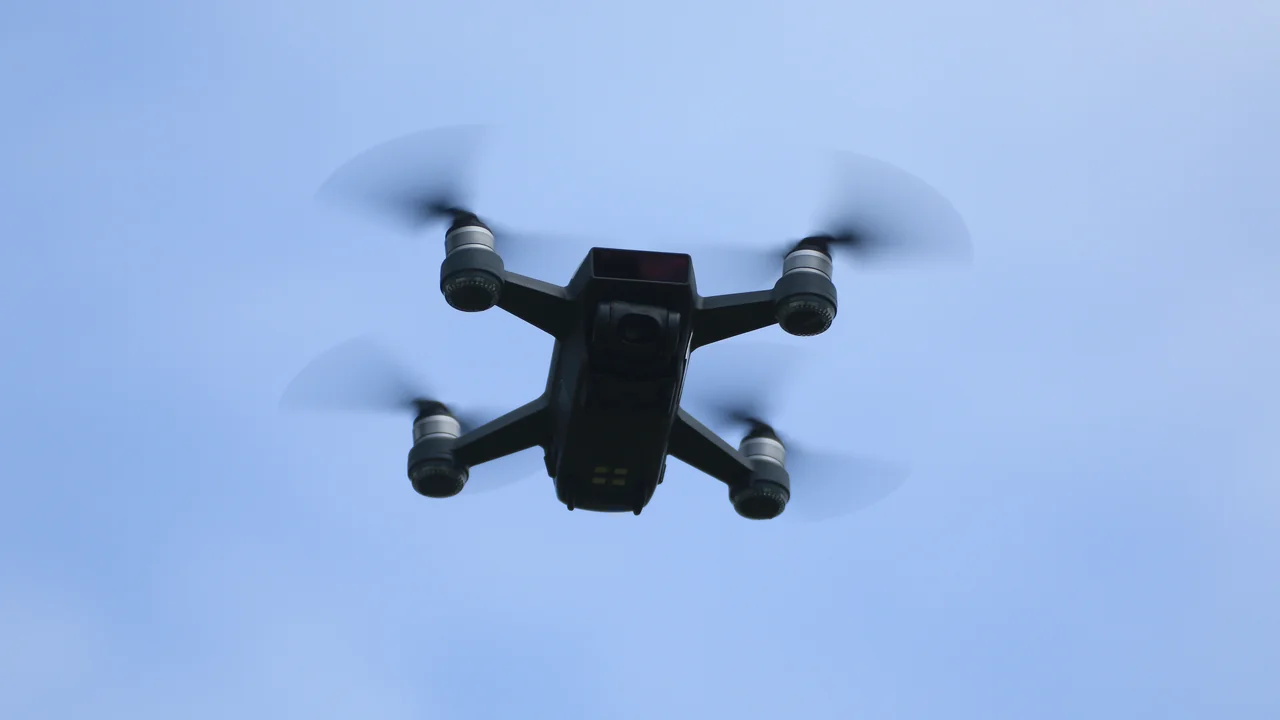
If you plan to use the DJI Mavic 3 Pro for any commercial purpose — including real estate photography, filmmaking, mapping, inspection, or any flight that furthers a business — you must hold a Part 107 Remote Pilot Certificate from the FAA. This is not optional. The Part 107 rule applies to any flight that is not purely recreational. Even if you are a hobbyist who occasionally accepts payment for aerial photos, the FAA considers that a commercial operation requiring certification.
How to Get Your Part 107 Certificate for DJI Mavic 3 Pro
The process involves passing a 60-question knowledge test at an FAA-approved testing center. You must be at least 16 years old, able to read and speak English, and be in a physical and mental condition to operate a drone safely. The test covers airspace classification, weather, loading and performance, emergency procedures, crew resource management, and FAA regulations. After passing, you apply online through the FAA’s Integrated Airman Certification and Rating Application (IACRA) system. The certificate is valid for 24 months, after which you must pass a recurrent knowledge test.
Commercial Use DJI Mavic 3 Pro: Legal Requirements and Best Practices
Operating the DJI Mavic 3 Pro commercially involves more than just a Part 107 certificate. You must also comply with Remote ID requirements, maintain visual line of sight, and follow all airspace rules. For specific commercial use cases like real estate, film, and inspection, additional considerations apply.
Real Estate Photography with DJI Mavic 3 Pro
Real estate photography is one of the most common commercial applications for the Mavic 3 Pro. The drone’s 24mm wide-angle camera and 7x zoom lens are ideal for capturing property exteriors. However, you must have a valid Part 107 certificate. The FAA has clarified that any flight that is “in furtherance of a business” — including shooting photos for a real estate agent, creating marketing materials, or even flying over a property you own to list it for sale — requires a commercial license. You also need to obtain airspace authorization if the property is within controlled airspace, which most urban and suburban properties are. Use the LAANC system through an approved app to request authorization before each flight.
Film and Video Production with Mavic 3 Pro
For cinematic work, the Mavic 3 Pro Cine variant offers Apple ProRes 422 HQ recording and a 1TB SSD, but its legal status is identical to the standard Mavic 3 Pro. All Part 107 rules apply. If you are flying over people or moving vehicles, you may need a Part 107 waiver. The FAA’s Operations Over People rule (effective April 2021) allows flights over people under certain conditions, but you must comply with Category requirements based on the drone’s kinetic energy and safety features. The Mavic 3 Pro is not rated for sustained flight over crowds without a waiver.
Industrial Inspection with Mavic 3 Pro
Inspecting infrastructure such as cell towers, bridges, or solar panels requires careful planning. You must maintain visual line of sight with the drone at all times unless you obtain a Part 107 waiver for beyond visual line of sight (BVLOS) operations. The Mavic 3 Pro’s obstacle avoidance sensors are helpful but do not replace the requirement for a visual observer in many complex operations. For inspections near power lines or other hazards, consider using a visual observer to maintain safety and compliance.
DJI Mavic 3 Pro Weight and Remote ID Compliance
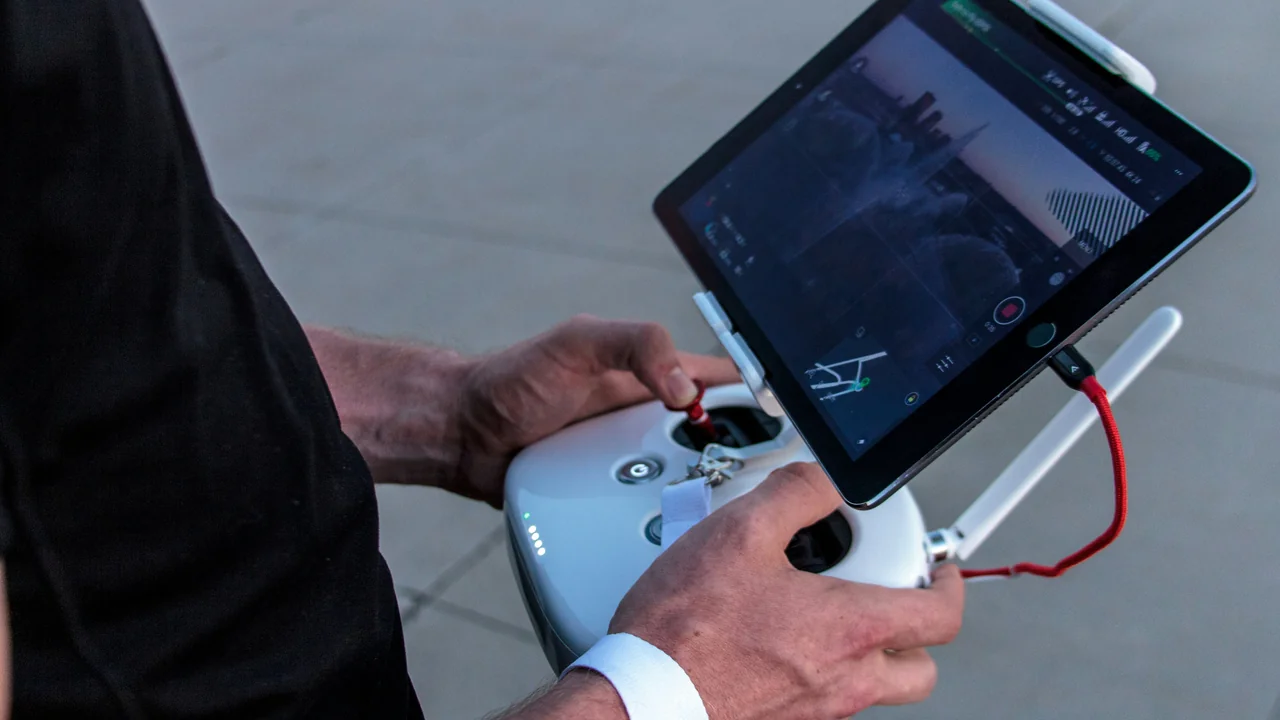
The Mavic 3 Pro weighs 958 grams and includes built-in Remote ID broadcasting. Remote ID is an FAA requirement for all drones weighing more than 250 grams that are registered. It broadcasts the drone’s location, altitude, speed, and the operator’s location to authorities and other airspace users. The Mavic 3 Pro transmits Remote ID automatically when powered on and connected to GPS — no additional hardware is needed. You can verify Remote ID functionality in the DJI Fly app under the Safety settings. Flying without Remote ID is a violation of Part 89 and can result in enforcement action.
LAANC and Controlled Airspace for Mavic 3 Pro
Most professional flights occur in urban areas that fall within controlled airspace around airports. The FAA’s Low Altitude Authorization and Notification Capability (LAANC) system allows you to request near-real-time authorization to fly in these zones. Use an approved LAANC service provider (such as DJI Fly, Kittyhawk, or AirMap) to submit your flight plan. Authorizations are typically granted within seconds for altitudes up to 200 feet in many areas, though higher altitudes may require more time. Always check airspace before each flight using the FAA’s B4UFLY app or a third-party tool.
Check Airspace
Open an approved LAANC app and verify the airspace class and altitude limits for your flight location.
Request Authorization
Submit a LAANC request with your planned altitude and time window. Most requests are approved instantly.
Fly Within Limits
Stay within the authorized altitude and area. Keep the drone in visual line of sight at all times.
National Park Ban and Mavic 3 Pro
The National Park Service (NPS) bans all drone operations within national parks, including takeoff and landing from park property. This applies to the Mavic 3 Pro regardless of its weight or registration status. The ban covers all 63 national parks and many national monuments. Violating this rule can result in fines up to $5,000 and potential confiscation of your drone. If you are a professional photographer, plan to shoot outside park boundaries or use alternative locations such as state parks or BLM land, which may have different rules.
Visual Observer Requirements for Complex Operations
While a single Part 107 pilot can operate the Mavic 3 Pro alone in most situations, certain complex operations may require a visual observer (VO). The FAA requires a VO when the pilot cannot maintain unaided visual line of sight with the drone. For example, if you are flying around a large structure or over a hill, a VO positioned to see the drone can maintain the visual contact required by Part 107. The VO must be able to communicate with the pilot and report any hazards. The Mavic 3 Pro’s obstacle avoidance does not replace the need for a VO in these scenarios.
When to Use a Visual Observer
- Flying behind or around large structures
- Operations near power lines or towers
- Flights over water where depth perception is limited
- Complex inspection routes with multiple obstacles
When a VO Is Not Required
- Open fields with clear line of sight
- Standard real estate photography in residential areas
- Flights below tree line with good visibility
- Operations where pilot maintains constant visual contact
Commercial Insurance for DJI Mavic 3 Pro Operations
While not legally required by the FAA, commercial drone insurance is strongly recommended for professional Mavic 3 Pro operators. Many clients — particularly in real estate, film, and insurance — require proof of liability insurance before you fly on their property. A typical policy covers bodily injury and property damage, with premiums starting around $500–$1,000 per year for $1 million in coverage. Some providers offer pay-per-flight policies for occasional operators. Without insurance, a single accident could result in financial liability far exceeding the cost of the drone itself.
Summary
Flying the DJI Mavic 3 Pro in the United States requires strict adherence to FAA regulations. Register your drone through the FAA DroneZone for $5, obtain a Part 107 Remote Pilot Certificate for any commercial work, and ensure Remote ID is enabled. Use LAANC for airspace authorizations in controlled zones, and never fly in national parks. For professional operations like real estate photography or filmmaking, carry commercial insurance and consider using a visual observer for complex flights. The Mavic 3 Pro is a powerful tool, but compliance with the law is the foundation of every successful flight. Use the Weight Checker to verify your drone’s registration status before your next job.
Frequently Asked Questions
Do I need a license to fly DJI Mavic 3 Pro commercially?
Yes. Any commercial operation — including real estate photography, filmmaking, inspections, or any flight that furthers a business — requires a Part 107 Remote Pilot Certificate from the FAA. The Mavic 3 Pro weighs 958 grams, so it is subject to full Part 107 rules. You must pass the FAA knowledge test and apply through IACRA. Flying commercially without a Part 107 certificate is a violation that can result in civil penalties and enforcement action.
How do I register a DJI Mavic 3 Pro with the FAA?
Register your Mavic 3 Pro through the FAA DroneZone website (faadronezone.faa.gov). The fee is $5, and the registration is valid for three years. You will need to provide your name, address, email, and credit card information. After registration, you receive a unique number that must be displayed on the drone’s exterior. Since the Mavic 3 Pro weighs 958 grams, registration is mandatory for all flights, recreational or commercial.
Can I fly Mavic 3 Pro in national parks?
No. The National Park Service bans all drone operations within national parks, including takeoff and landing from park property. This applies to the Mavic 3 Pro regardless of its weight or registration. Violating the ban can result in fines up to $5,000 and confiscation of your drone. If you need aerial footage of a national park, shoot from outside the park boundaries or use alternative locations such as state parks with permission.
What is Remote ID and does Mavic 3 Pro have it?
Remote ID is an FAA requirement that broadcasts a drone’s location, altitude, speed, and the operator’s location to authorities and other airspace users. The Mavic 3 Pro has built-in Remote ID broadcasting that activates automatically when the drone is powered on and connected to GPS. You can verify it is working in the DJI Fly app under Safety settings. Flying without Remote ID is a violation of Part 89.
Do I need insurance for commercial Mavic 3 Pro flights?
While the FAA does not legally require commercial drone insurance, it is strongly recommended for professional operators. Many clients in real estate, film, and insurance require proof of liability insurance before you fly on their property. A typical policy covers bodily injury and property damage, with annual premiums starting around $500 for $1 million in coverage. Without insurance, a single accident could result in significant financial liability.
Can I do real estate photography with DJI Mavic 3 Pro without Part 107?
No. Real estate photography is considered a commercial operation under FAA rules, even if you are shooting for your own property to list it for sale. You must hold a valid Part 107 Remote Pilot Certificate. The FAA defines commercial operations as any flight “in furtherance of a business.” Shooting photos for a real estate agent, creating marketing materials, or selling footage all require Part 107 certification. Flying without it is a violation subject to enforcement action.
Do I need to register a DJI Mavic 3 Pro if I only fly it indoors?
No. The FAA requires registration only for outdoor flights. Indoor flying is exempt from federal drone regulations.
Can I fly my Mavic 3 Pro over people?
Not without a Part 107 waiver or operating under Category 2 or 3 requirements. The Mavic 3 Pro does not meet the default Category 1 weight threshold of 250g.
How long does FAA registration last?
Three years. The $5 fee covers registration for recreational and commercial use. You must renew before expiration.
Does the Mavic 3 Pro have built-in Remote ID?
Yes. It transmits Remote ID signals automatically when you update the firmware to the latest version. No external module is needed.
What happens if I fly without Remote ID?
You face FAA enforcement action including fines up to $27,500 for civil penalties or criminal prosecution for intentional violations.
Last updated: June 25, 2026
- Federal Aviation Administration (faa.gov)
- FAA Part 107 Small Unmanned Aircraft Systems Rule
- FAA Part 89 Remote ID Rule
- National Park Service Drone Policy
Drone Allowed
DroneAllowed editor covering drone regulations, aviation law, and aerial photography across USA, UK, Canada & Australia.